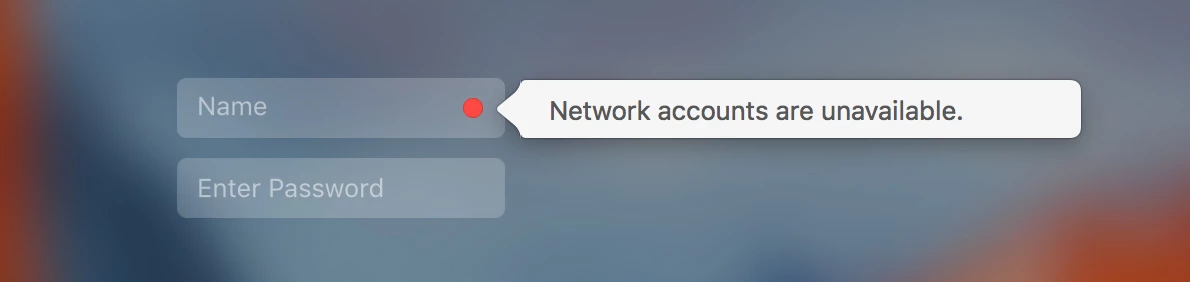
Does anyone know how to disable this message ? it seems to be more disruptive on El Capitan as the login details need to be re-typed if it pops up whilst typing and can also confuse the user.
We're having no issues logging in as all the accounts are mobile, our WiFi is 802.1X authentication is user based so there's no network until logged in, plus a lot of users work from home so they can't reach our network until logged in and on the VPN.
Any suggestions how to just stop the notification from popping up ? or do you think the directory configuration may be wrong somewhere ?, seems like an irrelivent notification for accounts that do not need to reach the network to log in.