Question

Templafy SSO failure with Microsoft Enterprise SSO extension

  • Oct 24, 2023 11:50 AM UTC
  • 8 replies
  • 186 views

Forum|alt.badge.img+6

Hi,

We have an issue with templafy where SSO fails when we have the Microsoft Enterprise SSO plug in enabled. 

I removed the profile from my machine and SSO works.

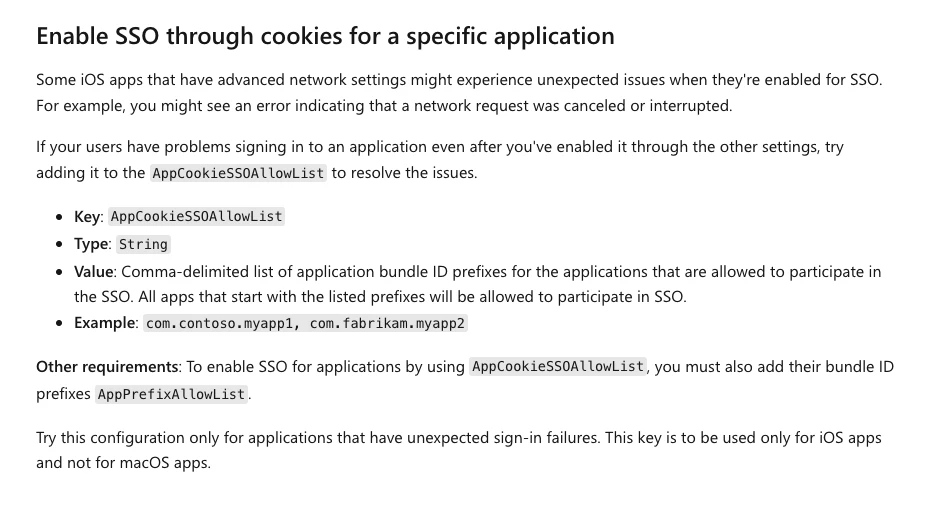
My question is does anyone know how to bypass or exclude SSO for Templafy as the documentation suggests you need the bundle ID but i do not want to exclude SSO for all office apps that may use SSO? 

Thanks in advance.

8 replies

Forum|alt.badge.img+2
  • New Contributor
  • Oct 24, 2023 8:53 PM UTC

Same issue here with a few of our users.  I have a Microsoft ticket opened, I will post if I find out anything.  I have not been able to reproduce this on my device, so troubleshooting will be difficult.  This was also posted yesterday.

https://community.jamf.com/t5/jamf-pro/ms-teams-microsoft-sso-extension-teams-sign-in-error-1000-1001/td-p/302382


Forum|alt.badge.img+3
  • New Contributor
  • Oct 24, 2023 10:09 PM UTC

Hopefully Microsoft gets back to you.  We are in the middle of migrating to Jamf so half of our users are still on Intune, the problem is that you cannot have Intune remove the profile because the Company portal app is impacted by this so it is broke as well.  Not for sure how to remove that profile manually or disable the Microsoft Enterprise SSO plugin manually.


Forum|alt.badge.img+2
  • New Contributor
  • Oct 24, 2023 10:13 PM UTC

Disabling Enterprise SSO is as simple as un-scoping the profile.  It takes affect almost instantly.


Forum|alt.badge.img+3
  • New Contributor
  • Oct 24, 2023 10:17 PM UTC

I can un-scope in Jamf and that is fine..  But un-scoping in Intune does not work because the profile won't remove from the client, which I suspect is because the issue impacts the Company Portal app.


Forum|alt.badge.img+2
  • New Contributor
  • Oct 24, 2023 10:23 PM UTC

ouch good point, I am doing this from the jamf side.


Forum|alt.badge.img+6
  • Author
  • Contributor
  • Oct 25, 2023 8:29 AM UTC

I fixed the issue with the SSO extension breaking authentication to Templafy (via O365 Apps such as Word).

Basically the Microsoft article suggests this is only for iOS devices however thats not true as its not working for macOS devices. 

Add the following key and string to the plist config:

<key>AppCookieSSOAllowList</key>

    <string>com.microsoft.Word,com.microsoft.Excel,com.microsoft.Powerpoint</string>


Forum|alt.badge.img+2
  • New Contributor
  • Oct 25, 2023 12:15 PM UTC

Looking at the other thread posted above, looks like it was in fact the company portal app.  Microsoft put a new version out last night which seems to have corrected it on my test device.


Forum|alt.badge.img+3
  • New Contributor
  • Oct 25, 2023 7:19 PM UTC

I can confirm that the updated company portal app solved our issues.