
I posted this in the macadmin Slack & kind of forgot to post it here...
Just a 1st crack at it, but, I put this in Self Service so users can run the networkQuality tests.
- It gives the user the choice to run the parallel or serial test
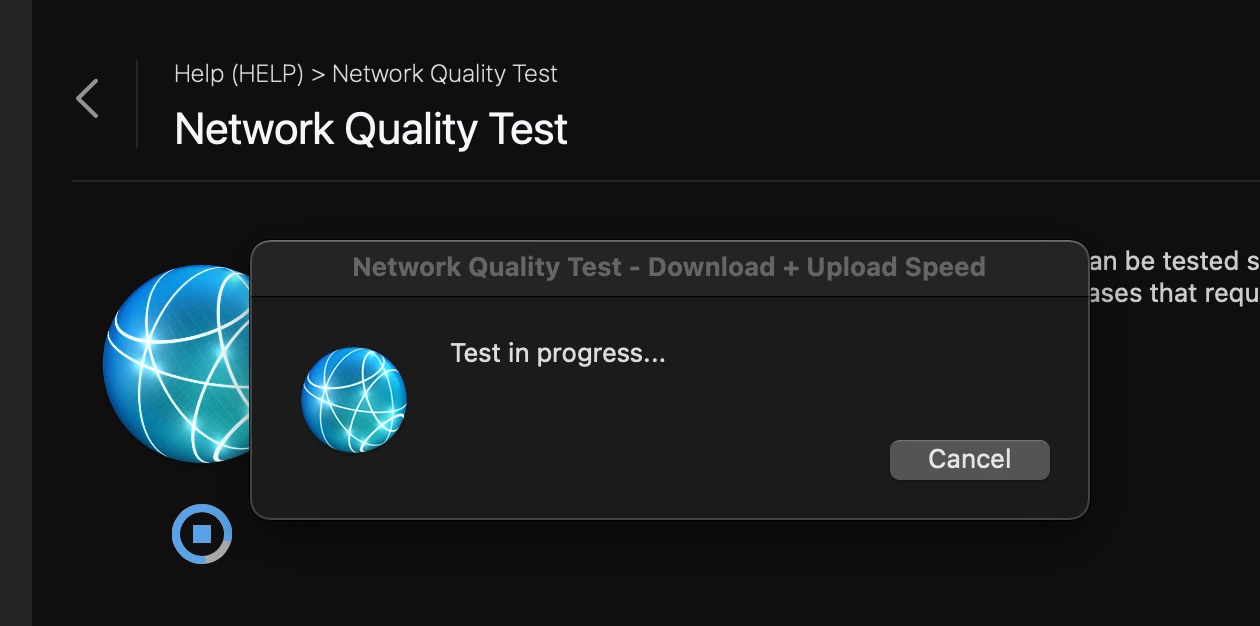
- It shows a progress screen
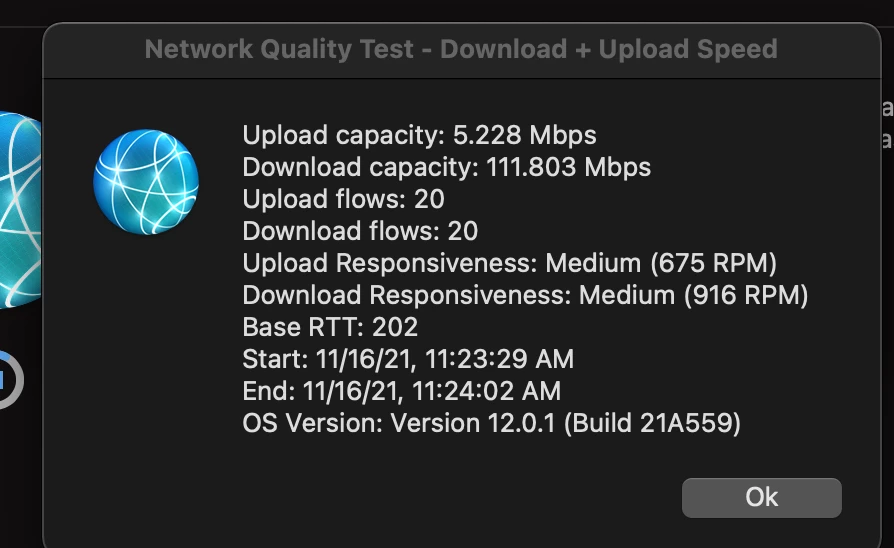
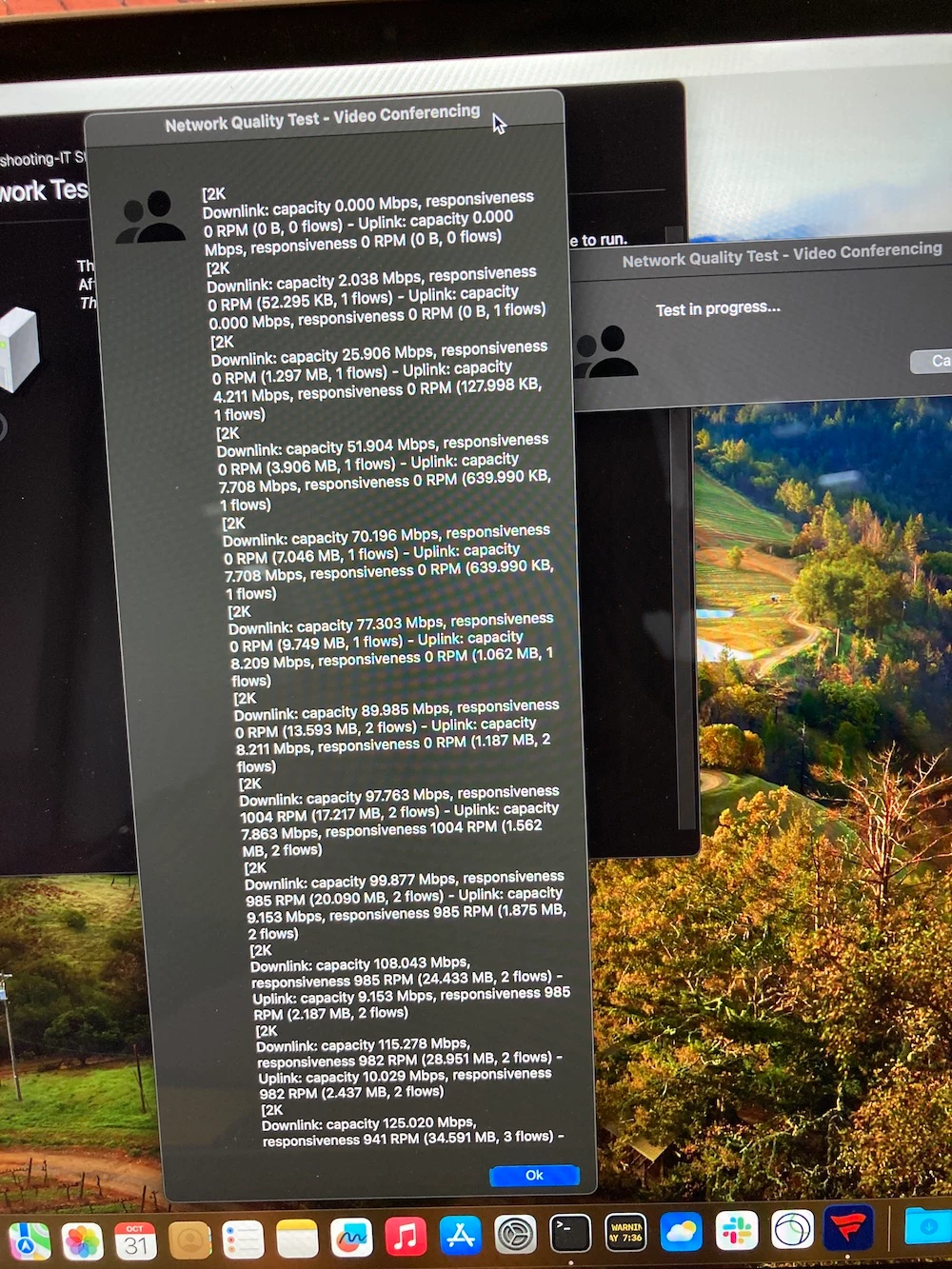
- It displays the results at the end of the test in a dialog
You may need to set AppleScript PPPC exceptions but these osascript commands for the most part on recent versions of macOS should be fine without them. Enjoy!
P.S. macOS Monterey only as far as I know... Sorry.
#!/bin/zsh

filpth='/System/Library/CoreServices/CoreTypes.bundle/Contents/Resources'
tsttyp=$(/usr/bin/osascript -e "choose from list {\\"Download + Upload Speed\\", \\"Video Conferencing\\"} with title \\"Network Quality Test\\" with prompt \\"Please select test type to begin:\\"")
case "$tsttyp" in
				  'false' ) exit ;;
'Download + Upload Speed' ) icnsnm='GenericNetworkIcon'
							option='-sv' ;;
	 'Video Conferencing' ) icnsnm='GroupIcon'
							option='-v' ;;
esac

/usr/bin/osascript -e "display dialog \\"Test in progress...\\n\\" buttons {\\"Cancel\\"} with icon POSIX file \\"$filpth/$icnsnm.icns\\" with Title \\"Network Quality Test - $tsttyp\\"" &
prgpid=$!

/usr/bin/networkquality "$option" | /usr/bin/sed '/SUMMARY/d' > /private/tmp/summary.txt &
while true
do
	if [ -n "$(/bin/cat /private/tmp/summary.txt)" ]
	then
		break
	fi
	if /bin/kill -s 0 "$prgpid"
	then
		>&2 echo "waiting for networkquality..."
		/bin/sleep 3
	else
		exit
	fi
done

>&2 echo "$(/bin/cat /private/tmp/summary.txt)"
/usr/bin/osascript -e "display dialog \\"$(/bin/cat /private/tmp/summary.txt)\\" buttons {\\"Ok\\"} default button 1 with icon POSIX file \\"$filpth/$icnsnm.icns\\" with Title \\"Network Quality Test - $tsttyp\\""
/bin/rm -rf /private/tmp/summary.txt
/bin/kill -9 "$prgpid"