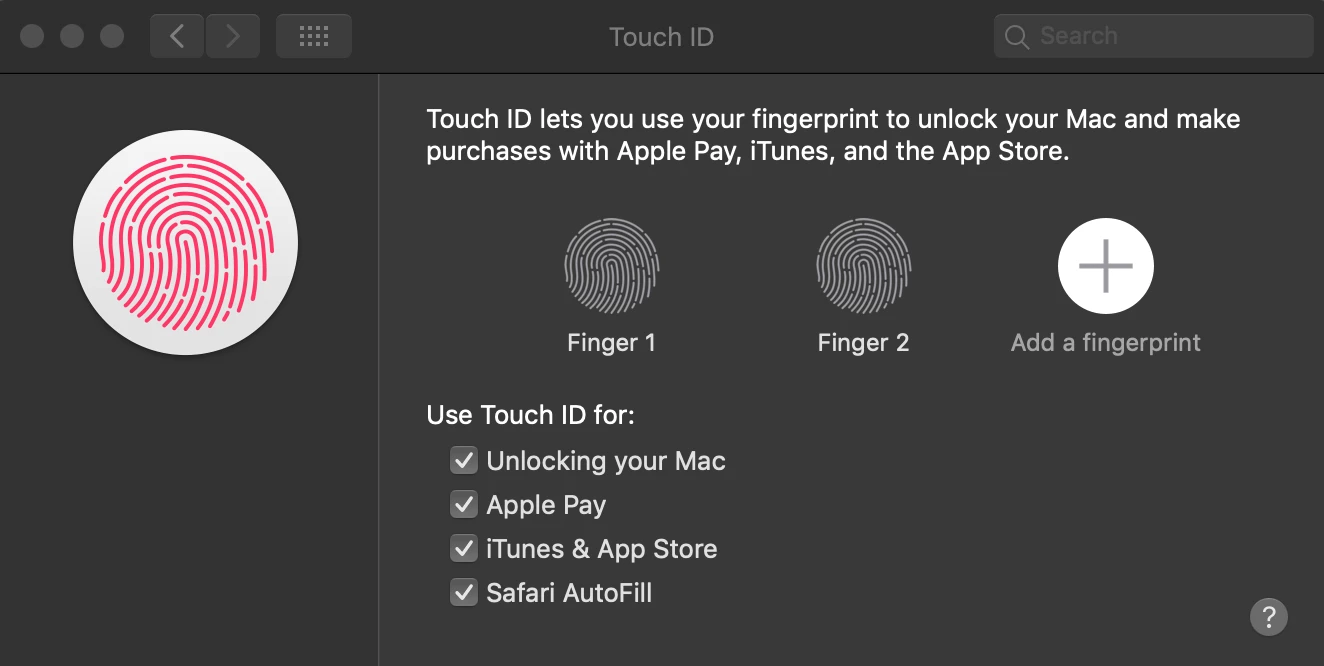
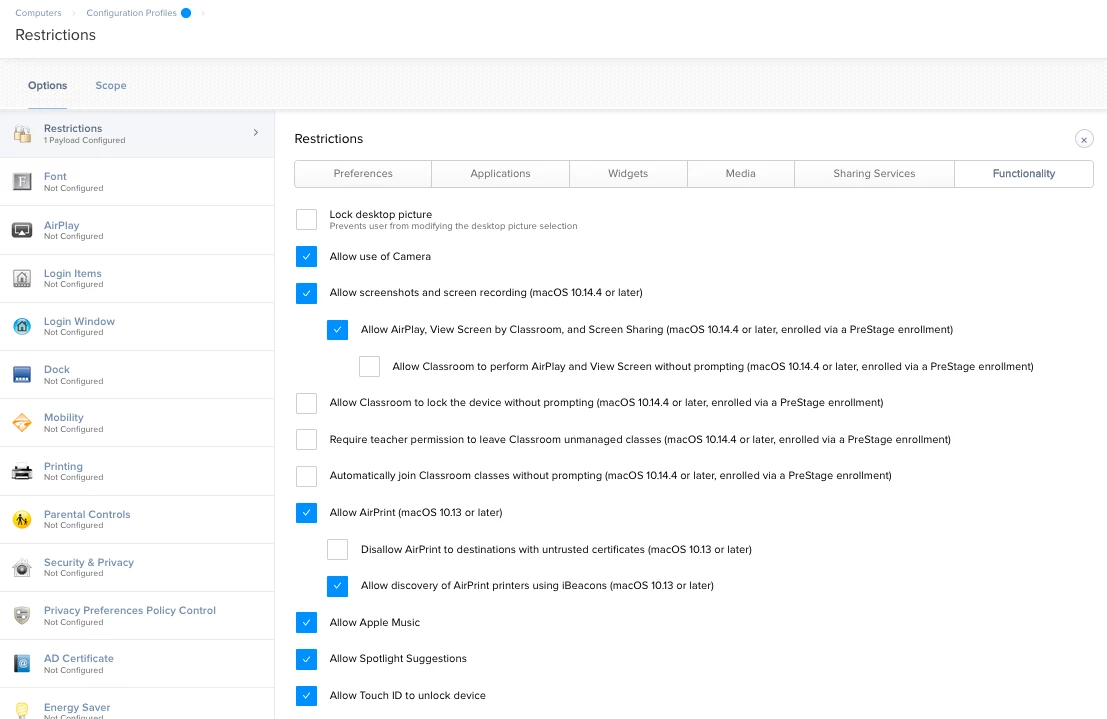
I enrolled a MacBook Air in our Jamf Pro instance, and prior to enrollment, the user unlocked the laptop with touch ID. Now, touch ID won't work. In my config profile, the "unlock with touch ID" box is checked. I even excluded the LT from the profile, but it still doesn't work. The user is able to create a new fingerprint through the touch ID panel in system preferences, but at the login screen isn't prompted to use it. This is a 2018 MacBook Air, 10.14.5, and is bound in AD. I know there are other posts about AD bindings breaking the touch ID, but the LT was bound before the Jamf enrollment and touch ID was working. Has anyone else experienced anything like this, or know of a way to fix it?

Solved
Touch ID Stopped Working after Enrollment
 +5
+5Best answer by larry_barrett
Fingerprint is stored on the T2 chip, need to clear it out.
Remove MDM profile.
bioutil -w -s -u 1
Re-add MDM profile
After that you should be able to add the fingerprint back and it should work.
I've never tested this but I'm interested in the answer.

Enter your E-mail address. We'll send you an e-mail with instructions to reset your password.