Question

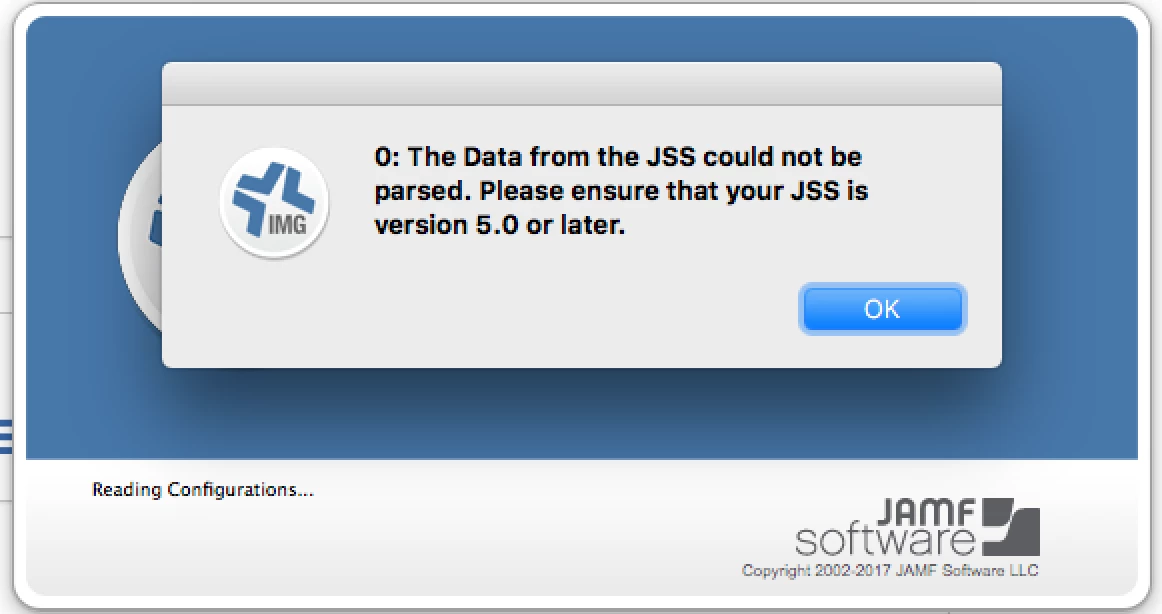
Unable to connect to Casper Imaging - ensure your JSS version is 5.0 or later

  • April 20, 2017
  • 4 replies
  • 22 views

Forum|alt.badge.img+2

Hi Jamf Team,
I have enrolled our device using webenrollment and while launching casper imaging getting following error. we have cloud version subscribed on our company.

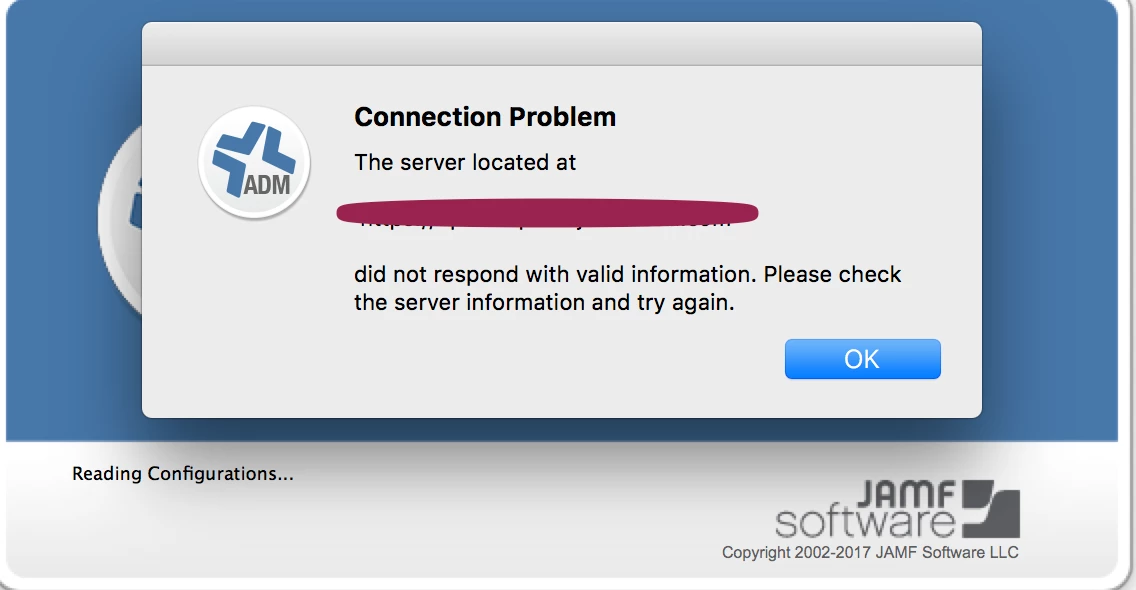
Am able to connect to JSS web console. Imaging and Admin shortcut throwing following errors.

Casper Imaging
Casper Admin
4 replies

donmontalvo
Forum|alt.badge.img+36
  • Hall of Fame
  • April 21, 2017

#fake

(Just kidding, I don't have anything)


Forum|alt.badge.img+7
  • Contributor
  • April 21, 2017

Are your Casper Suite applications the same version as your JSS?

Here is another post with similar issues: https://www.jamf.com/jamf-nation/discussions/9384/casper-imaging-9-22-issue


Forum|alt.badge.img+2
  • Author
  • New Contributor
  • April 21, 2017

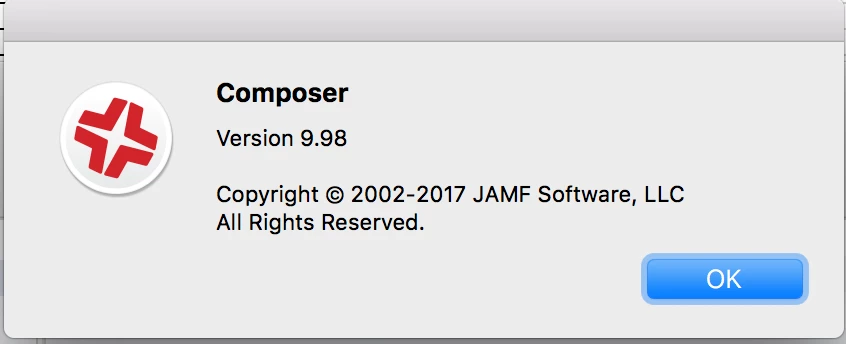
Both versions are same, Here are screenshots. I tried reinstalling removing all preferences files in ~/Library/Preferences and /Library but of no use. same error repeats...


bentoms
Forum|alt.badge.img+35
  • Hall of Fame
  • April 22, 2017

@venki284 sounds like a network issue, with something in between the JSS & apps messing with the connection.