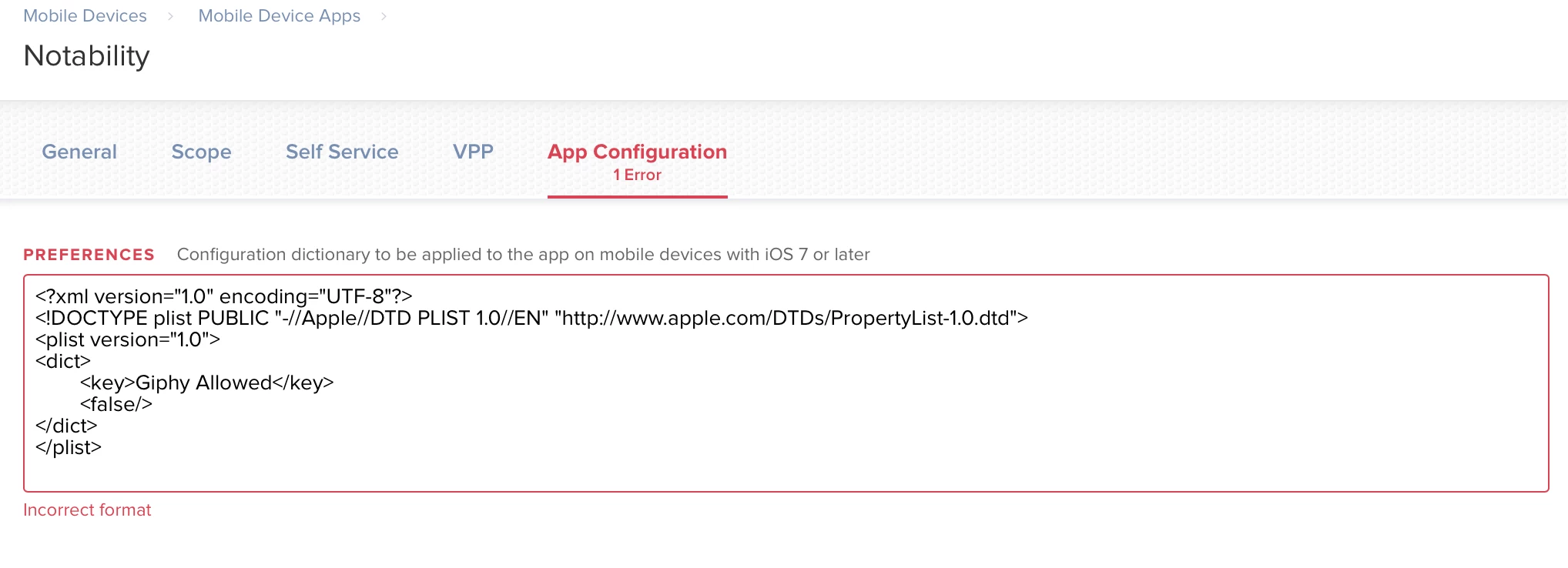
New to Jamf. I'm looking to change some settings in Notability for iOS to disable Giphy content from being accessed by students (as mentioned on this page from their website). I'm hoping it's something easily done on a page I can't find – can someone point me in the right direction? I've downloaded the .plist file but I can't find anywhere to upload this or adjust the package contents of Notability.

Solved
Upload .plist file to application
 +6
+6Best answer by bananapatata
The solution was to remove the header tags:
<dict>
<key>Giphy Allowed</key>
<false/>
</dict>
Thanks for the help!


Enter your E-mail address. We'll send you an e-mail with instructions to reset your password.