


Provide users with detailed feedback while removing Acrobat’s Add-in from Microsoft 365
Background
Each time Adobe Acrobat Pro is installed or updated, the Acrobat Add-in is silently added back to the Microsoft 365-related User Content Startup folders.
The Add-in relies on external dynamic libraries, which we purposely disable by setting DisableVisualBasicExternalDylibs to true:
Unless non-Microsoft extensions are being used, set this value to
truevia a Configuration Profile to improve security.
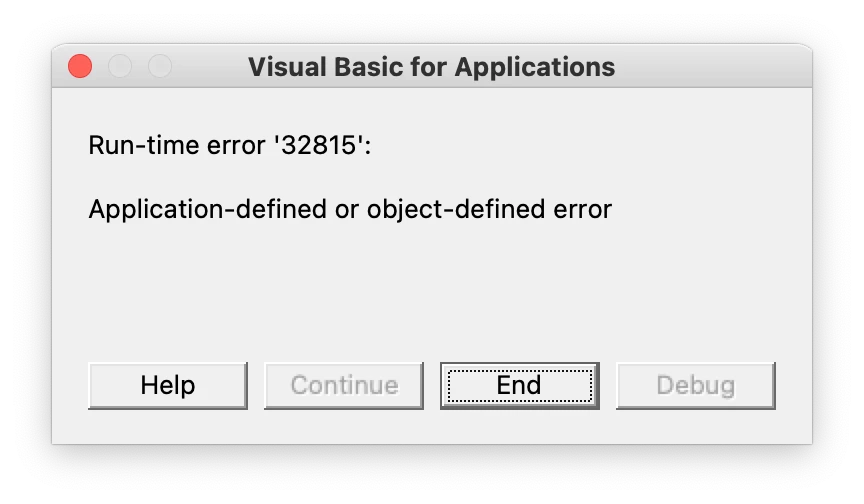
This causes users to observe error messages in the following applications:
- Microsoft Excel
- Microsoft Word
- Microsoft PowerPoint