Question

User initiated enrollment - start with Mojave upgrade

  • November 16, 2018
  • 1 reply
  • 8 views

Forum|alt.badge.img+10

Does any has setup user initiated enrollment on existing mac´s to start with upgrade to Mojave

What I would like to setup is that Mac´s that is not yet Jamf Enrolled, to start to check if upgrade to Mojave. I can of course do a smart group on this.

So if already on Mojave it just run the workflow

If not on Mojave it should start installing and when Done it should continue with rest of the workflow. But I am struggeling with how to set this up as it maybe should setup somehow with custom event or ?

Any input is appriciated

1 reply

Hugonaut
Forum|alt.badge.img+15
  • Esteemed Contributor
  • November 16, 2018

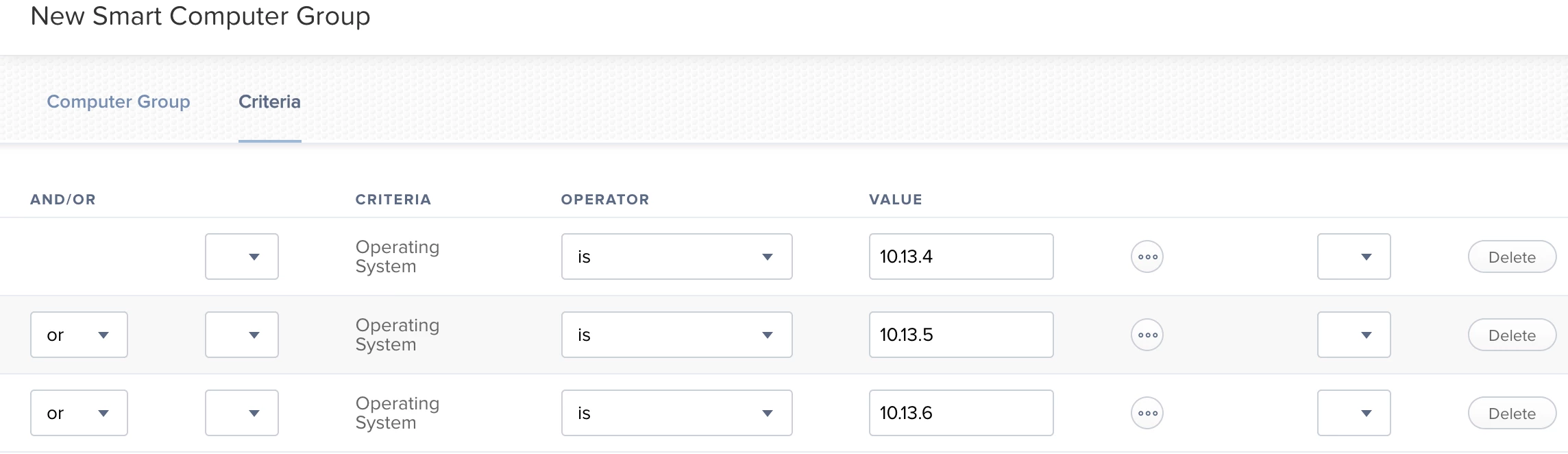
smartgroup with the 10.13 computers in scope

**make sure to add a notification so the user is alerted mojave is installing, may take a some time to pull the mojave package down.

create a policy with the 10.13 smartgroup in scope that contains a package placing the mac os mojave installer file, ' Install macOS Mojave.app ' on the users computer.

in that same policy, deploy a script that runs after the deployment of the ' Install macOS Mojave.app ' package. have that run the following shell script.

sudo /PATH/TO/macOS/InstallmacOS Mojave.app --agreetolicense --nointeraction

play with this, i haven't done it, i just do it on mojave for wiping systems back to oem.

here is a good resource: https://www.techrepublic.com/article/pro-tip-performing-a-clean-install-or-upgrade-of-macos-mojave-via-terminal/