Solved

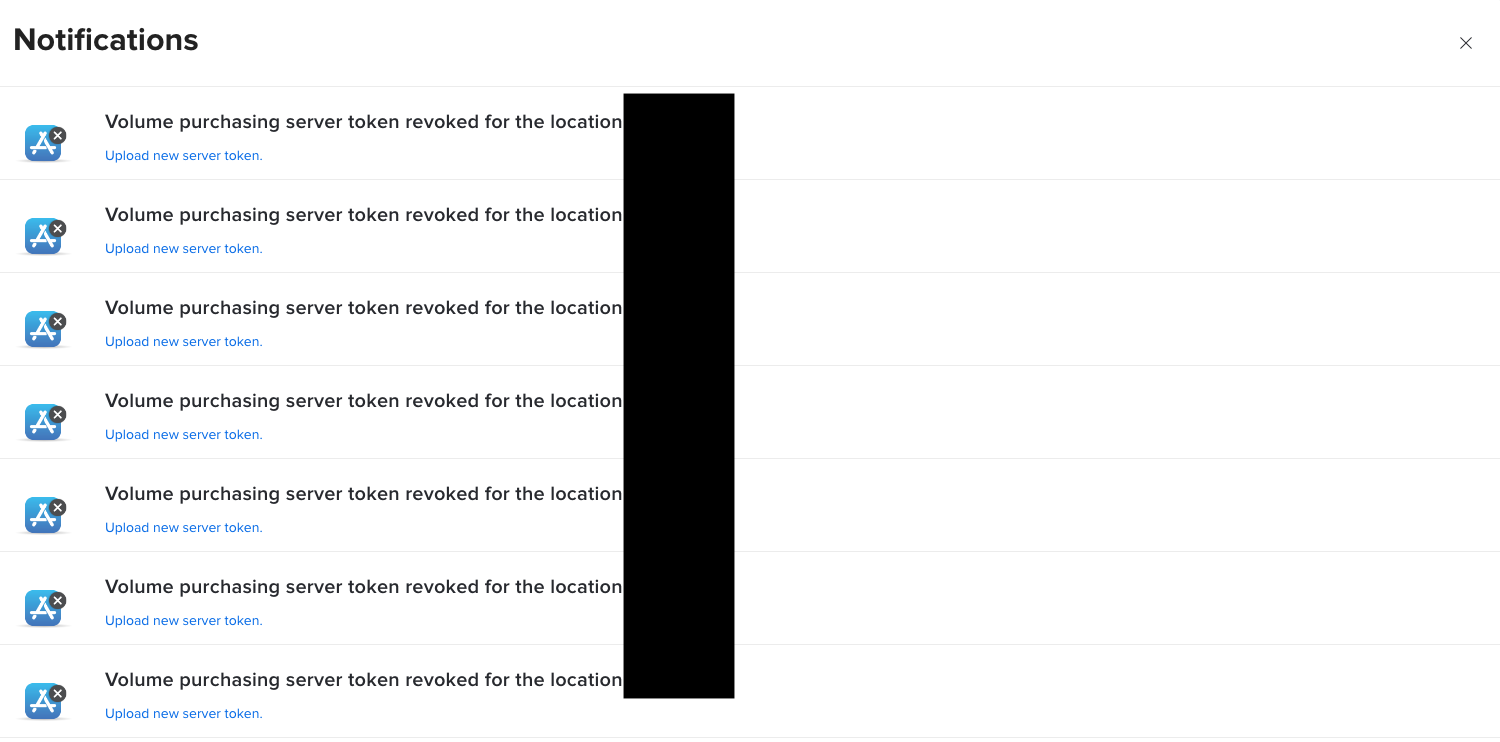
Volume Purchasing server Token revoked

  • May 7, 2024
  • 5 replies
  • 179 views

Forum|alt.badge.img+8

Hi,

it seems a couple of my VPP Tokens have been revoked. The token all come from the same Apple School Manager. Is there anything I can do about this myself? Renewing the Tokens does not do anything. Jamf Support is responding really slow and the situation has been like this for a month now. 

Any Advice would be appreciated.
 

Best answer by Andixon

Finally got a response from Jamf. This solution worked:

1. Make a database Backup

2. Stop Tomcat

3. Open MySQL Command Line Client and use the following Command:

update vpp_locations set token_revoked=0 where vpp_location_id=XX;

Replace XX with the ID of the VPP Location. You can find the ID in the URL of the Volume Purchasing Location. 

For example: 8443/view/settings/global-management/volume-purchasing/locations/78?tab=details

78 would be the ID here.


5 replies

RaxiaDK
Forum|alt.badge.img+10
  • Valued Contributor
  • May 7, 2024

Remeber it get revoked. If you download a new token. And you most only use the token on one server.

token get revoken, if the downloader get deleted


so download a new. And upload to the server and wait a few hours


Forum|alt.badge.img+8
  • Author
  • Contributor
  • May 7, 2024

Remeber it get revoked. If you download a new token. And you most only use the token on one server.

token get revoken, if the downloader get deleted


so download a new. And upload to the server and wait a few hours


Already did that, but will try again. As I said this has been going on for a month. 

Also there is only one server so they should not be in use on other servers.


donmontalvo
Forum|alt.badge.img+36
  • Hall of Fame
  • May 7, 2024

Might want to tighten up who has access to download your VPP Token.


Forum|alt.badge.img+8
  • Author
  • Contributor
  • Answer
  • May 8, 2024

Finally got a response from Jamf. This solution worked:

1. Make a database Backup

2. Stop Tomcat

3. Open MySQL Command Line Client and use the following Command:

update vpp_locations set token_revoked=0 where vpp_location_id=XX;

Replace XX with the ID of the VPP Location. You can find the ID in the URL of the Volume Purchasing Location. 

For example: 8443/view/settings/global-management/volume-purchasing/locations/78?tab=details

78 would be the ID here.


Forum|alt.badge.img+8
  • Author
  • Contributor
  • May 8, 2024

Finally got a response from Jamf. This solution worked:

1. Make a database Backup

2. Stop Tomcat

3. Open MySQL Command Line Client and use the following Command:

update vpp_locations set token_revoked=0 where vpp_location_id=XX;

Replace XX with the ID of the VPP Location. You can find the ID in the URL of the Volume Purchasing Location. 

For example: 8443/view/settings/global-management/volume-purchasing/locations/78?tab=details

78 would be the ID here.


End of course restart Tomcat :D