Question

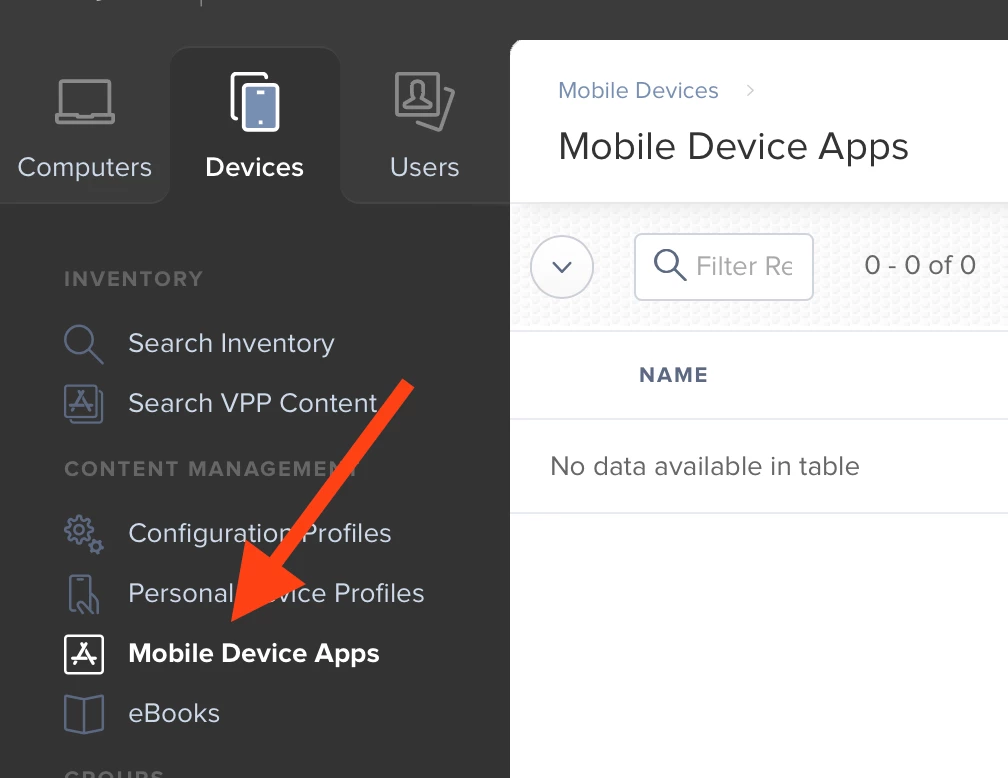
VPP Mobile Device Apps not showing in the list

  • September 19, 2017
  • 4 replies
  • 40 views

Forum|alt.badge.img+2

Hey there

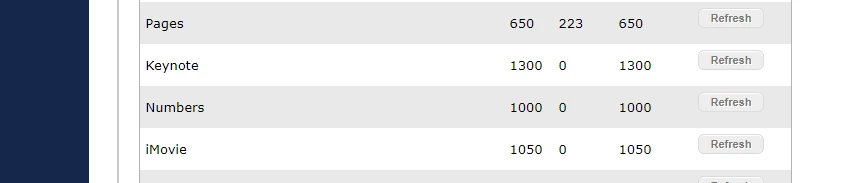
We have VPP licenses purchased for some iOS apps but for some reason the apps are not showing in the Mobile Device Apps list. However if I check the content tab of the (only) VPP account the licenses are there
Any ideas?

Thanks

4 replies

anickless
Forum|alt.badge.img+9
  • Contributor
  • September 19, 2017

What I do in your situation is to add then via the JSS.

In the mobile device app section I click on the '+' symbol (New) then through that I "Add" the app I bought.

This talks with the iTunes and VPP store so it kind of "Pulls" the app down from Apple rather than a "Push" which if you're using VPP store you are doing.


Forum|alt.badge.img+2
  • New Contributor
  • April 9, 2019

What anickless is proposing is working! When I recall these bugs in JAMF I use to switch from Firefox to Chrome-browser and add these apps manually.


Forum|alt.badge.img
  • New Contributor
  • September 19, 2019

Shouldn't apps synk automatically to Mobile Device Apps after purchase?


jonathan_massey
Forum|alt.badge.img+9

Apps will only automatically show if you have "Populate Purchased VPP Content" selected in the VPP Account. If you don't you'll have to manually add each one to populate.