Solved

WebEx Meeting Center - Working Version?

  • August 10, 2012
  • 6 replies
  • 45 views

Forum|alt.badge.img+6

I have attempted to install the WebEx Meeting Center plugin via vendor .pkg and also tried compiling a custom package via Composer. Neither method has resulted in a working WebEx plugin. Here are some additional details:

OS X 10.7.4
Safari 5.1.7

Has anyone had success packaging/deploying/using this plugin?
Appreciate any feedback.
Thanks!

Best answer by cvgs

I just deployed the browser plugin to Library:Internet Plug-Ins:WebEx64.plugin. Everything else WebEx needs will be downloaded to the user's home folder on first usage.

6 replies

Forum|alt.badge.img+9
  • Contributor
  • Answer
  • August 13, 2012

I just deployed the browser plugin to Library:Internet Plug-Ins:WebEx64.plugin. Everything else WebEx needs will be downloaded to the user's home folder on first usage.


Forum|alt.badge.img+3
  • New Contributor
  • October 29, 2012

Has anyone found a way to look at which version of the plug-in is actually installed? The WebEx64.plugin shows version 1.0 in the Get Info window, but the actual installed version of the plugin is 27.32.5.14362 E. Any ideas?


donmontalvo
Forum|alt.badge.img+36
  • Hall of Fame
  • October 31, 2016

It's looking like the WebEx64.plugin needs to be installed into ~/Library/Internet Plug-Ins as of macOS Sierra.

When user joins a meeting, as mentioned on this thread the necessary WebEx Meeting Center stuff gets downloaded into user's home directory.

If WebEx64.plugin is installed into /Library/Internet Plug-Ins it won't properly launch WebEx Meeting Center.


Forum|alt.badge.img+4
  • Contributor
  • February 21, 2018

@donmontalvo

We tested this and installing WebEx64.plugin into /Library/Internet Plug-Ins .

On the next launch the current version of WebEx Meeting Center is downloaded to ~/Library/Application Support/WebEx Folder.


donmontalvo
Forum|alt.badge.img+36
  • Hall of Fame
  • February 21, 2018

Confirmed it works in /Library/Internet Plug-Ins.


Forum|alt.badge.img+7
  • Contributor
  • December 26, 2018

Installing /Library/Internet Plug-Ins/WebEx64.plugin is not working in my environment.

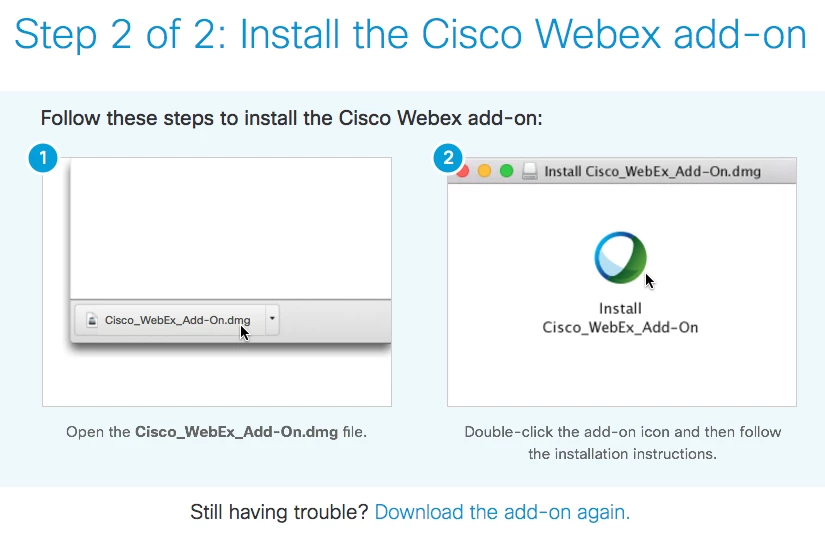
In Google Chrome the first time a user tries to join a meeting they get a web page that says:

Step 2 of 2: Install the Cisco Webex add-on

and then it downloads Cisco_WebEx_Add-On.dmg. We do not allow users to install software so they can't join the meeting.

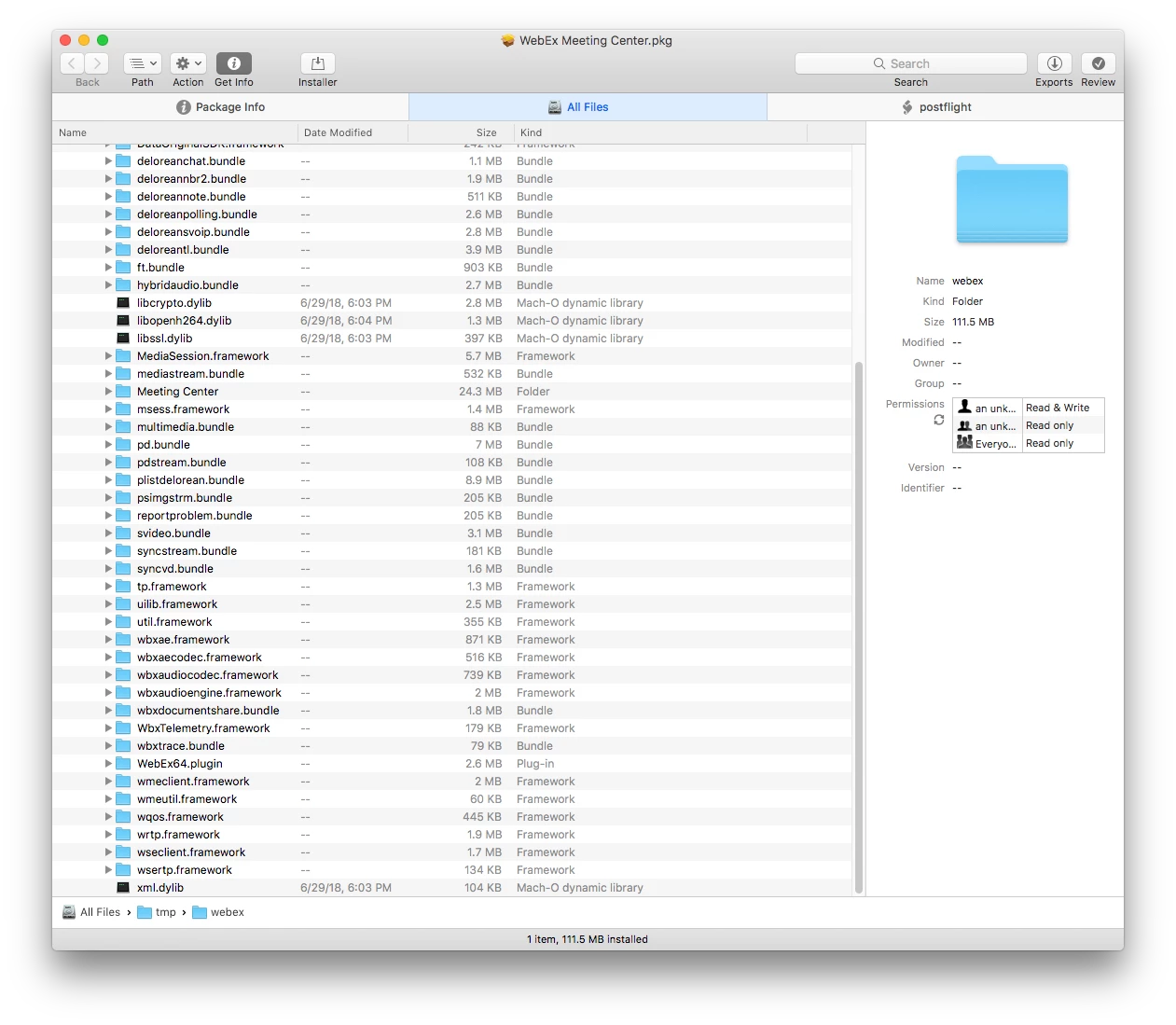
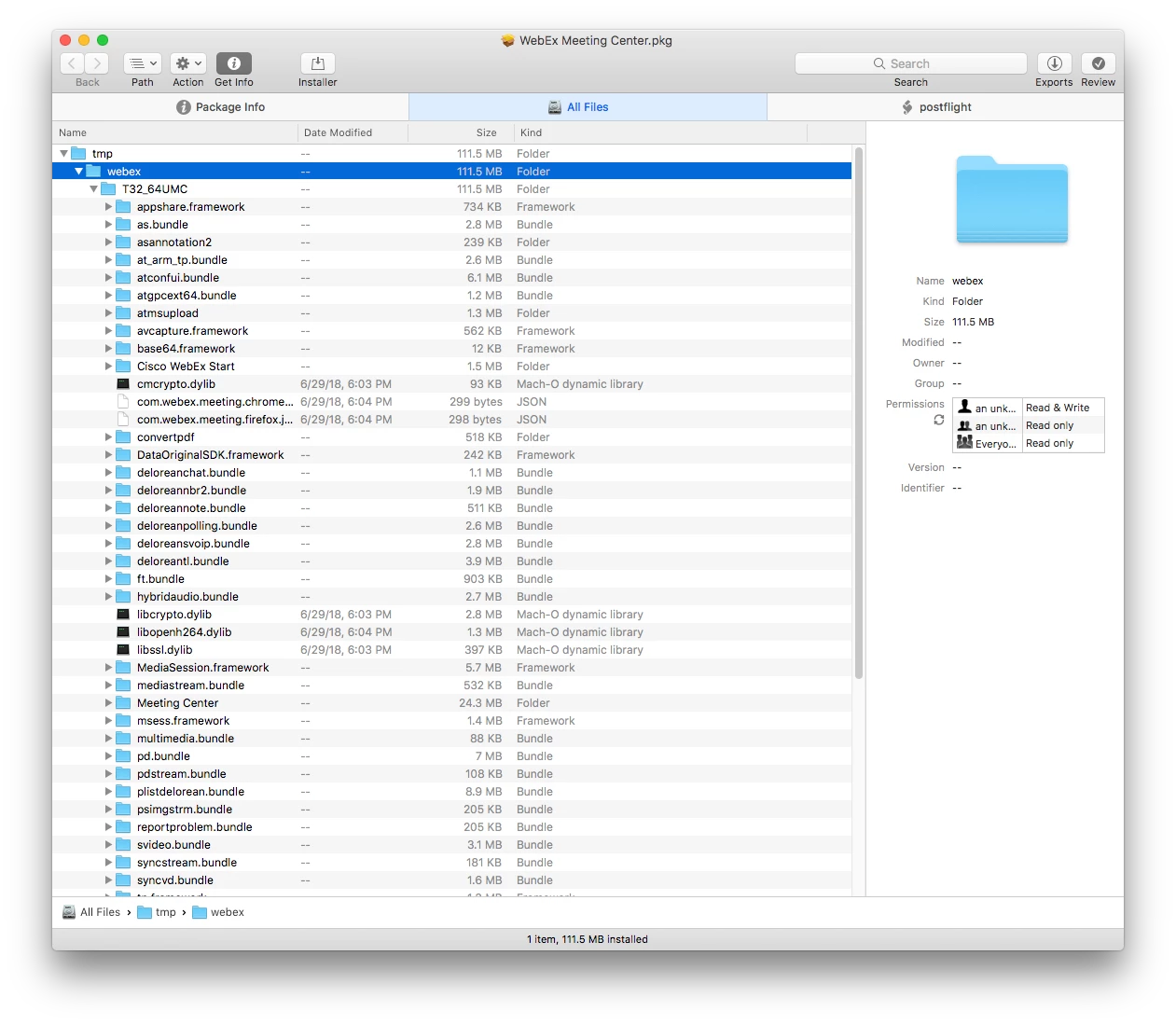
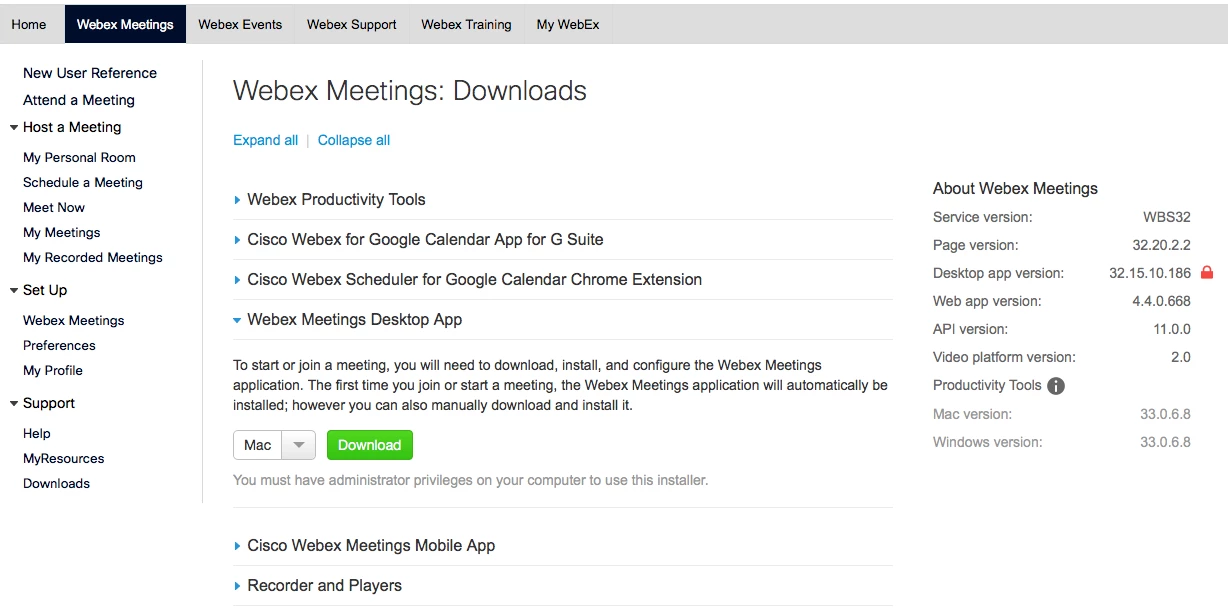
From Safari I logged into webex.com with my account. I clicked on the Webex Meetings menu > Support > Downloads. I downloaded the Webex Meetings Desktop App which downloads a file name webexmc_intel.dmg. Inside that .dmg is WebEx Meeting Center.pkg. I opened that .pkg in Suspicious Package and the brainiacs install everything into /tmp/webex/ and then to quote them:

This postflight script mv the tmp install location to user home dir

Using Composer I created a new Normal Snapshot to capture everything that was getting install into the users home folder which was basically this:

~/Library/Internet Plug-Ins/WebEx64.plugin

~/Library/Application Support/WebEx Folder/Add-Ons/Cisco WebEx Start.app

~/Library/Application Support/WebEx Folder/atgpcext64.bundle

~/Library/Application Support/WebEx Folder/T32_64UMC/
Theres a bunch of frameworks and files in this folder but the main one being
~/Library/Application Support/WebEx Folder/T32_64UMC/Cisco WebEx Meeting Center.app

My favorite part about all this is the folder is actually called WebEx Folder!

From Composer I did Build as DMG. I uploaded WebEx Meeting Center 32.15.10.186.dmg to the JSS. Then I created a policy and under Packages I added WebEx Meeting Center 32.15.10.186 and checked it to Install and Fill existing user home directories (FEU). This solved the issue for me.