We deploy more than 600 iOS devices and are thinking of switching to DEP for easier distribution. However, during reviewing the DEP and issues that we currently have, we have stumbled upon an issue that we cannot solve and that is crucial if we want to switch to DEP. We have also opened up a bug report with Apple and are following up with them on this as well. I was just wondering if there are any schools that use DEP and have come across this issue, and how they solved it.
So, here it is:
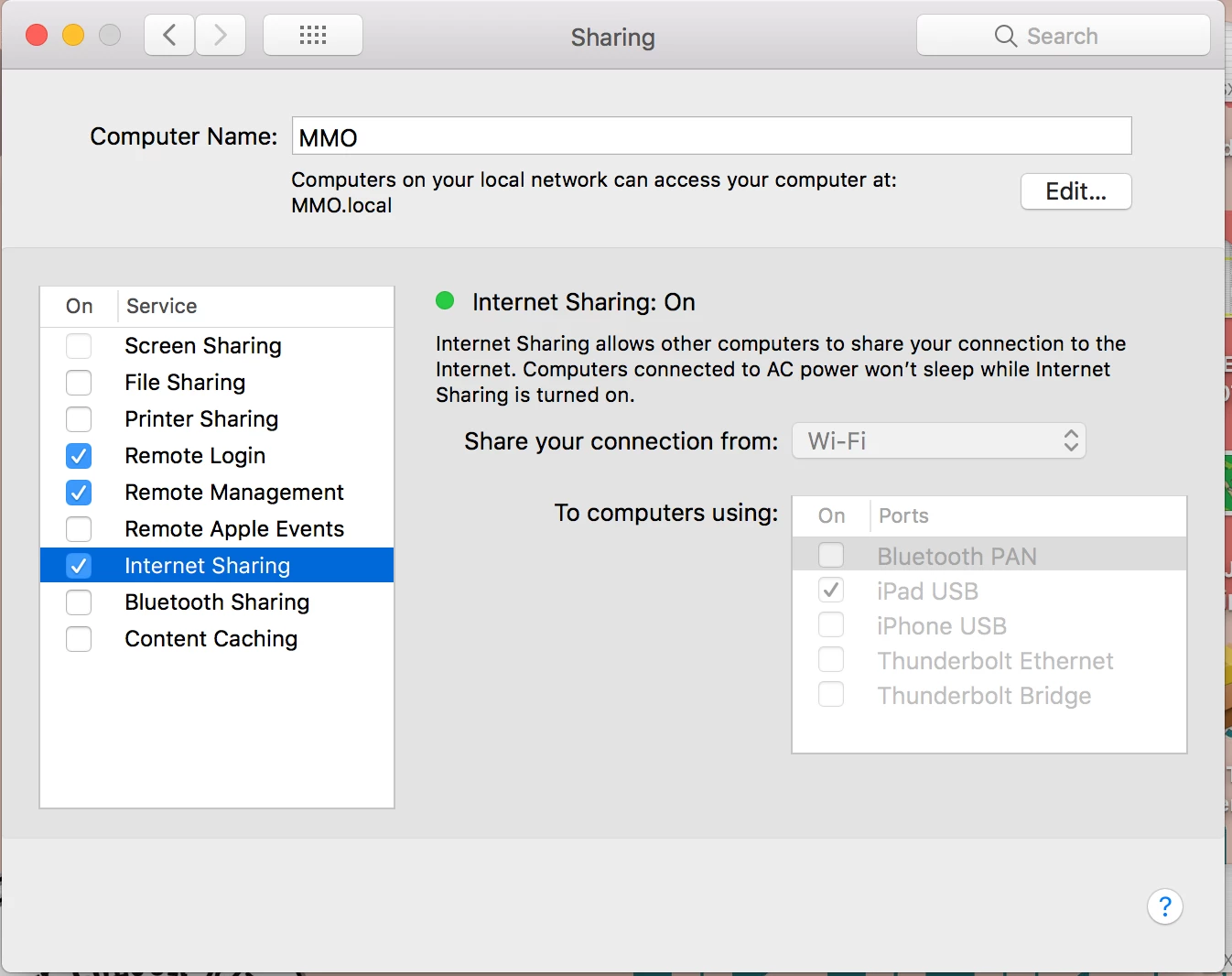
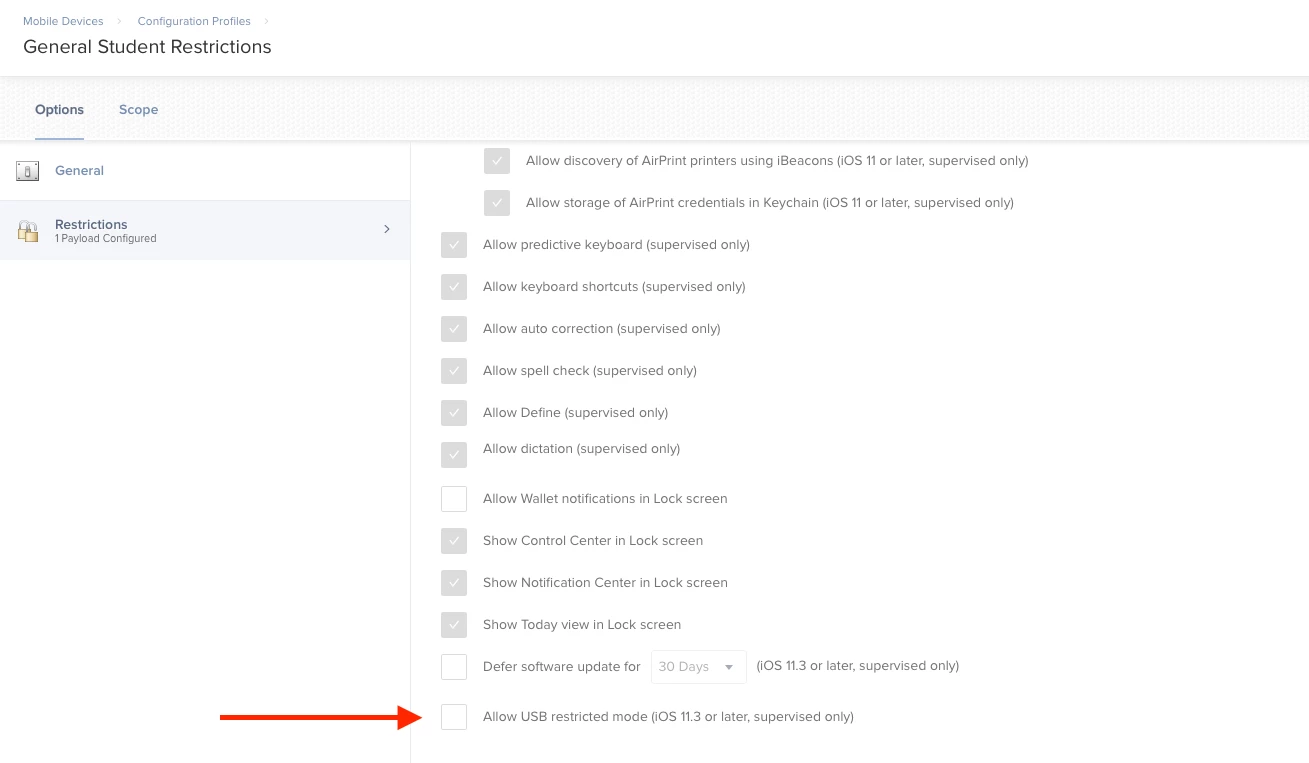
Sometimes, users forget their passcode lock. With JSS, we can push out "Clear Passcode" command, that removes the clear passcode and requires the user to enter a new passcode, as set by our policy. However, if the user restarts the device, the entire device is encrypted along with the keychain, and the device does not connect to any Wi-Fi network, therefore it cannot receive the "Clear Passcode" command. With Apple Configurator, we could connect the locked device to Configurator, remove the MDM profile, and the device would unlock. However, this will be no longer possible with DEP. We have tried the Ethernet connectivity of the iPad and that works for now, but it is not an official way of doing it, and Apple may remove the possibility at any point in the future. The iOS device has to be able to connect to a Wi-Fi network so we can unlock it.
Steps to Reproduce:
1. Supervise an iOS device with Apple Configurator
2. Enroll the iOS device into a MDM
3. Set up passcode on the iOS device
4. Let's say the user of the device forgets the iOS passcode lock
5. Restart the iOS device and remember you don't know the passcode lock anymore
6. On MDM, push out a "Clear Passcode" command to the device
7. Because the device doesn't have Wi-Fi connectivity, the command will never reach the device
Expected Results:
After restarting the iOS device, it automatically connects to known Wi-Fi networks.
Actual Results:
After restarting the iOS device, it does not connect to any of Wi-Fi networks.
Thanks!