Question

What Static User Group is This iPad In?!?

  • September 9, 2016
  • 4 replies
  • 30 views

Forum|alt.badge.img+4

Hello all,

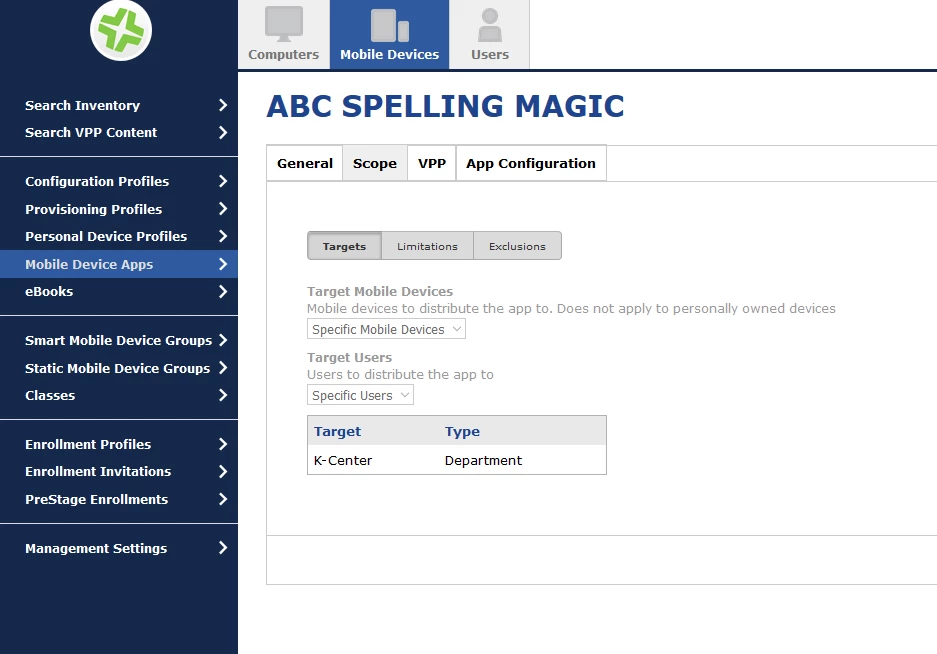
From time to time, I get iPads back that have apps assigned to them through Mobile Devices. The iPads were assigned to a static user group so I can't go into each app and figure out which static user group they are in. I COULD go into each and every static user group and try and figure out where it is, but I'm wondering if there is an easier way.

Is there a setting in Casper where I could pull up a Mobile Device and have it show me what user group(s) the device might be in?

Is there a report I can run that would show all of the groups and what Mobile Devices are in those groups?

Any help would be appreciated!
4 replies

Forum|alt.badge.img+3
  • New Contributor
  • September 9, 2016

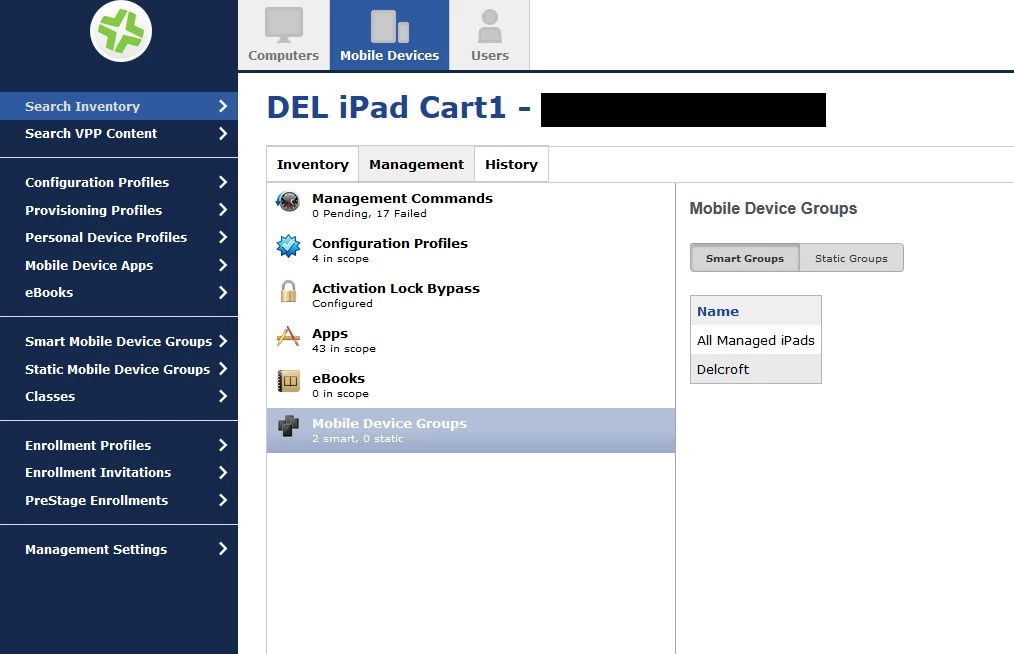
Search the iPad from the Mobile device tab. Click into the iPad you need. Click the Management tab. Click Mobile Device groups.


Forum|alt.badge.img+3
  • New Contributor
  • September 9, 2016

For apps its just your scope for that app.

I'm not sure of any report that can be run.


Forum|alt.badge.img+7
  • Employee
  • September 9, 2016

Hey @bosstone75

You can definitely run a report of the memberships of mobile device groups!

Click on Mobile Devices and then perform a blank inventory search.
At the bottom, select Export>Comma Separated Values(.csv)>Next>Mobile Device Group Memberships>Next

This will automatically download a csv file with the information you're looking for!

Scott


Forum|alt.badge.img+4
  • Author
  • Contributor
  • September 9, 2016

Awesome Nation! This is just the info I needed! Thanks!