Xcode 14 on Ventura seems to have a different setup than in the past. When it’s first opened it presents this
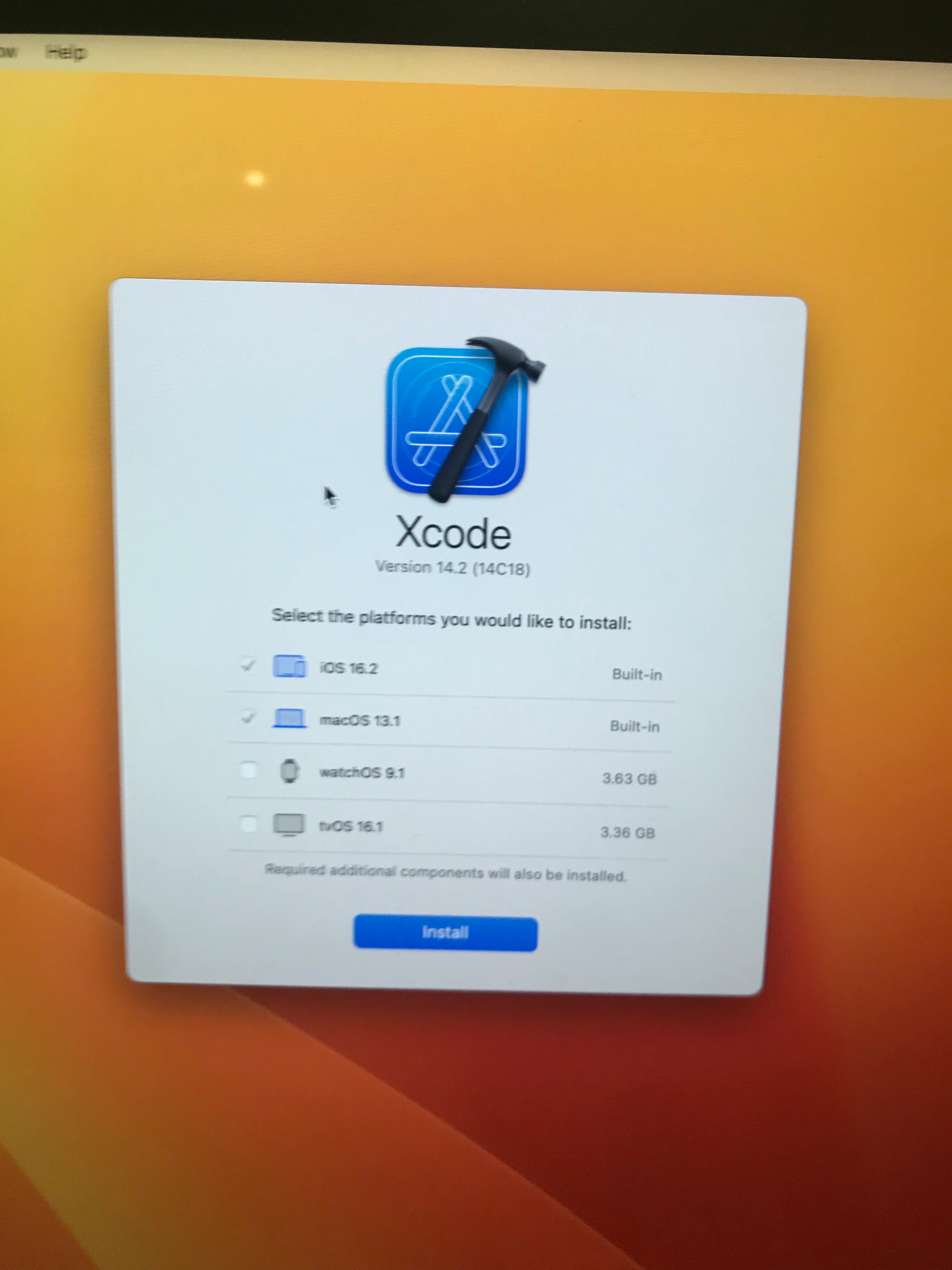
and if I click the Install button it promos for admin credentials.
Does anyone know how to preinstall the platform items?


 +14
+14Xcode 14 on Ventura seems to have a different setup than in the past. When it’s first opened it presents this
and if I click the Install button it promos for admin credentials.
Does anyone know how to preinstall the platform items?
Best answer by dlondon
This was what I was presented with in a lab that I upgraded to Ventura. Xcode automatically updated but I suspect I needed to re-run the postinstall script that installs all the packages in
/Applications/Xcode.app/Contents/Resources/Packages/
So far in my testing this is the answer and that makes sense as the packages in there are newer than the previous version when it was last run
Enter your E-mail address. We'll send you an e-mail with instructions to reset your password.
