I am starting to see this message when i look at my smart group of Yosemite computers. Does anyone have any information to resolve or has anyone experienced this message lately??

Solved
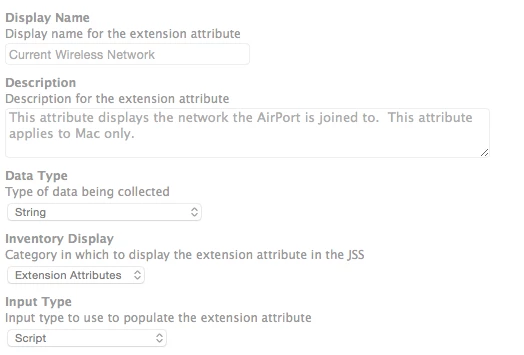
Yosemite Current Airport Network returns "The networksetup binary is not present on this machine."
 +4
+4Best answer by mm2270
Yeah, we needed to completely rewrite that EA. The problem is that with the one from the template, it first gets the OS version number. When run on Yosemite, it only pulls "1" from the "10". Under say, Mavericks, it pulls a "9".
When it evaluates that it uses a less than comparison and says, if the OS version is lower than 5, look for the network setup binary in a different location (the one that pre 10.5 used) so of course on Yosemite it doesn't exist and fails.
Here is what our current EA looks like after changing it. We don't manage anything lower than 10.6 and I doubt most people out there do. I haven't checked to see if JSS 9.x includes a new version of that EA script in the templates, but if not, JAMF should update it accordingly.
#!/bin/sh

Wireless=$(networksetup -getairportnetwork $(networksetup -listallhardwareports | awk '/AirPort|Wi-Fi/{getline; print $NF}') | awk -F'Network: ' '{print $NF}')

if [[ "$Wireless" =~ "not associated" ]] || [[ "$Wireless" =~ "currently off" ]]; then
    echo "<result>No current wireless network</result>"
else
    echo "<result>$Wireless</result>"
fi



Enter your E-mail address. We'll send you an e-mail with instructions to reset your password.