We are using Jamf School to administer iPads that are used on a 1:1 basis. Since a lot of our students use their iPads during breaks to watch YouTube videos or play games in a browser, we would like to turn off that function during breaks.
We are testing Jamf RADAR. I was able to sucessfully include one of our iPads in Jamf RADAR by uploading a configuration into a profile in Jamf School.
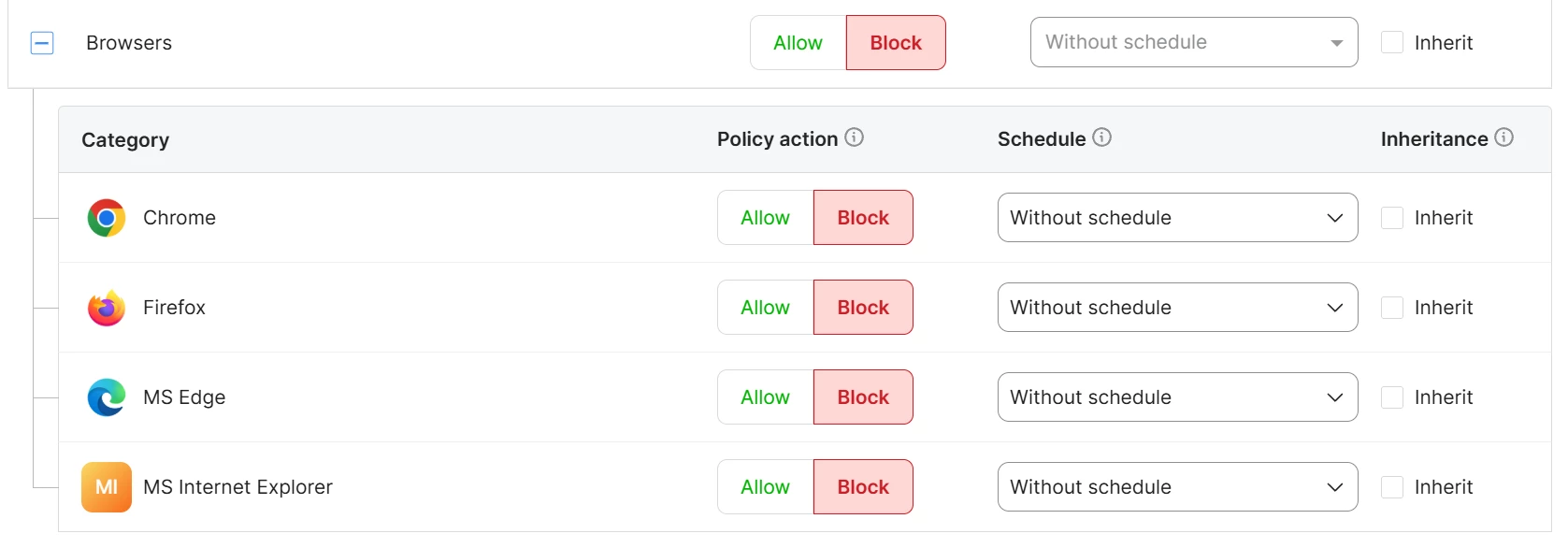
I tried to restrict that test iPad. So, I was able to block tobacco websites. Then I tried to turn off any browsers with the settings below, but I still am able to open the chrome app on the test iPad.
The test iPad has iPadOS 26.6.1 on it.
Thank you for any help in advance.
Cheers
Kai