Question

How to Add a system app to self service on iOS?

  • December 7, 2023
  • 1 reply
  • 37 views

Forum|alt.badge.img+1

I am able to add the Apple clock app to self service, but because I cannot assign a license to it, it won’t download on the managed iPads.

I tried “buying” licenses from Apple School Manager, but I can’t get licenses for a system app.

1 reply

Bol
Forum|alt.badge.img+11
  • Contributor
  • December 7, 2023

You can’t sorry, assigning this type of app to a device in mdm will trigger a flow of prompting a user to sign into an individual App Store account to transfer a license.


See this thread here and my response, I’ll paste part of my results below;

https://community.jamf.com/t5/jamf-pro/do-default-apps-require-an-abm-purchase/m-p/297989/highlight/true#M263395

Bundle IDs for native iPhone and iPad apps


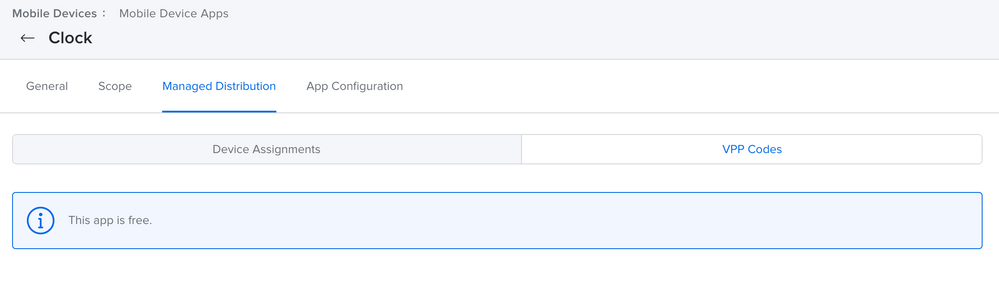
I created the app manually and was shown the following;


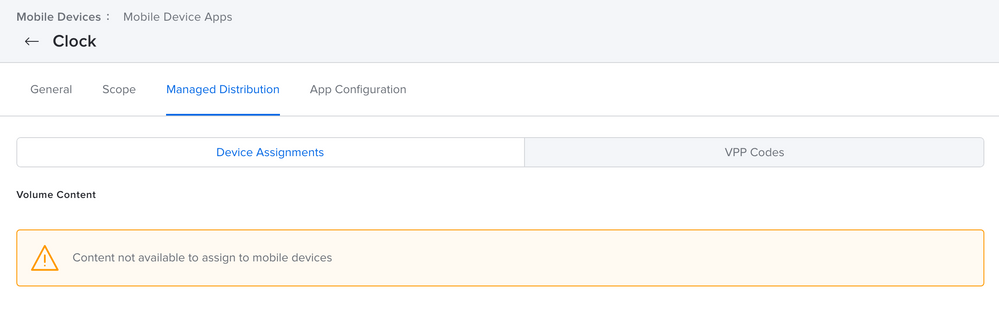
Note that assigning to device gave the same result, pointing the end user to the app store;


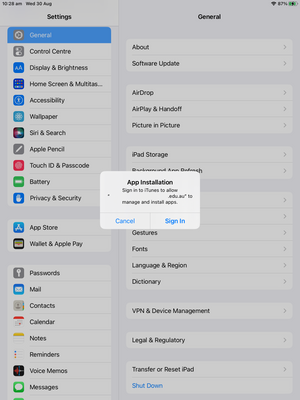
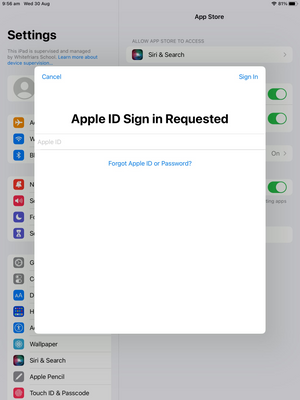
And on the device I was prompted to sign into the app store / sign up to the app store to install an app (that generic pop up that usually means Jamf isn't licensed for an app) ending in this;


Configurator. 


I'm pretty sure those apps need to be assigned to an individual app store account or if not, wipe to restore the stock image.