Hi All,
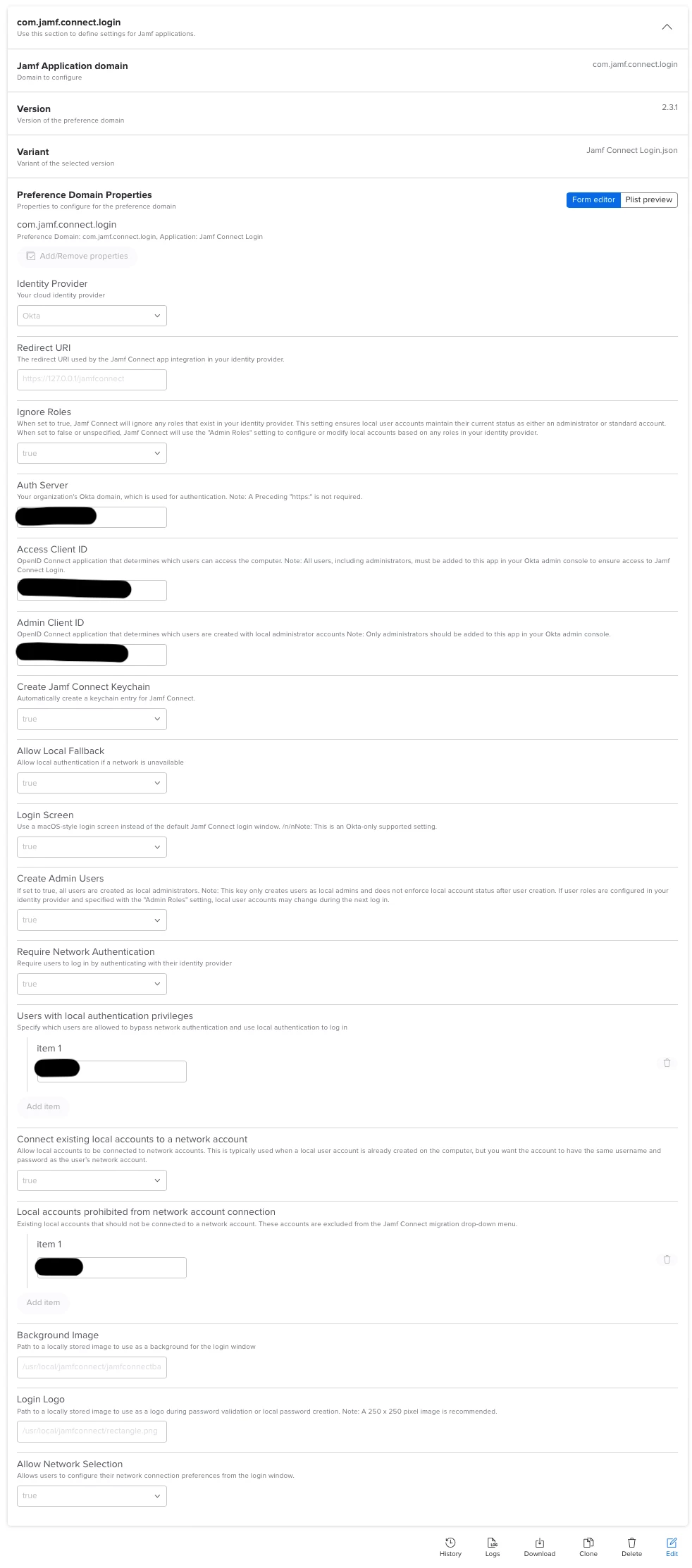
I'm trying to setup Jamf Connect Login with Okta however having some difficulty getting migrated users to retain their local Admin permissions. I have setup 2 separate Apps/connectors with 2 different Client IDs however when both OIDCAccessClientID and OIDCAdminClientID as specified the login window just refreshes to empty boxes after entering login details (no error etc)
If I only specify OIDCAdminClientID it will log in but with a standard user.
If I only specify OIDCAccessClientID it will not log in just the screen refresh like when both are specified
I have tried various combinations of setup but have included what I believe should work but doesn't (company specific data removed)
For anyone that has set this up can you indicate your configuration please.
<?xml version="1.0" encoding="UTF-8"?>
<!DOCTYPE plist PUBLIC "-//Apple//DTD PLIST 1.0//EN" "http://www.apple.com/DTDs/PropertyList-1.0.dtd">
<plist version="1.0">
<dict>
<key>AllowNetworkSelection</key>
<true/>
<key>AuthServer</key>
<string>company.okta.com</string>
<key>BackgroundImage</key>
<string>/usr/local/jamfconnect/jamfconnectbackground.png</string>
<key>CreateVerifyPasswords</key>
<true/>
<key>DenyLocal</key>
<true/>
<key>LocalFallback</key>
<true/>
<key>LoginLogo</key>
<string>/usr/local/jamfconnect/rectangle.png</string>
<key>LoginScreen</key>
<true/>
<key>Migrate</key>
<true/>
<key>MigrateUsersHide</key>
<array>
<string>admin</string>
</array>
<key>OIDCAdminClientID</key>
<string>xxxxxxxxxxxxxxxxxxxxxx2</string>
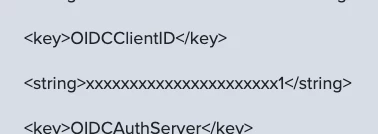
<key>OIDCAccessClientID</key>
<string>xxxxxxxxxxxxxxxxxxxxxx1</string>
<key>OIDCAuthServer</key>
<string>company.okta.com</string>
<key>OIDCProvider</key>
<string>Okta</string>
<key>OIDCRedirectURI</key>
<string>https://127.0.0.1/jamfconnect</string>
</dict>
</plist>