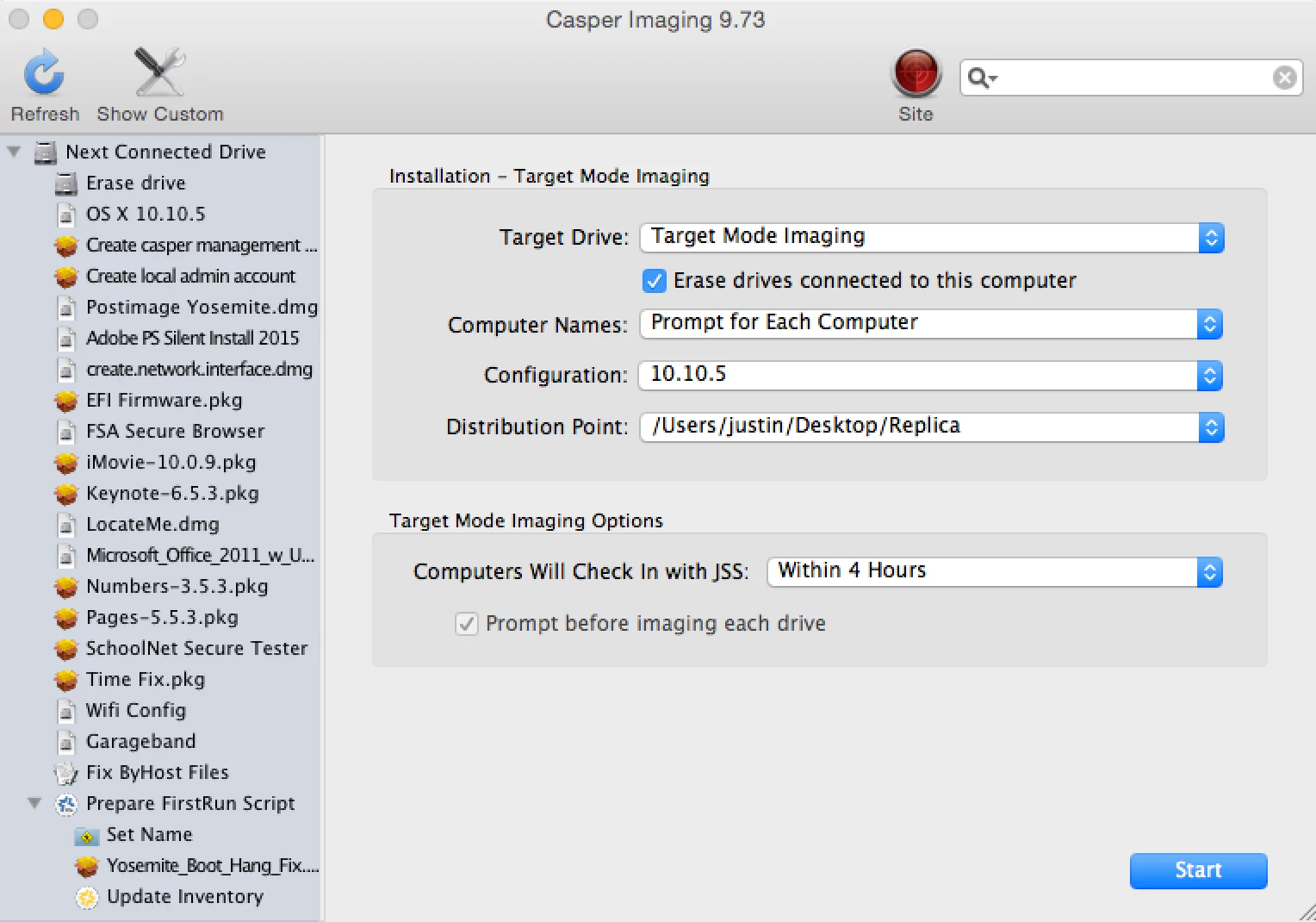
I know I've come across a few threads in regards to imaging with Yosemite, but we have yet to find a resolution to our problem. We just got delivery of 2000 MacBook Airs (MacBookAir7,1) that shipped with 10.10.5.
After the client is imaged we're seeing it stall at 50% when booting. It will hang there for ten minutes or so before getting to Finder. However, after a reboot, it will boot into a folder with a question mark. We then have to option boot and manually select the correct partition. On average it will take roughly twenty-five minutes to complete the process.
If I take this same image and apply it to our older MacBooks (MacBookAir6,1) it will work perfectly fine. The image is made with AutoDMG (nothing out of the ordinary), but I've also tried making one from one of the new MacBooks with Composer. What's even more frustrating is that once I get one imaged, I'm not only having to fix the startup disk, I have to fix the name as well since it doesn't appear to be using the name applied at image nor is it enrolling them.
I really don't know what to do at this point and our deadline is right around the corner. I'm hoping someone has some idea as to what may be happening? I'm sure I've left out some important piece of information so I'll be happy to answer any questions. Any help would be greatly appreciated!