Question

‘Active Directory Certificate’ payload could not be installed. The certificate request failed.

  • February 28, 2020
  • 13 replies
  • 129 views

Forum|alt.badge.img+6

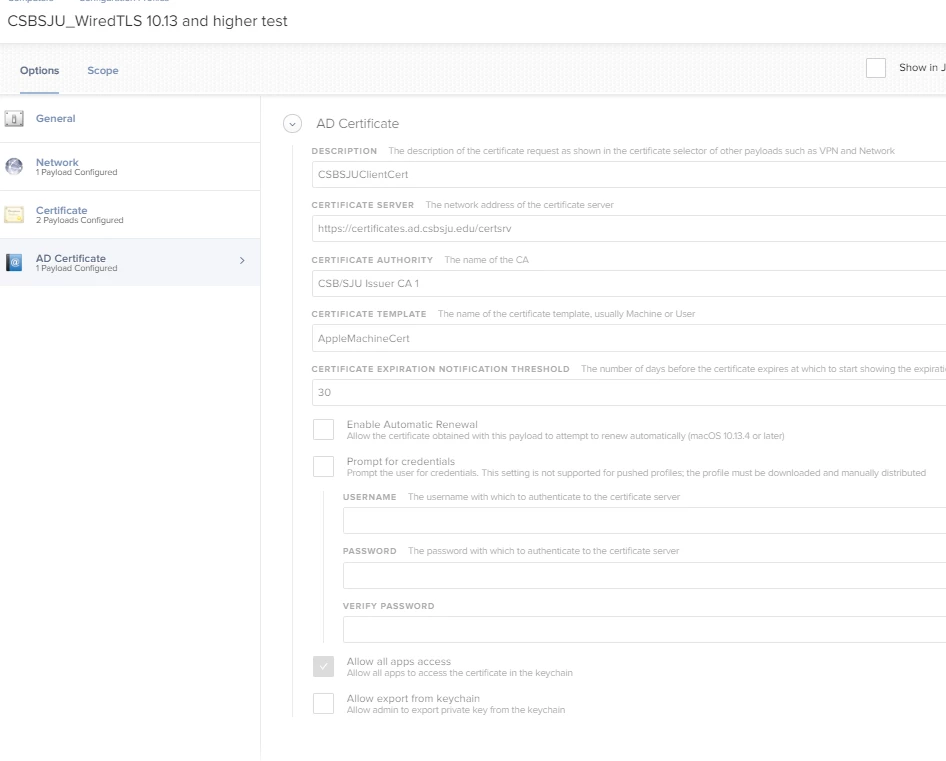
Hello! We are attempting to push out some config profiles with certificates and configurations needed to connect to our campus wired and campus wireless networks. However, pretty much instantly after the config profile attempts to push out, it fails with error: "The ‘Active Directory Certificate’ payload could not be installed. The certificate request failed."

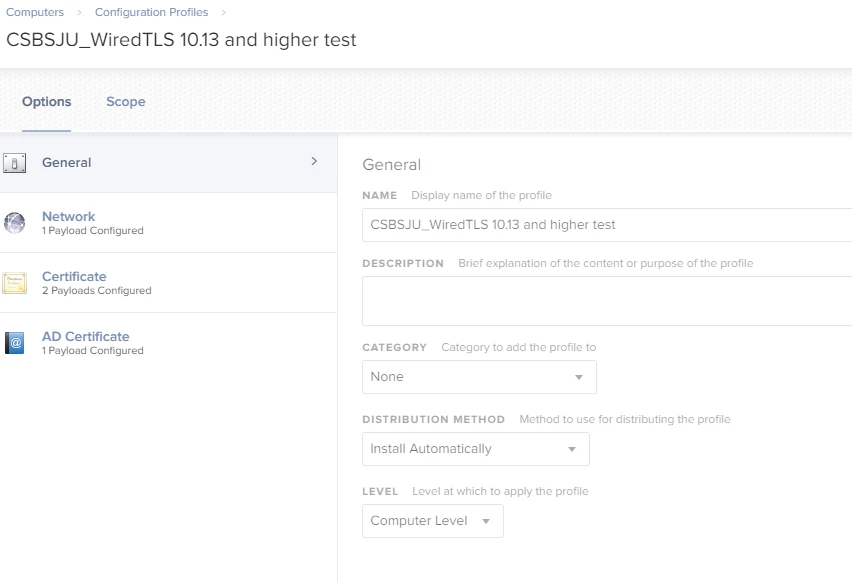
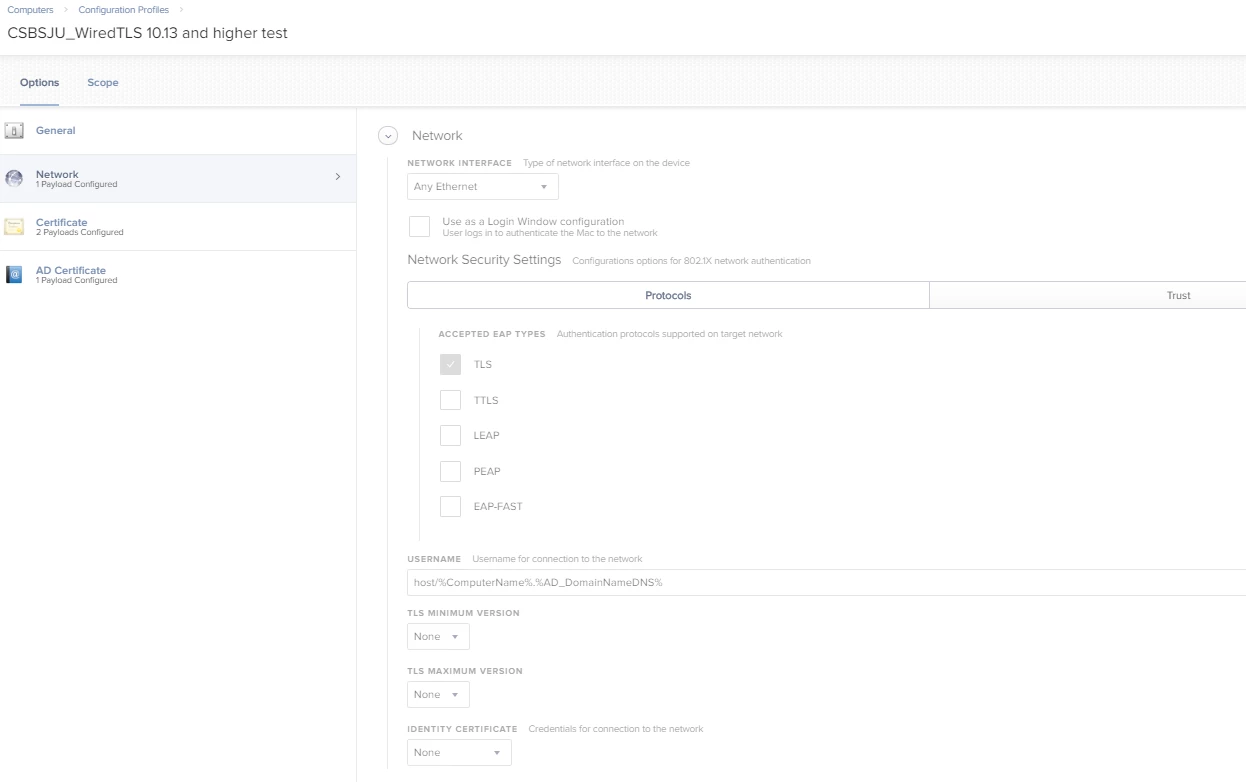
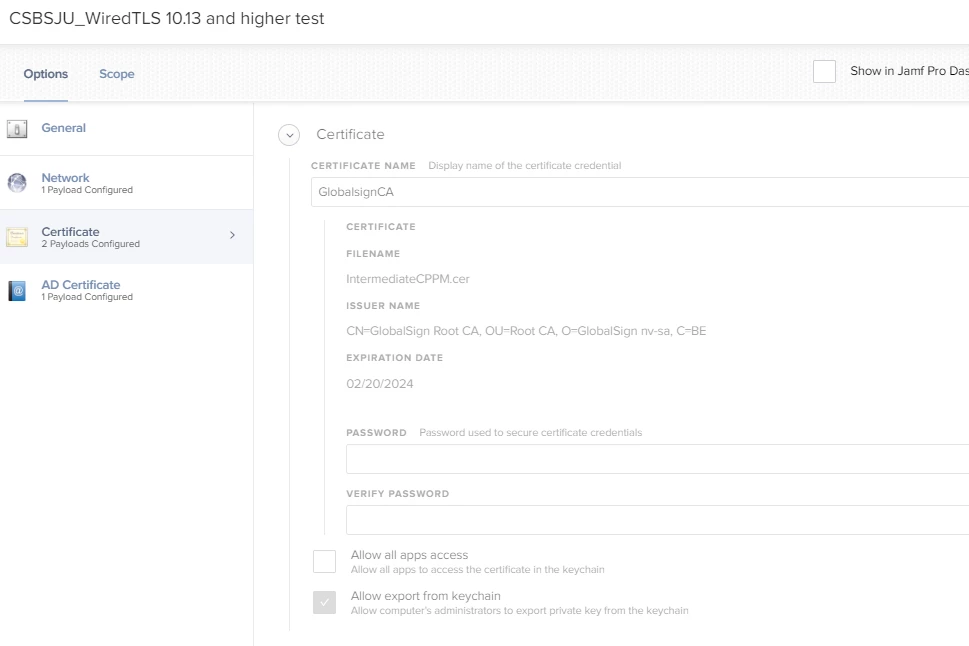
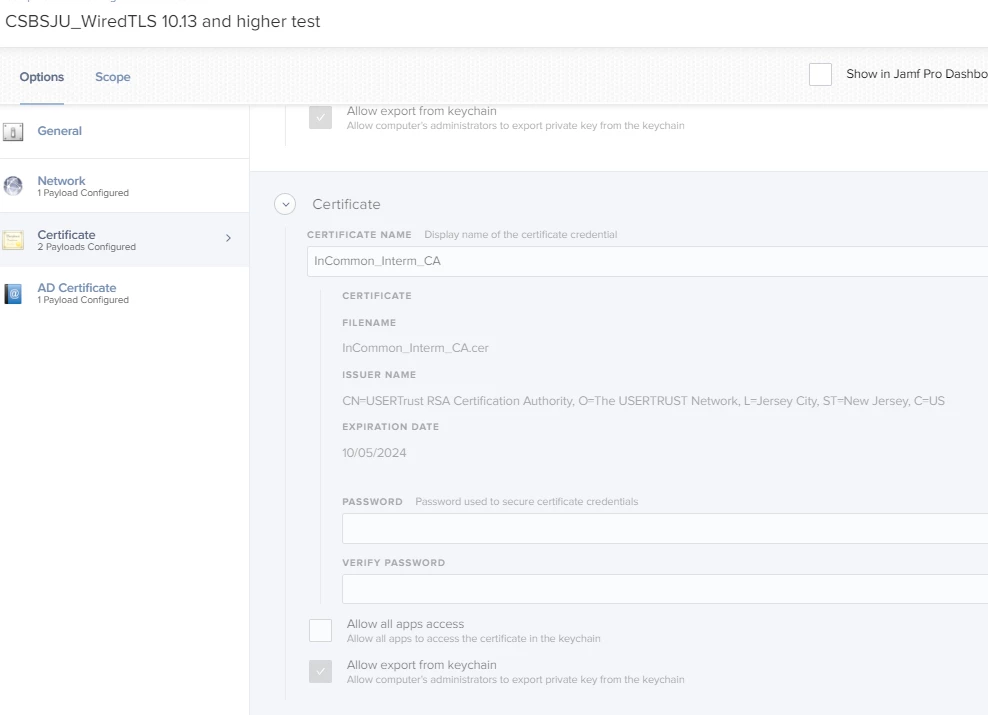
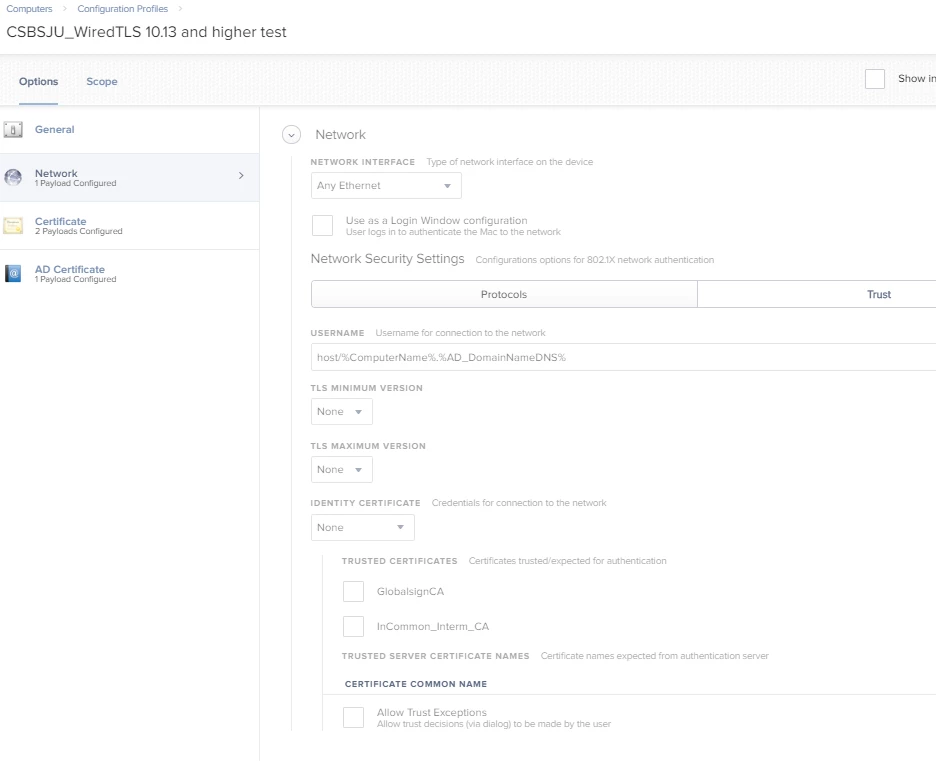
Here's what one of the config profiles look like:

Has anyone had issues with this? Am I just totally missing something? From our server staff, there was no activity on the server for this computer on the certificate authority for the device we are testing with.
13 replies

Forum|alt.badge.img+23

@CLIENTSW4 - Looking at the config and description I’m curious, is the Mac bound to AD? (Which is required for this payload: https://support.apple.com/en-us/HT204602 )


Forum|alt.badge.img+6
  • Author
  • Contributor
  • March 10, 2020

@mark.buffington Sorry for the late response! Yes, the mac is bound to AD. Verified by issuing command id userName in the terminal, and terminal spits back the groups that user is in.


Forum|alt.badge.img+6
  • Author
  • Contributor
  • March 10, 2020

@mark.buffington We also just changed the cert expiration to 365 days (that was previously over the 825 days max as listed here: https://support.apple.com/en-us/HT210176) Our certificate meets all the requirements listed on that page.


Forum|alt.badge.img+23

@CLIENTSW4 - In that case, it seems like an issue with the client request or communications on the Mac. You might consider installing the "Managed Client" profile to enable additional macOS logging, as can be found on Apple's site.

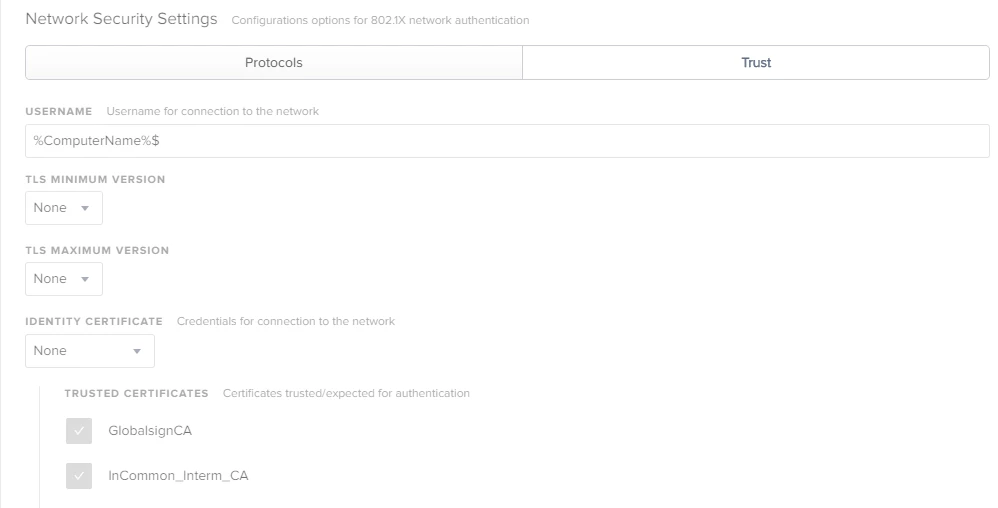
Otherwise, on closer look of your screenshots, I'm curious: are the "GlobalSign" certificates for your RADIUS controllers, or are they related to your Active Directory CA?

Typically this payload/workflow will need a root certificate from the issuing CA to be installed in the profile as well, as macOS otherwise won't natively trust communicating with it. (Similar to what's outlined in this Apple KB: https://support.apple.com/en-us/HT204602 )


Forum|alt.badge.img+6
  • Author
  • Contributor
  • March 10, 2020

@mark.buffington I just ran a sysdiagnose on our test mac, Is there anywhere specific in there that I should be looking for logs? I expanded the TGZ file, but don't know where to look in there.

Also, about needing a root cert, we have that covered, since that's deployed prior to the Mac attempting to pull a machine cert.

Also, all of our non-catalina Macs use the same profiles/process to get their machine certs, and they're all doing it successfully. It's only catalina Macs that are having this problem.

Any other ideas? Thanks a ton!


ThijsX
Forum|alt.badge.img+20
  • Employee
  • March 10, 2020

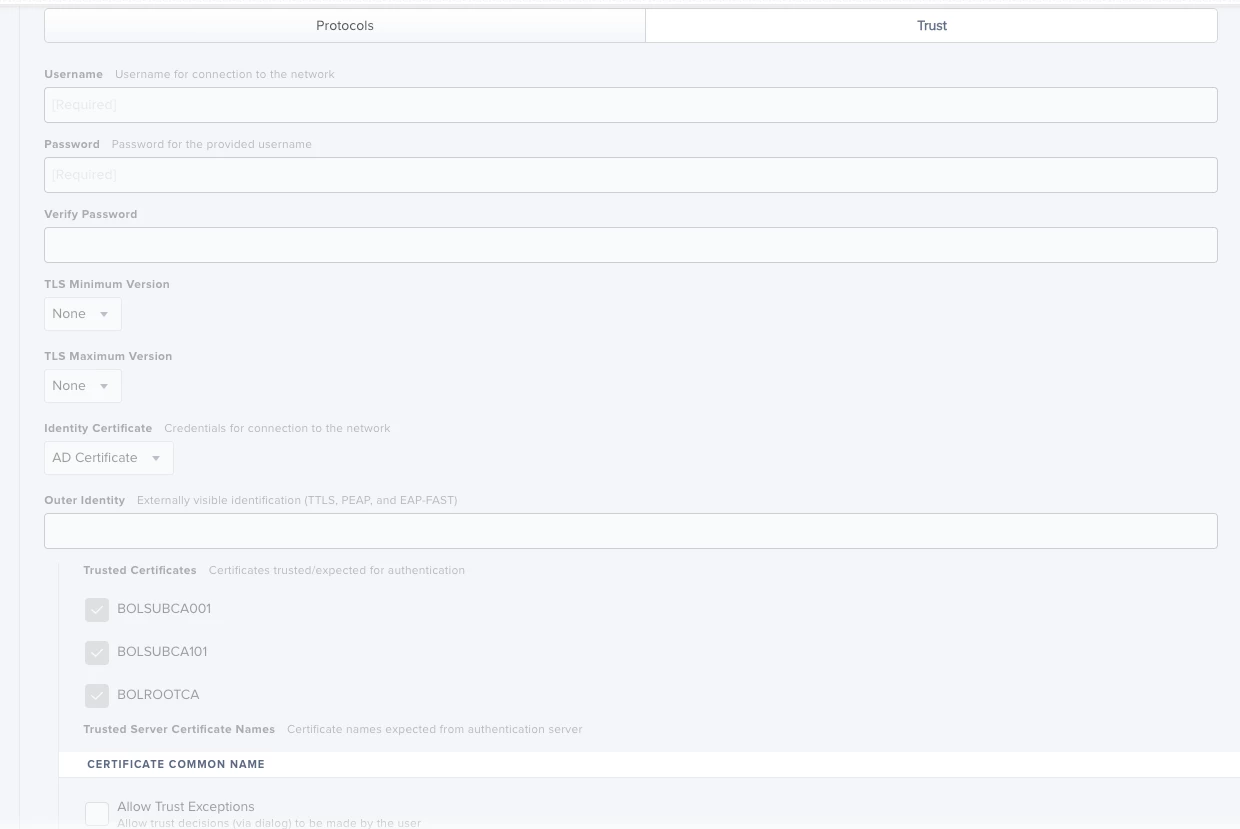
Under Trust, try selecting the Identity Certificate and trust the ROOT and SUB CA's there


Forum|alt.badge.img+6
  • Author
  • Contributor
  • March 10, 2020

@txhaflaire nope --

Thanks for the idea!


ThijsX
Forum|alt.badge.img+20
  • Employee
  • March 10, 2020

Well, are you sure the AD bind is healthy, do you have an NPS environment in place?


Forum|alt.badge.img+3
  • New Contributor
  • March 10, 2020

If you use a Windows CA - please check if the option - save private key (for example to restore it with the Restore Agent) is active. If yes, disable it


Forum|alt.badge.img+4
  • New Contributor
  • March 11, 2020

If you put the computer on a non-authenticated port and do enrollment without HTTPS in server name does it work. Also may want to look at AD CS Connector since I thought that was Jamfs remote way of issuing AD certs off prem.


Forum|alt.badge.img+6
  • New Contributor
  • March 11, 2020

Can the Mac in question communicate directly with the server that is issuing the certificate? i.e ping, traceroute etc.

Start with the basics.


Forum|alt.badge.img+6
  • Author
  • Contributor
  • March 11, 2020

@ChrisLawrenz Where is this option? I don't see it anywhere in the config profile settings


Forum|alt.badge.img+3
  • New Contributor
  • May 25, 2020

Sorry for the delay - you can find this option in the template configuration on the windows ca