----- Warning for Beginner problems and possibly stupid questions -----
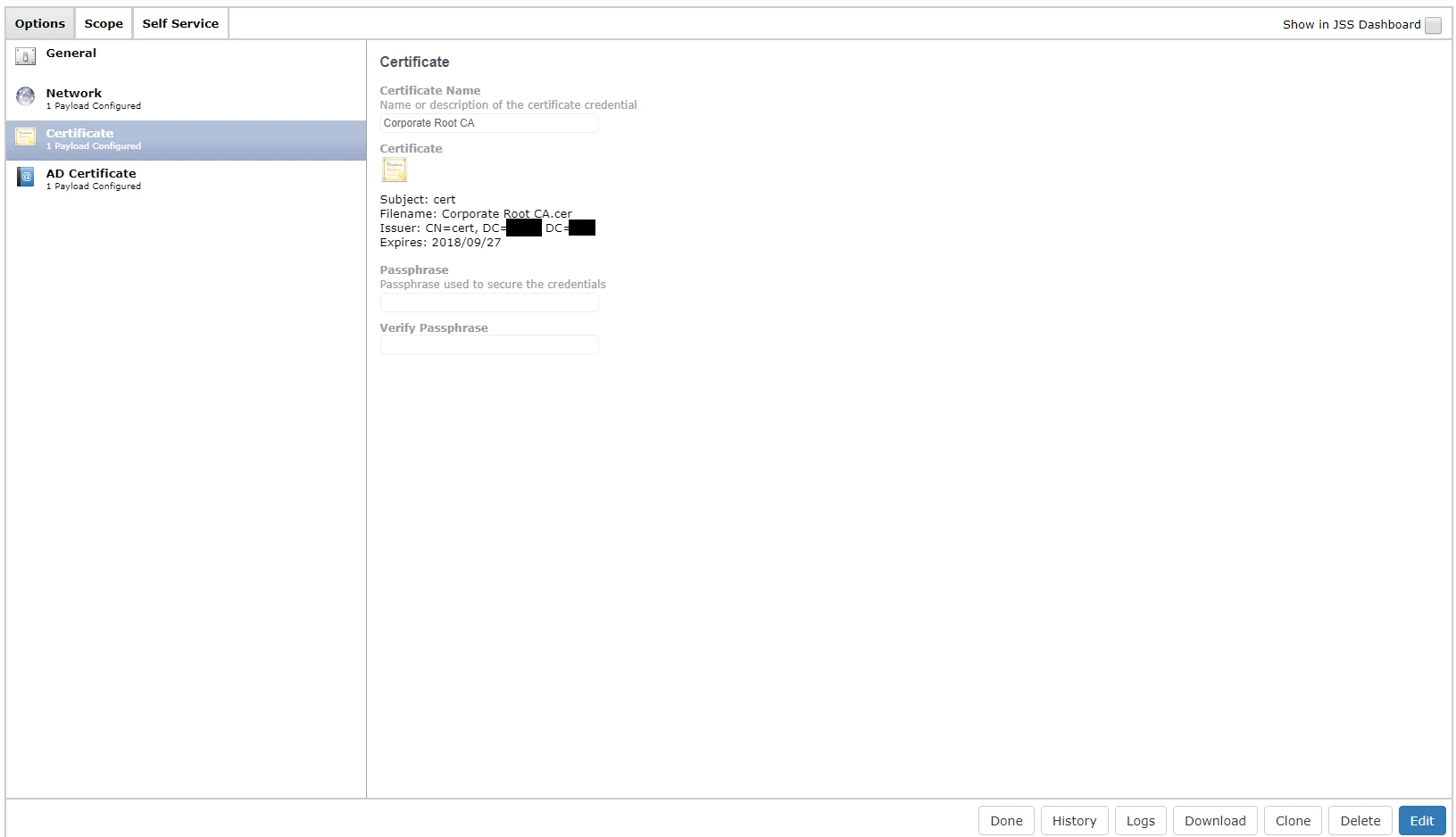
I'm getting a user certificate from our Microsoft Certificate Authority (CA), Everything is working great and the certificates are imported via a configurations profile.
The trouble I'm having is that the imported certificate ends up in the Login Keychain (which I assume is supposed to happen because it's a User-Level profile aswell as it's a personal Certificate for each user) and is NOT trusted... This Certificate needs to be trusted for usage to connect to our Wifi.
Does anyone know how I can force the certificate to be trusted when it's already located inside the Login Keychain, either with a script or PLIST or whatever?
Or, maybe someone knows how to get it trusted from the start, that would be even better.
My General settings (made it availible in self service during testing period):
and my AD Certificate Payload: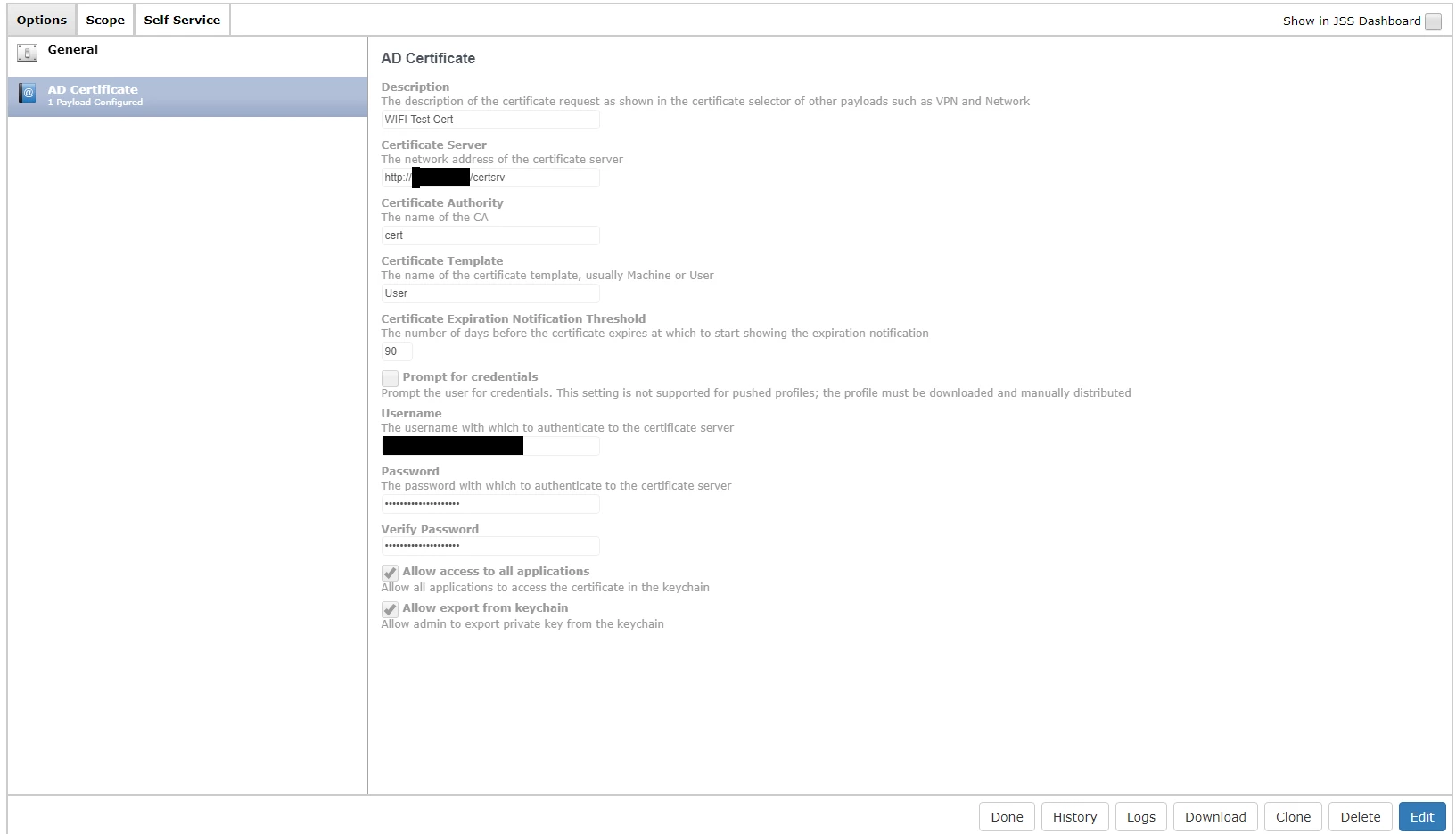
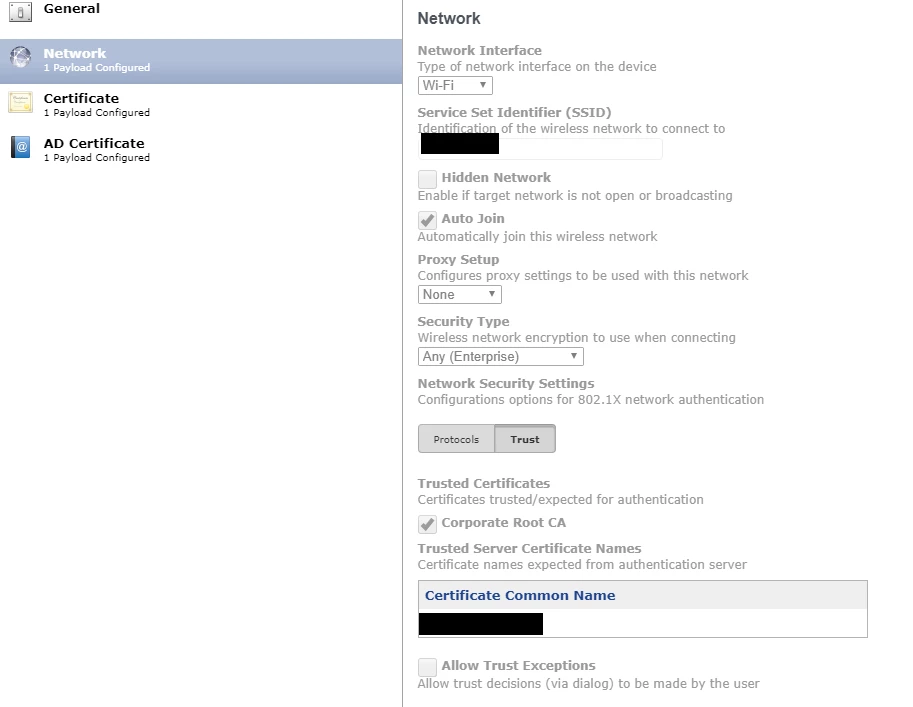
I have tried to set up a Network payload aswell, doesn't help because the certificate is still not trusted so it wont connect.
Inside the Network payload there is the Trust option, but there are no certificates under Trusted Certificates and also adding the name of the certificate inside Certificate Common Name doesn't help.
JSS/Casper Suite Version is 9.96
Any help would be greatly appreciated.