Question

Admin credentials required to restart/shutdown Macs, multiple users logged in

  • October 29, 2019
  • 24 replies
  • 70 views

kwoodard
Forum|alt.badge.img+12

I am trying to deploy a policy that has the following script attached to it...

#!/bin/sh
sudo security authorizationdb write system.restart allow
sudo security authorizationdb write system.shutdown allow

Policy fails. If I send the exact same command out via Apple Remote Desktop, commands are successful.

I have a bunch of laptops that people often forget to sign out. So when the next user comes along and tries to shut the computer down, they get a pop up stating it needs admin credentials to shut down as there are other users logged in. I have tried to use the "Logout after XX idle time" but get pushback that there are times where only one person will be using the computer. Also, that script can be foiled if someone has left a document open to edit. Users are left to press and hold the power button to force the computer to shut off.

The script allows non-admin users to shutdown/restart the computer without admin credentials.

24 replies

kwoodard
Forum|alt.badge.img+12
  • Author
  • Valued Contributor
  • November 6, 2019

No help on this one? I am totally stuck...


Forum|alt.badge.img+13
  • Contributor
  • November 6, 2019

I don't know the answer, but why do you require admin credentials to shut down? Seems like overkill. Restarts fix 95% of problems that get sent my way. You're penalizing the current user for the actions of a non-present user.


kwoodard
Forum|alt.badge.img+12
  • Author
  • Valued Contributor
  • November 6, 2019

@larry_barrett When any users on laptops with 10.14.6, they see a pop up essentially stating that someone else is already logged into the device and it needs admin credentials to shutdown/restart. The only current work around is pressing and holding the power button. This only seems to be affecting my laptops, but I have yet to find any discrepancy between the laptop and desktop profiles I have setup. The only thing different between the two profiles is power management and the availability of the shutdown button.


Forum|alt.badge.img+13
  • Contributor
  • November 6, 2019

@kwoodard Thanks for clarifying the OS. I just pulled it up on a 10.14.6 machine too. We're a 1 to 1 school, so I've never HAD to deal with it :) Going down this rabbit hole with you.


Forum|alt.badge.img+13
  • Contributor
  • November 6, 2019
#!/bin/sh

security authorizationdb write system.restart allow
security authorizationdb write system.shutdown allow

@kwoodard Try this. Setup as a policy set to run at startup. One thing that kinda sucks about this is you don't get a prompt "Are you sure you want to restart your computer now", its just instant.


kwoodard
Forum|alt.badge.img+12
  • Author
  • Valued Contributor
  • November 6, 2019

I had it set to recurring check in, not startup. Will give it a go.


Forum|alt.badge.img+13
  • Contributor
  • November 6, 2019

Totally lied. Login, not startup, and 1x per computer.


kwoodard
Forum|alt.badge.img+12
  • Author
  • Valued Contributor
  • November 6, 2019

Just tried it... Failed...


kwoodard
Forum|alt.badge.img+12
  • Author
  • Valued Contributor
  • November 6, 2019

Tried it with sudo in front as well as no sudo at all. Tried startup, login, logout, recurring... Nada. If I send it out via ARD, no problem.


Forum|alt.badge.img+13
  • Contributor
  • November 6, 2019

You might have to flush the failed policy and try again. Sudo is unnecessary.


kwoodard
Forum|alt.badge.img+12
  • Author
  • Valued Contributor
  • November 6, 2019

I did after every attempt.


Forum|alt.badge.img+13
  • Contributor
  • November 6, 2019

IDK @kwoodard works for me. FV enabled?


kwoodard
Forum|alt.badge.img+12
  • Author
  • Valued Contributor
  • November 6, 2019

Nope, no FV. I can send the commands out via ARD, but I cannot get it to work at all with Jamf.


Forum|alt.badge.img+16
  • Contributor
  • November 6, 2019

What do the policy logs tell you? You can also set a custom trigger on the policy and run it manually to see where it's failing.

You may need to call the security binary directly in your script i.e. instead of security use /usr/bin/security.


kwoodard
Forum|alt.badge.img+12
  • Author
  • Valued Contributor
  • November 6, 2019

@mainelysteve Policy logs gave me nothing of use...

Details

Executing Policy ARC - All users able to restart/shutdown computers

Thats it... Nothing else. I tried using the full path as well, same issue.


Forum|alt.badge.img+13
  • Contributor
  • November 7, 2019

I had mine setup to login today (on a Catalina machine) and it wasn't executing the policy. I switched to Startup and Login and worked on reboot. Anyways, above code works on Catalina 10.15.1


Forum|alt.badge.img+16
  • Contributor
  • November 7, 2019

@larry_barrett I could never get login policies to execute. Used outset if I had to run something at login time.

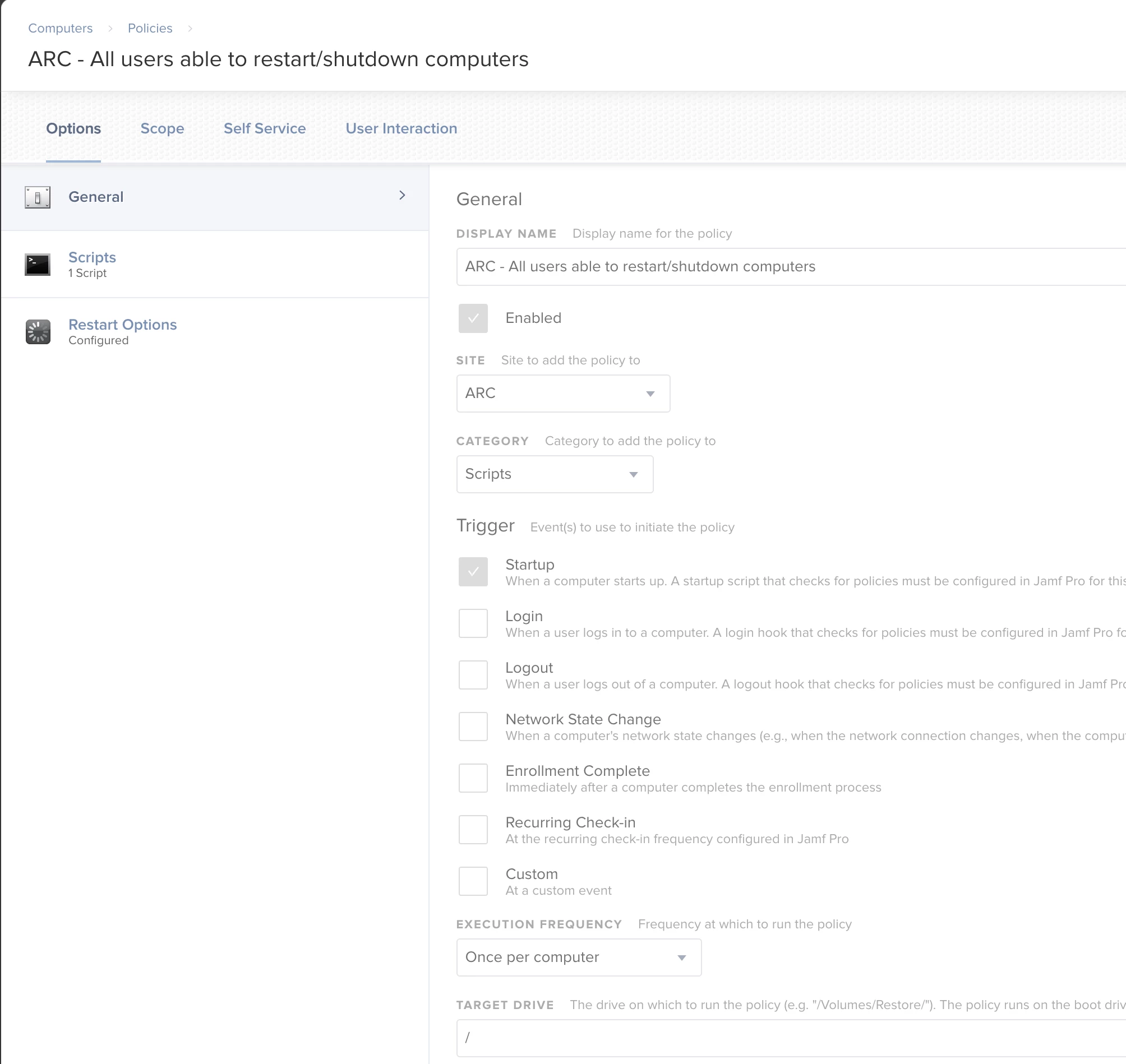
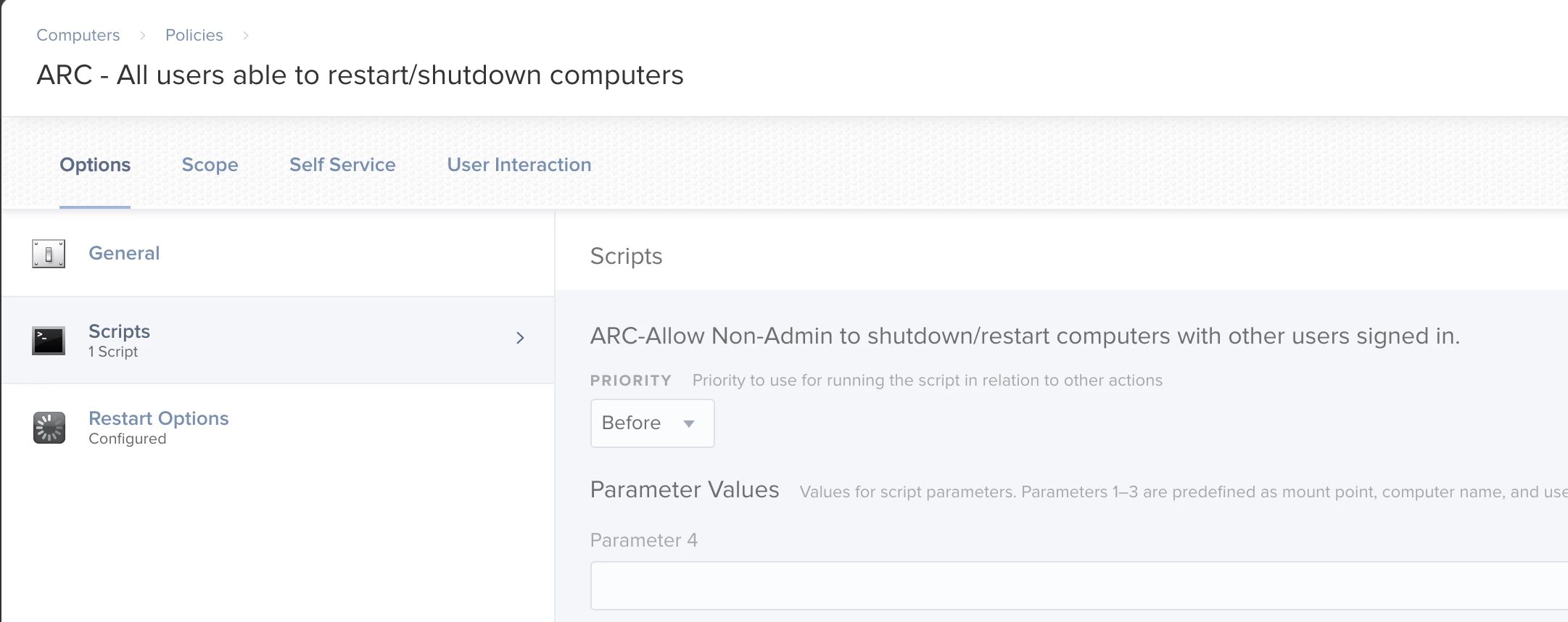
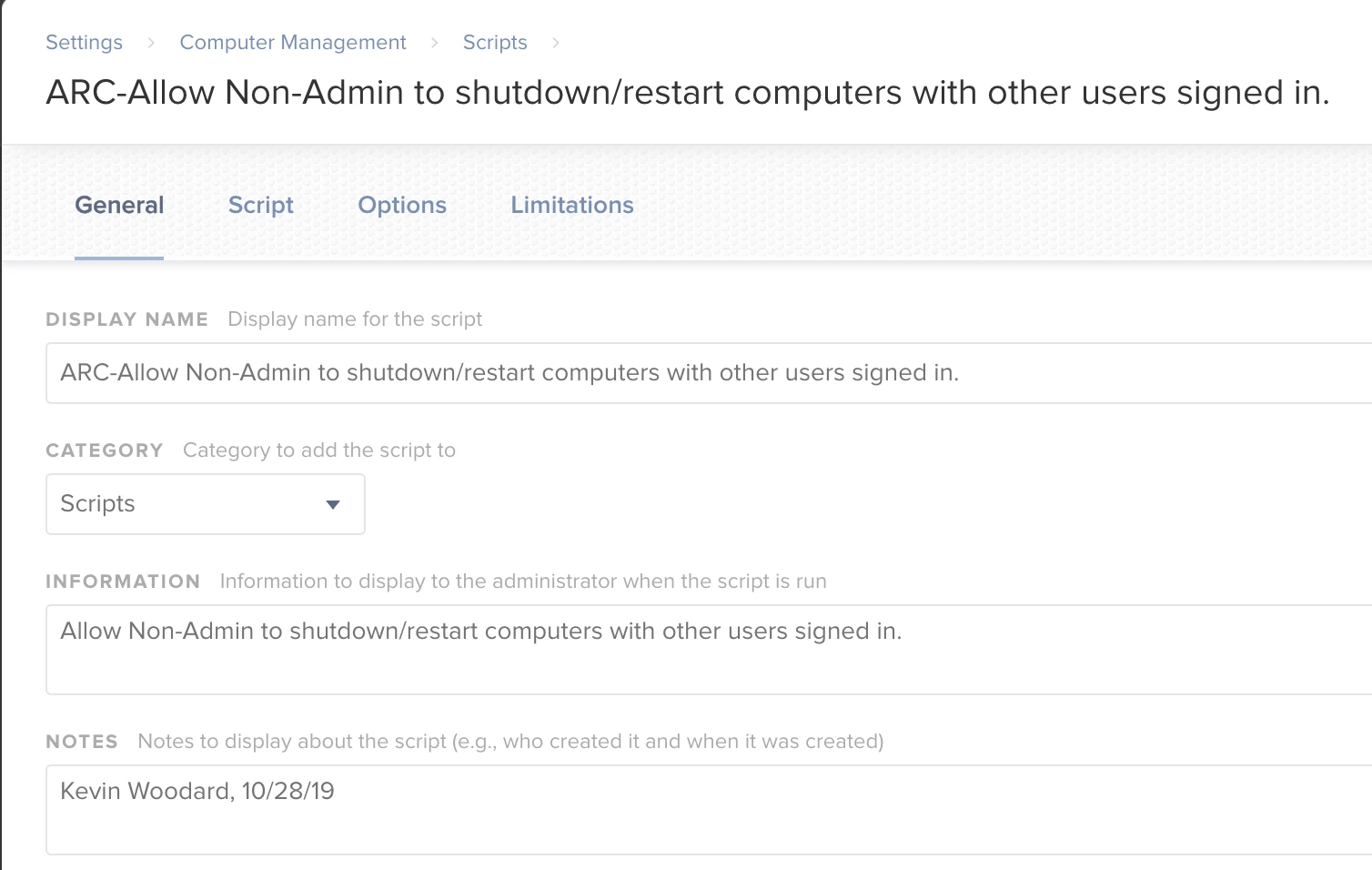
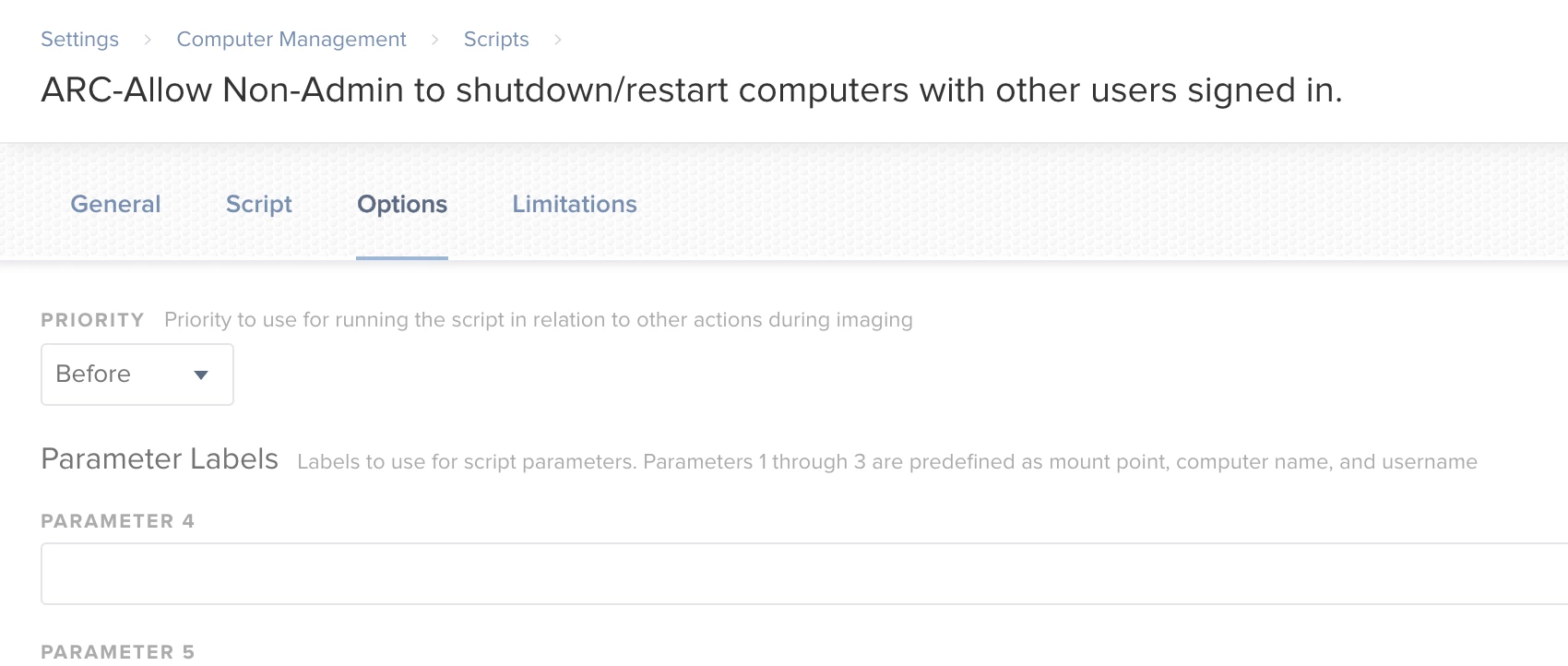
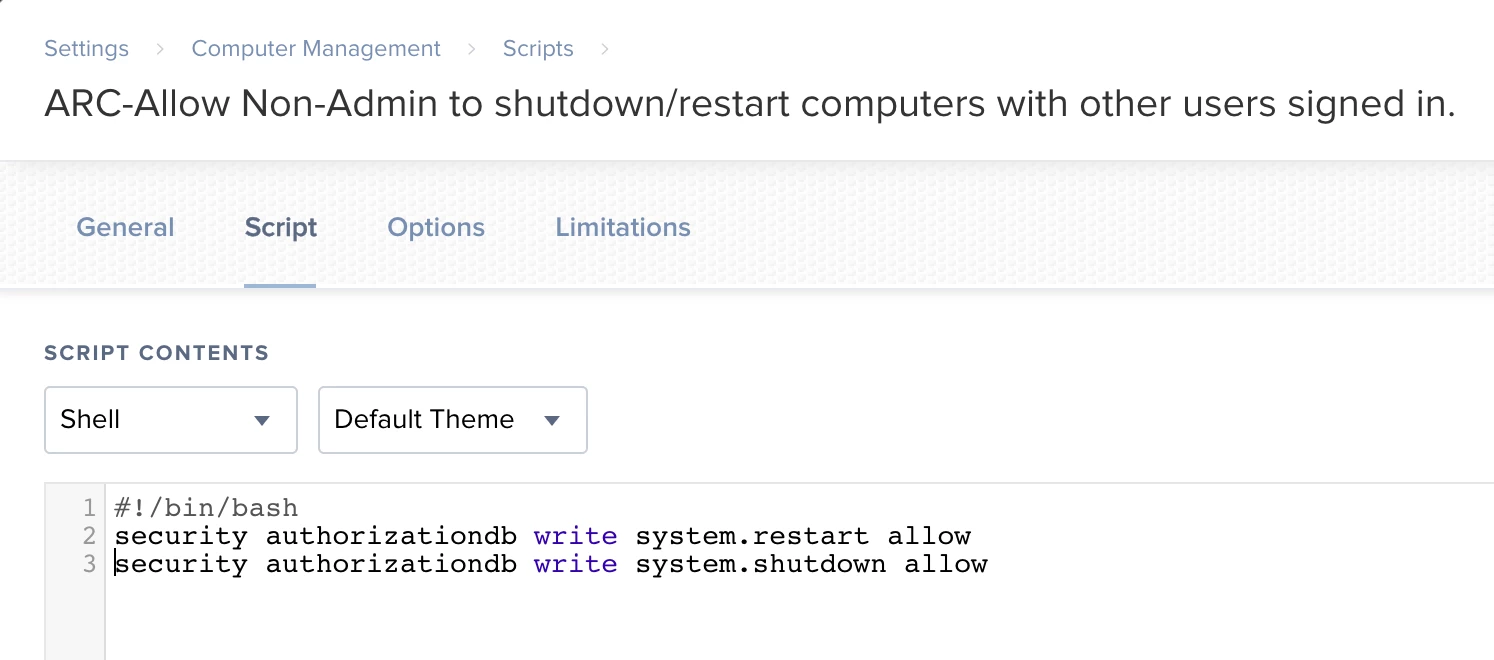
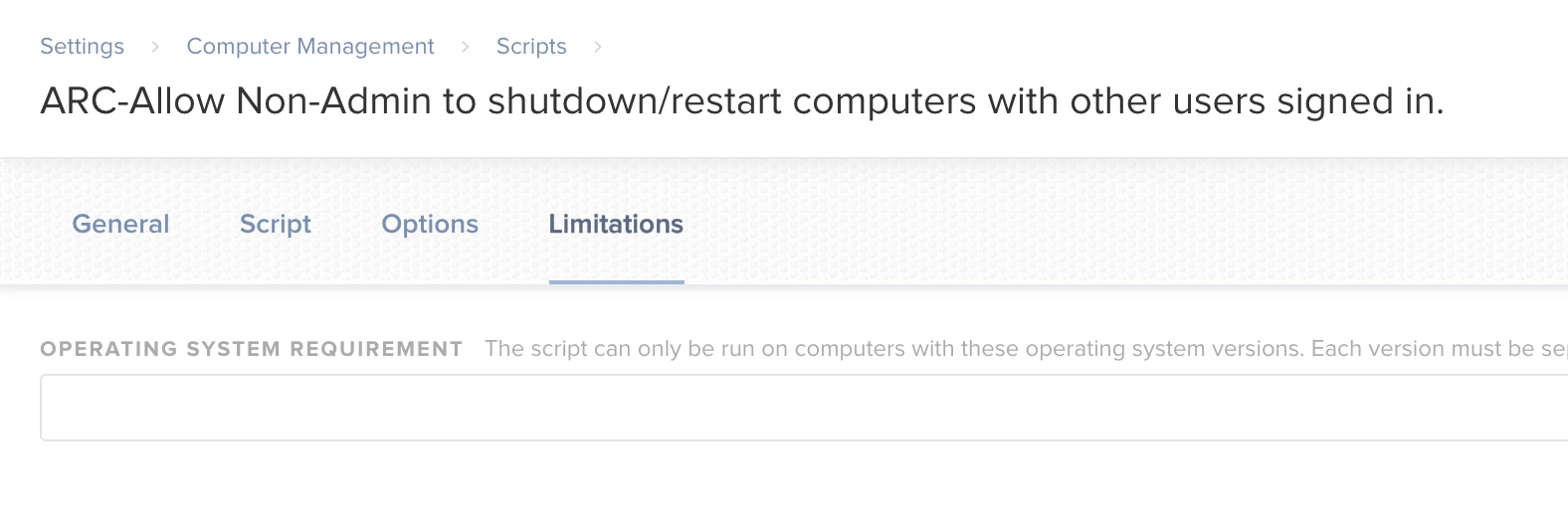
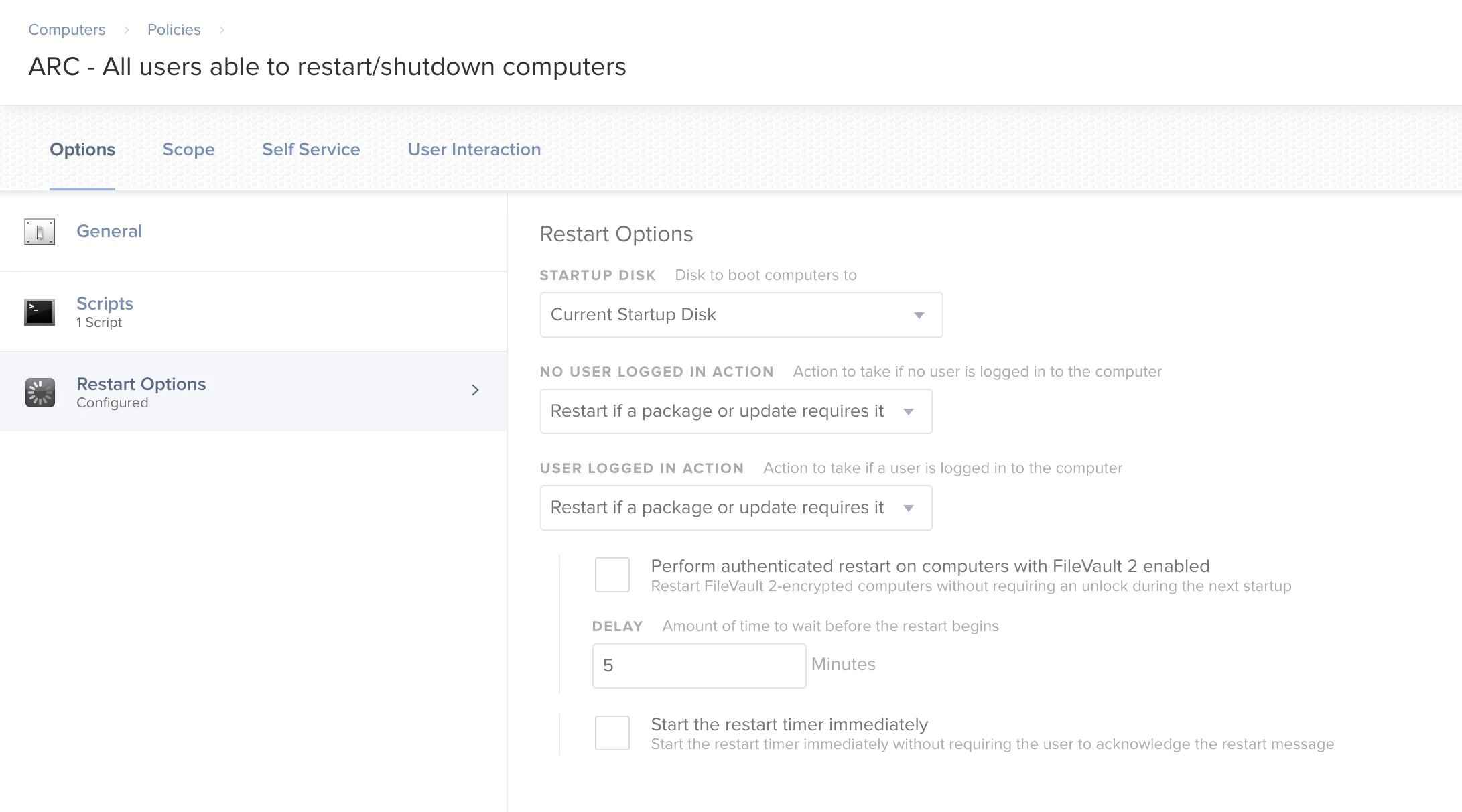
@kwoodard Can you do screen grabs of your policy and the script to see if something is out of place? I know you pasted the script above but I'd like to see it displayed in jamf Pro.


kwoodard
Forum|alt.badge.img+12
  • Author
  • Valued Contributor
  • November 7, 2019

@mainelysteve I will post that later today.


Forum|alt.badge.img+4
  • New Contributor
  • November 7, 2019

We saw this when 'Fast User Switching' was enabled -- which allows for multiple users to be logged in. We disabled that on our lab machines and don't see that prompt anymore.


kwoodard
Forum|alt.badge.img+12
  • Author
  • Valued Contributor
  • November 7, 2019

@schickp I will test this option out. We usually have it enabled because we frequently have people that forget to sign out.


kwoodard
Forum|alt.badge.img+12
  • Author
  • Valued Contributor
  • November 8, 2019

Here are the screenshots...


Forum|alt.badge.img+13
  • Contributor
  • November 8, 2019

Longshot - remove the slash in your policy name.


Forum|alt.badge.img+16
  • Contributor
  • November 8, 2019

@kwoodard I would as a test set the trigger to custom only(enter a trigger word) and set the frequency to ongoing(or leave it as is and flush it from one client). Goto to that client and run sudo jamf policy -event custom_triggerword_here. Monitor the output and note any messages that stand out.

Also try adding an exit code for your script i.e.

#!/bin/sh
sudo security authorizationdb write system.restart allow
sudo security authorizationdb write system.shutdown allow

exit 0

kwoodard
Forum|alt.badge.img+12
  • Author
  • Valued Contributor
  • November 20, 2019

@mainelysteve The "exit 0" was the key. Now it works. Thank you!