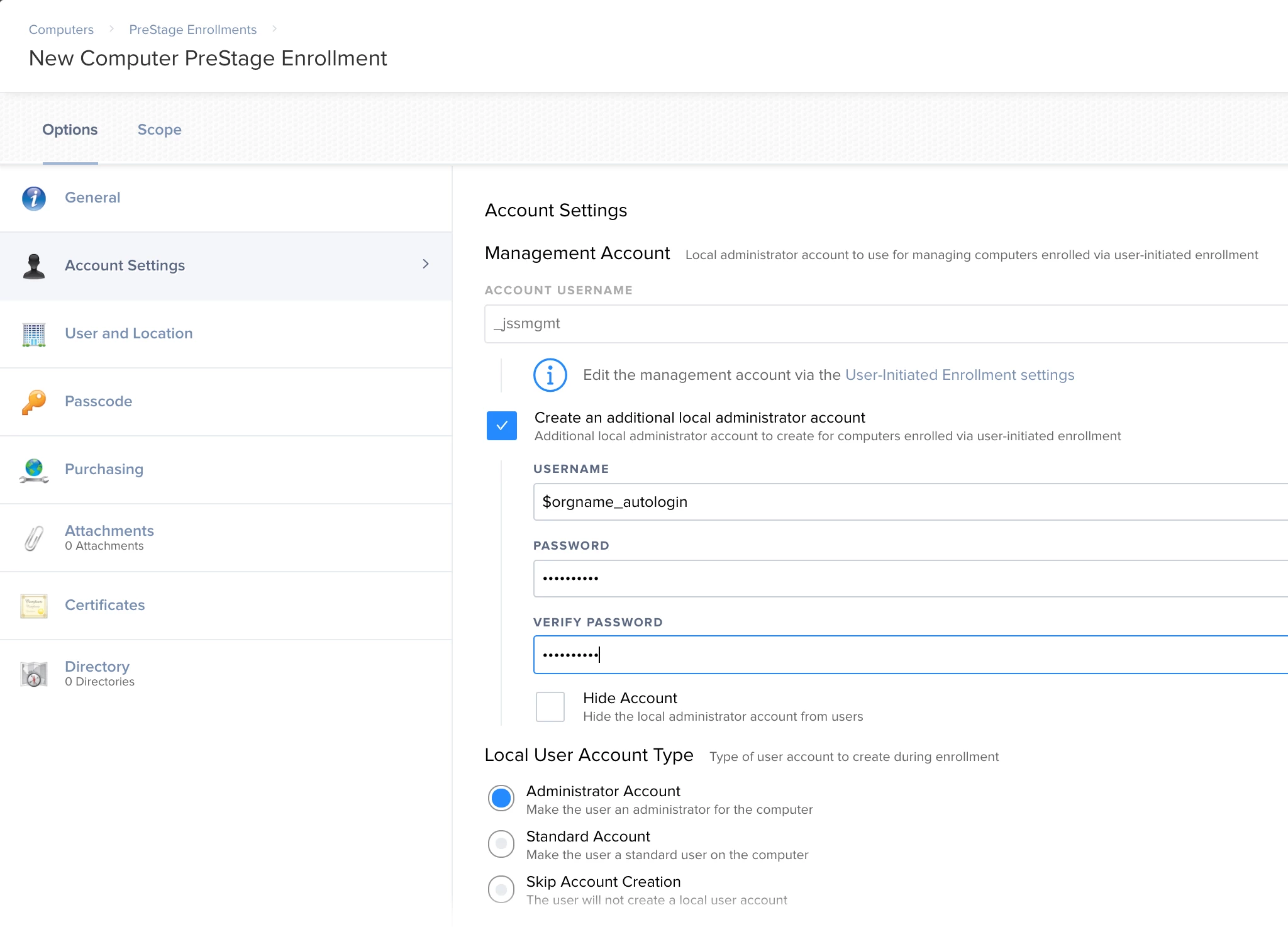
There are two methods depending on if the account is already present or new.
New accounts are easy. Use the CreateUserPkg application to set up your user, the auto login function is working. Make sure to change the user ID number. Once you have your user set up the way you want it to appear on all your devices, say a lab or cart. Click save package, you get a .pkg file that can be deployed via a casper policy. There is a catch with this when using the auto login function, it has to be run as a start up item and requires a restart immediately after. Once the system restarts it will log right into the new account.
Check out the following links for this method.
http://magervalp.github.io/CreateUserPkg/
You also should check out this on for disabling the icloud pop up
https://derflounder.wordpress.com/2014/11/18/automatically-suppressing-the-icloud-and-diagnostics-pop-up-windows-with-casper/
If the account already exits, and you don't want to delete the account on a fleet of computers. Create a user on a fresh system with the exact same name and password. Turn on auto login for that user and grab the kcpassword file at /private/etc/ and user composer to create an installer for that file. In casper create a policy to deploy your kcpassword file, set it to restart, and under files and processes run
defaults write /Library/Preferences/com.apple.loginwindow autoLoginUser "your user name"
Hope that helps!