Question

block macOS upgrade

  • September 12, 2019
  • 3 replies
  • 138 views

Forum|alt.badge.img+4

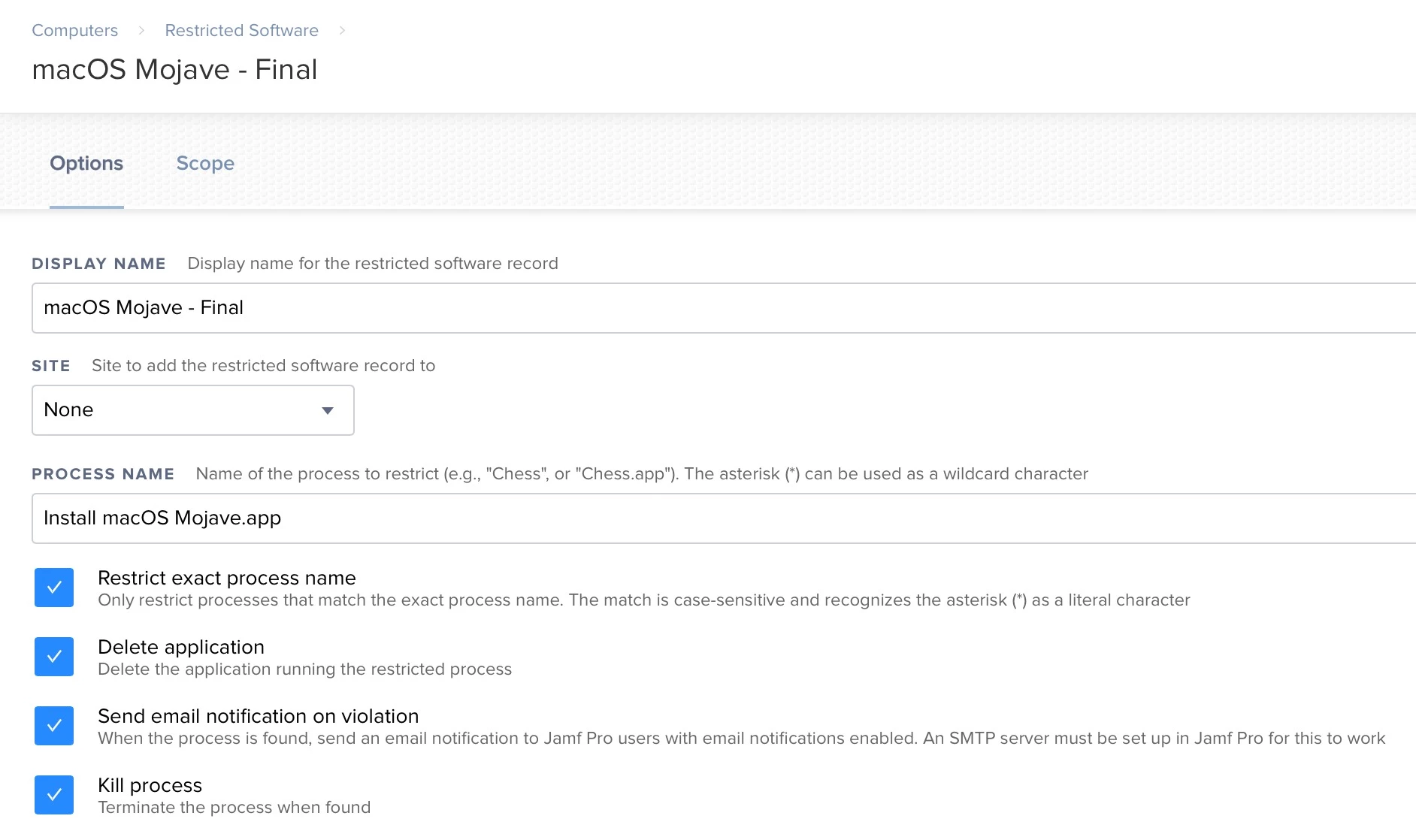
has anyone been able to configure a restricted process to block the install of an macOS install? I know about the restring the process name by my screenshot that i've attached.
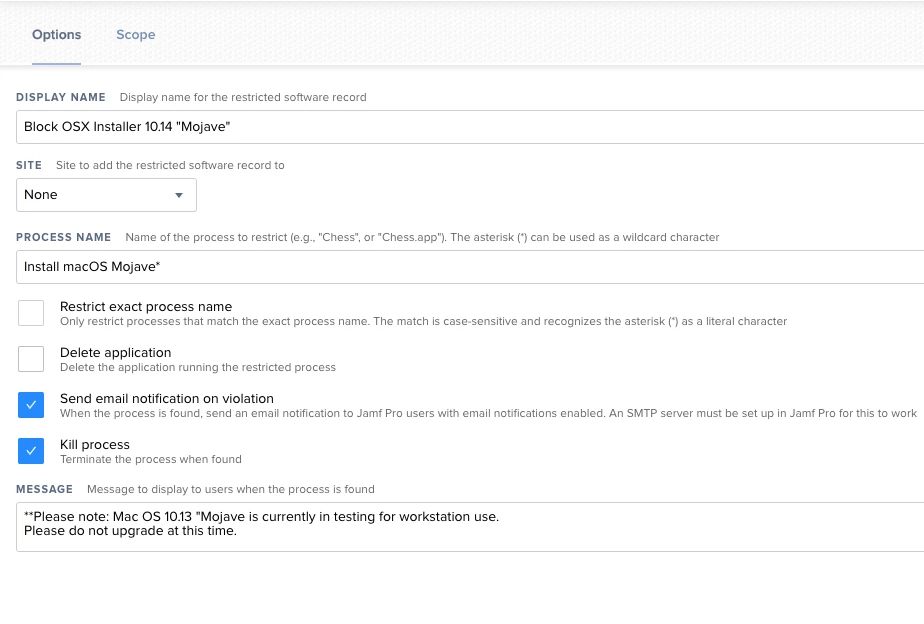
....but an easy way around this is changing the name of the "Install macOS Mojave.app" etc... to something completely random and it will bypass the restriction..

anyone know of a way around this? especially with the upcoming release of Catalina.

3 replies

Forum|alt.badge.img+8
  • Contributor
  • September 12, 2019

You can create a config profile to restrict beta installs. It can be found under the Software Update payload.


gskibum
Forum|alt.badge.img+13
  • Valued Contributor
  • September 12, 2019

This is what mine look like.


Forum|alt.badge.img+3
  • New Contributor
  • December 4, 2020

Configuration Profiles -> Restrictions Payload -> Functionality tab -> all the way at the bottom, choose Defer updates of, and select Software Updates.

Do that and when a user tries to view macOS updates, they get "Your Mac is running the latest software update allowed by your administrator - (os name and version)"