Question

Can't empty trash

  • February 6, 2019
  • 5 replies
  • 10 views

Forum|alt.badge.img+3

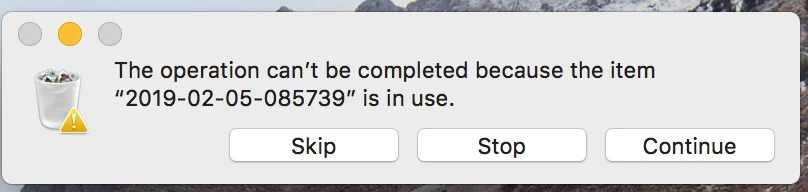
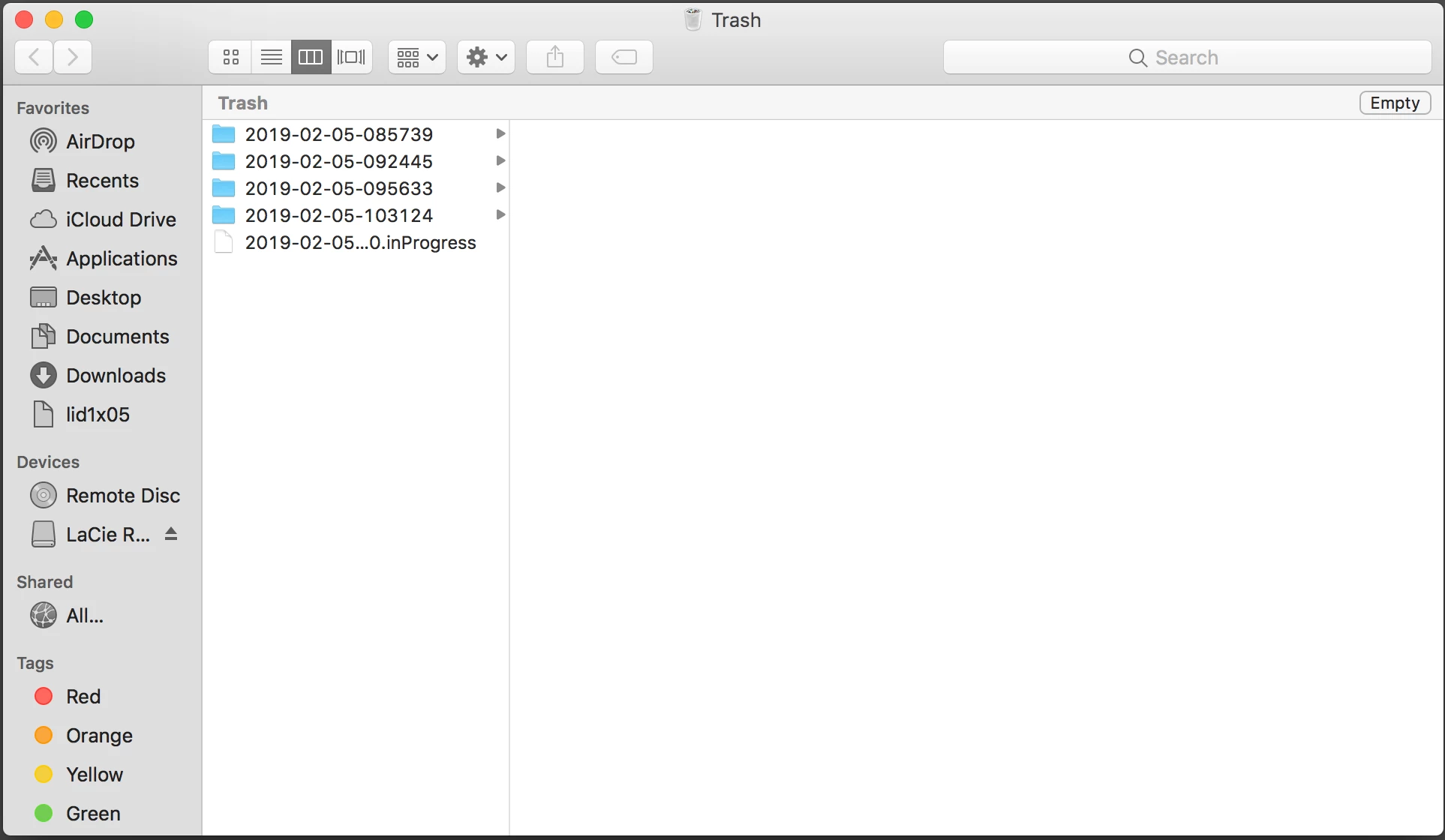
Working in a corporate environment and had a user with an issue that required me to trash time machine files. The user attempted to empty the trash but it required admin username and password. Upon entering our credentials to empty the trash, I'm encountering errors which I have attached. The files were deleted from the attached time machine and only appear in the trash when the time machine drive is attached to the system.
5 replies

Forum|alt.badge.img+12
  • Valued Contributor
  • February 6, 2019

Try adding in the Option key with Empty Trash - older blogs talk about it. Time Machine can be difficult though.


Forum|alt.badge.img+6
  • New Contributor
  • February 6, 2019

Have you already tried Terminal and tmutil to delete the file?

tmutil delete /path/to/backup.inProgress


Forum|alt.badge.img+15
  • Valued Contributor
  • February 6, 2019

You can always pull them out of the trash and use the 'ol

rm -rf /path/to/folder

mickgrant
Forum|alt.badge.img+12
  • Contributor
  • February 6, 2019

try turning time machine off first so that the service isn't using the files


Forum|alt.badge.img+3
  • Author
  • New Contributor
  • February 7, 2019

@mickgrant if I turn the time machine off, remove the files, and turn time machine back on, will my user still be able to roll back or grab info from last week before the incident occurred?