

Hey all,
My JSS is 9.73 on Ubuntu 14.04.2 LTS
Computers > Management Settings > System Settings > LDAP Servers
I only have one entry in there, my.company.ad.server.com
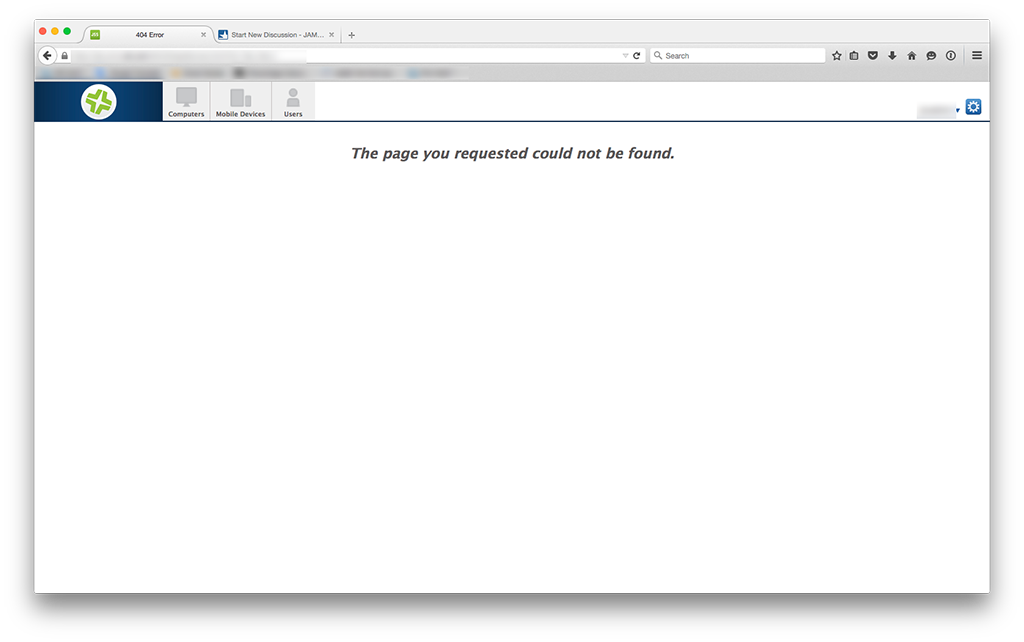
If I click on it, I get a 404 Error "The page you requested could not be found."
See attached screen shot.
hhhmmm??
So I try to add the LDAP:
• I choose Microsoft Active Directory
• Either the same FQDN or the IP address
• LDAP Server Assistant appears and it goes through all the steps until complete "Your LDAP server has been added."
• Click Save button
I have only one entry as before. I click it and get the same 404 Error page :(
What do I do Obi-Wans of the JSS??
