
Hello all,
Recently we deployed a school with JAMF software. We've been busy creating images to deploy with casper imaging. In this case we setup a single upgraded MacBook Pro with SSD with some default software, and created a image using disk utility. After this we uploaded the image thru casper admin and we made a workflow, tested the setup and all worked fine. At the time the MBP had a 250gb samsung ssd and the image was about 61GB.
Now, the MBPs have all been upgraded with a 250GB SSD for speed, where before they all had a stock 500GB SATA. After upgrade we tried to deploy the same image however we get a error on all MBPs saying the image can't be deploy because of insufficient disk space. This is very odd, and I can't figure out where to start looking to troubleshoot the issue. Is this a check that can be disabled?
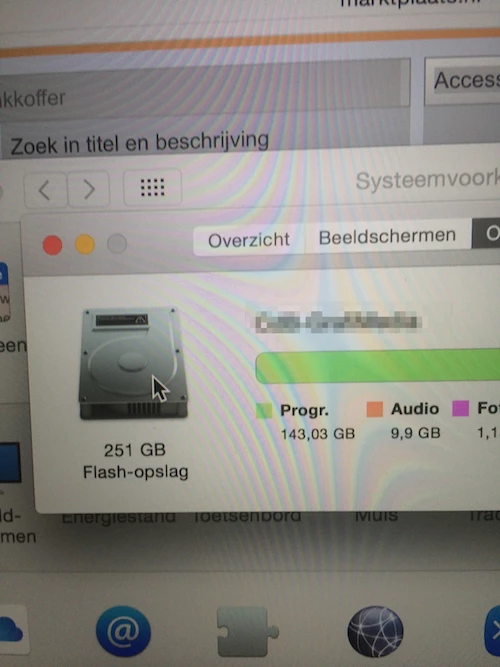
(image attached is from the MacBook we made the image with).


