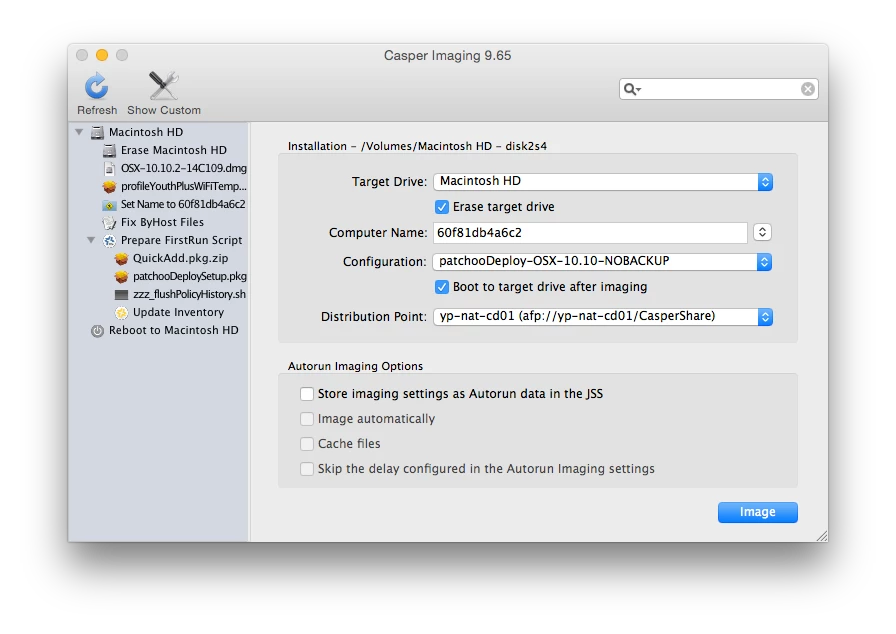
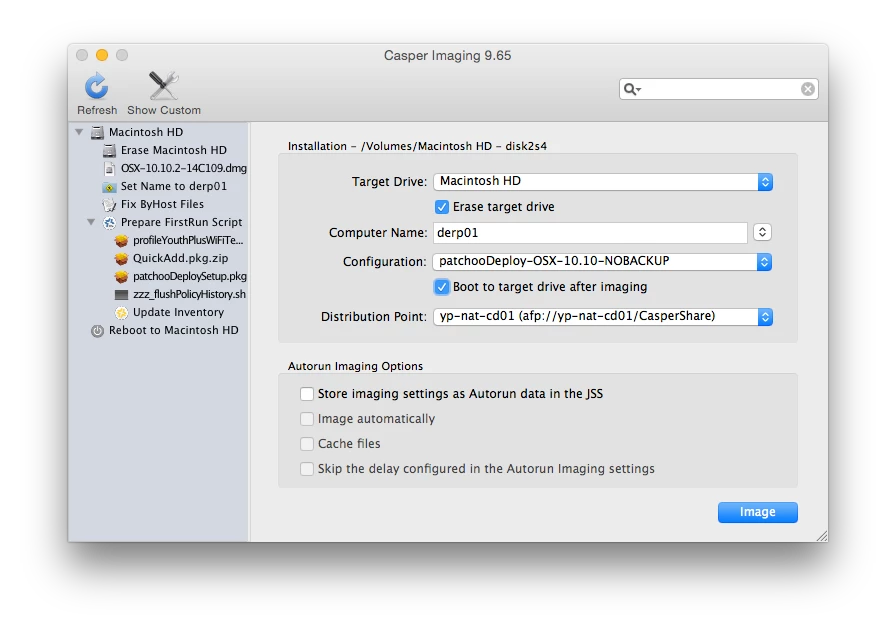
Not sure if anyone else is doing this.. but on occasion it would be handy for me to image MacBook Airs over WiFi (no not often) at remote sites where Thunderbolt ethernet adapters seem to disappear.
I have no problem getting an OS vanilla autoDMG loaded down... but getting a temp wifi config profile is proving strange.
I've made a unsigned profile that expires in an hour, as the proper network settings will come down via MDM once the Mac is enrolled.
It's rolled into a pkg that deploys to /var/db/ConfigarationProfiles/Setup
It's installed during the imaging process on the target volume (I have verified it's there before Casper 1st boot) .. but YoYo ain't loading it automatically, so the Mac then doesn't enrol and the provisioning process then falls over.
Same pkg when installed on to test Mac (working, not vanilla AutoDMGed) works perfectly. Imports, joins WiFi then expires in an hour.
Is anyone else doing this? Am I missing some thing... or am I nuts?
Best answer by loceee
So after further digging into the system.log and bothering @gregneagle on irc...
Deploying a WiFi config profile to the /var/db/ConfigurationProfiles/Setup on a freshly AutoDMGed (10.10.2) volume as part of your deployment process might not work, at least in this workflow. From what I understand others have been doing this with other tools (DeployStudio?). Although I can't see this method working with any tools, or unless some Macs bring up their WiFi interfaces quicker than others (?).
Looks like I am scripting something to make this happen. Ugh. It should have been so easy.
Yet another lesson that in the quest for speedy boot times you should never assume that something you might need has loaded quite yet, but I really though that OS X would take care of this for "setup" profiles.
So after further digging into the system.log and bothering @gregneagle on irc...
Deploying a WiFi config profile to the /var/db/ConfigurationProfiles/Setup on a freshly AutoDMGed (10.10.2) volume as part of your deployment process might not work, at least in this workflow. From what I understand others have been doing this with other tools (DeployStudio?). Although I can't see this method working with any tools, or unless some Macs bring up their WiFi interfaces quicker than others (?).
Looks like I am scripting something to make this happen. Ugh. It should have been so easy.
Yet another lesson that in the quest for speedy boot times you should never assume that something you might need has loaded quite yet, but I really though that OS X would take care of this for "setup" profiles.
@loceee great post. I am also having trouble deploying policies to machines on Wifi Interfaces, even though I have the login hooks configured, and check in triggers. any suggestions?
@bentoms Mostly post, and deployed policies using different triggers. Many of my end users are sales people who never plug in to ethernet, so they never get software updates until we plug them in Eth interface. Any Clues?
@bentoms its not APNS I am having trouble with. It's actual policies being received from client. The minute I plug wire in, they work. Even if the client checks in on Wifi. But I think you have a point. I am going to check and test JSS connectivity with a machine on Wifi to Gather more info.
@bentoms ha! no worries man.... Yes, on certain policies, we have network segments scoped by particular floors, etc. Wifi, etc..... for this excersice, I have explicitly scoped individual computers on Wifi, and nothing, until I plug in a network cable. CheckJSSConnection / Recon also returns back expected JSS connectivity. Policies do not have scripts or anything that would imply only Eth on Policy payloads. But that can be a clue. Reported IP addresses are both Eth and Wifi addresses. I have to run some more tests and gather some logs.