Solved

Command Line to Extension Attribute

  • March 21, 2019
  • 6 replies
  • 23 views

Forum|alt.badge.img+6

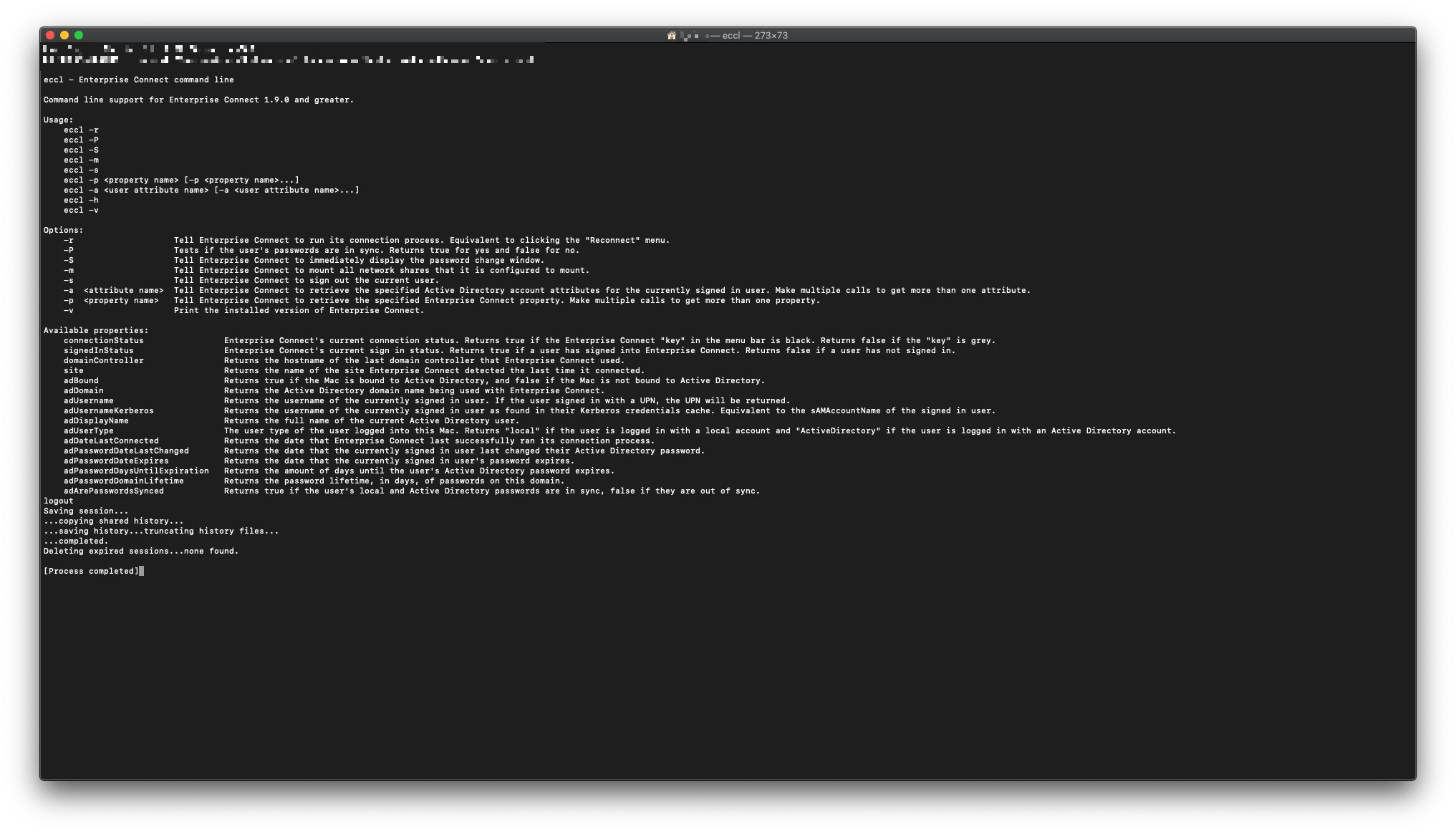
I'm trying to create all of the available command line support for Enterprise Connect into Extension Attributes. How would I make the command:

"/Applications/Enterprise Connect.app/Contents/SharedSupport/eccl -p adUsername"

into an Extension Attribute?

Best answer by donmontalvo

@Chris_Hafner good catch! Looks like -P returns true, and -p returns user's LDAP name. Fixed.

6 replies

Forum|alt.badge.img+8
  • Contributor
  • March 21, 2019

This will send the result of the command straight to the Extension Attribute. There's no error checking, or making sure that Enterprise Connect is installed, but it can get you started.

#!/bin/sh

echo "<result>$(/Applications/Enterprise Connect.app/Contents/SharedSupport/eccl -P adUsername)</result>"

donmontalvo
Forum|alt.badge.img+36
  • Hall of Fame
  • March 22, 2019

#!/bin/sh
if [ -e /Applications/Enterprise Connect.app ]
then
    echo "<result>$(/Applications/Enterprise Connect.app/Contents/SharedSupport/eccl -p adUsername | cut -d":" -f2 | tr -d ' ')</result>"
else
    echo "<result>NotInstalled</result>"
fi

Chris_Hafner
Forum|alt.badge.img+27
  • Jamf Heroes
  • March 22, 2019

Just noticed a small thing. @donmontalvo -p instead of -P


donmontalvo
Forum|alt.badge.img+36
  • Hall of Fame
  • Answer
  • March 22, 2019

@Chris_Hafner good catch! Looks like -P returns true, and -p returns user's LDAP name. Fixed.


Chris_Hafner
Forum|alt.badge.img+27
  • Jamf Heroes
  • March 22, 2019

Heh, to be honest, I've stolen this whole thing for new EA's. You guys are the very best!


Forum|alt.badge.img+6
  • Author
  • Contributor
  • March 22, 2019