Question

Config Profile: Energy Saver

  • April 5, 2018
  • 6 replies
  • 67 views

Forum|alt.badge.img+3

Hi all,

I'm running into an issue that has left me wondering where I am going wrong with what I thought would be a fairly straight forward task.

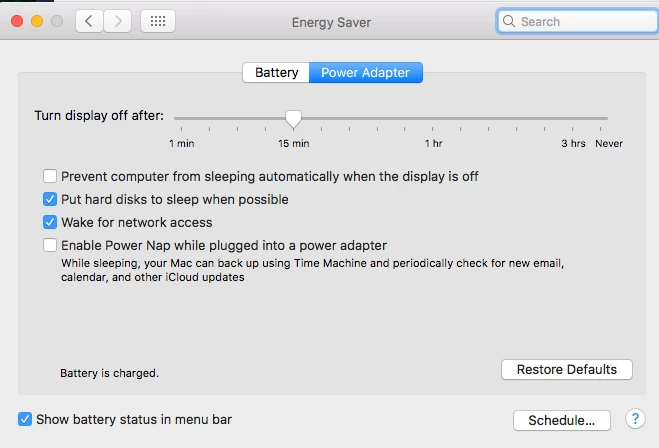
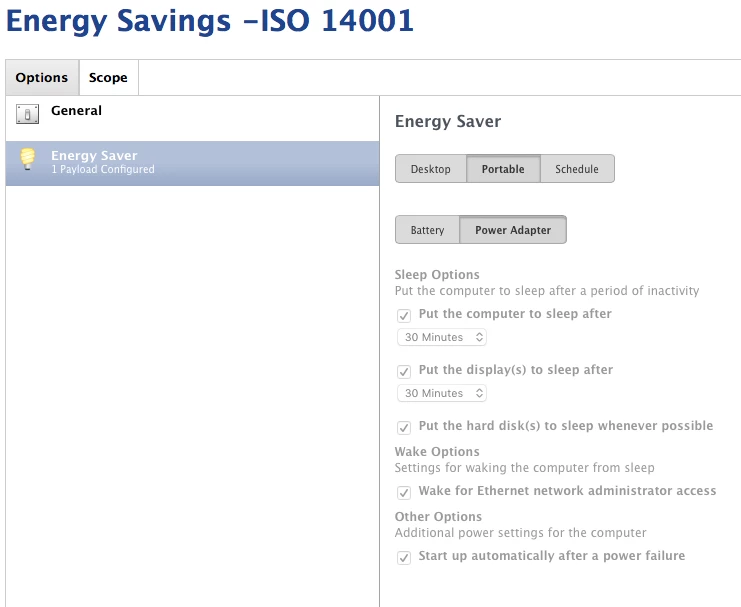
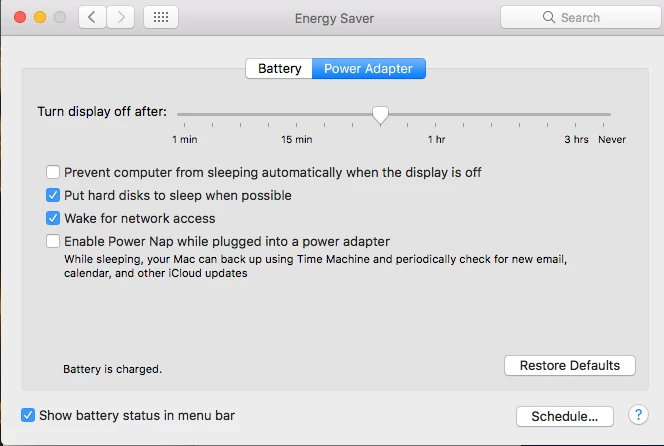
I want to set a config profile to put all machines to sleep after 30 mins of inactivity. I have the following CP created with the exact same settings for desktops and portables, battery or power adapter. In looking at my logs, and at the profiles installed locally and show that this has pushed out successfully. However, when I look at the Energy Saver System Preferences, machines are set to 30 mins as they should be, but are allowed to make changes to this setting when I hoped that once installed, it would grey this option out as it did when I pushed out the screen saver preferences.

Thoughts?
6 replies

rqomsiya
Forum|alt.badge.img+12
  • Honored Contributor
  • April 5, 2018

The options won't be greyed out. This is normal behavior.

If you try to make changes to those settings and exit out of Sys Prefs and re-open, you'll notice they will revert back to the config profile settings.


Forum|alt.badge.img+3
  • Author
  • New Contributor
  • April 5, 2018


I just tested this by adjusting the slider to 15 mins, exited Sys Prefs and waited 2 mins. When I go back in, they are still at 15 mins instead of the 30 I set them to in my config profile.


rqomsiya
Forum|alt.badge.img+12
  • Honored Contributor
  • April 5, 2018

Do you have another payload that is also using the energy settings?


Forum|alt.badge.img+3
  • Author
  • New Contributor
  • April 5, 2018

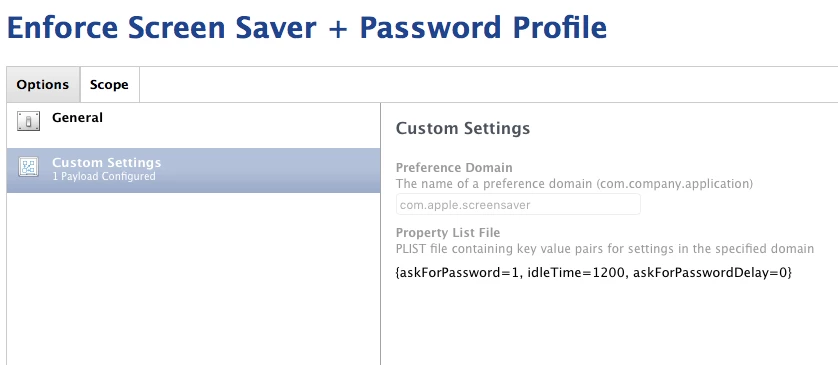
The only other Config Profile I have in place manages the screensaver at 20 mins and enforces a password to be entered.


Forum|alt.badge.img+4
  • New Contributor
  • April 10, 2018

This is happening to me also, @rforehand . My Energy Saving payload doesn't seem to work and the user can change all settings.


Forum|alt.badge.img+3

+1 on this one.
It seems that the config profile reapplies the setting at login (not when unlocking from lock screen).

But between logins users seems to be able to control the settings.