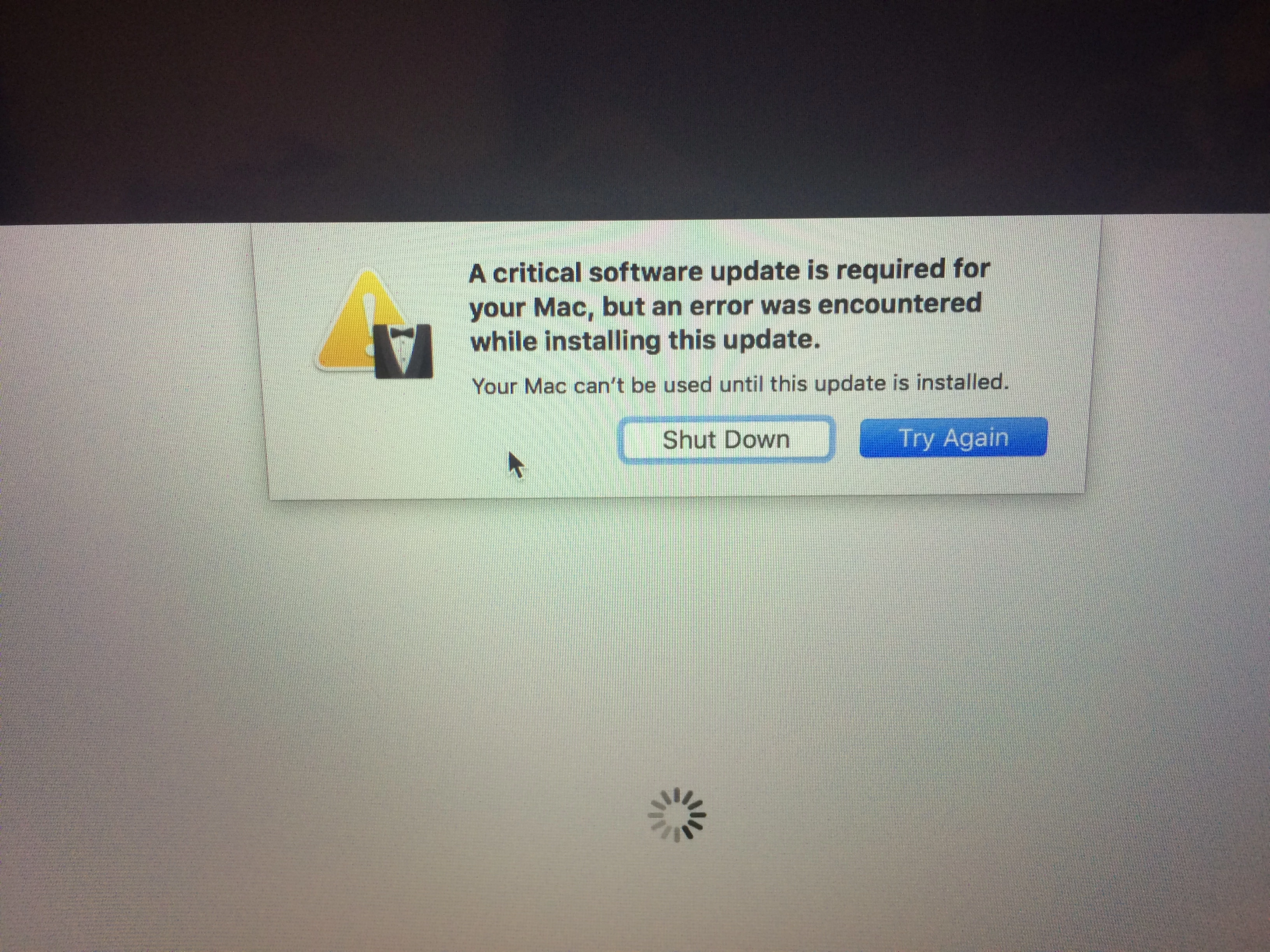
After imaging 2016 MBP with a 10.12.1 image (built from the same model) the computer boots up and I immediately get a white square with a spinning gear for several minutes. Then I get the error above. There's no indication of what it's doing and I can't access the log to see what's wrong. The Mac is completely unusable because I have to shut it down or click Try again that never works. What the heck is going on? Anyone know what this is?

Solved
Critical update won't install after imaging

 +21
+21Best answer by nateboggs
Apple finally posted a TechNote on this behavior HT207567
If you’re using a network with a firewall. Make sure that you can access to the following hosts on the corresponding ports:
Server TCP Port
gg.apple.com 80 and 443
gnf-mdn.apple.com 443
gnf-mr.apple.com 443
gs.apple.com 80 and 443
ig.apple.com 443
skl.apple.com 443






Enter your E-mail address. We'll send you an e-mail with instructions to reset your password.