Solved

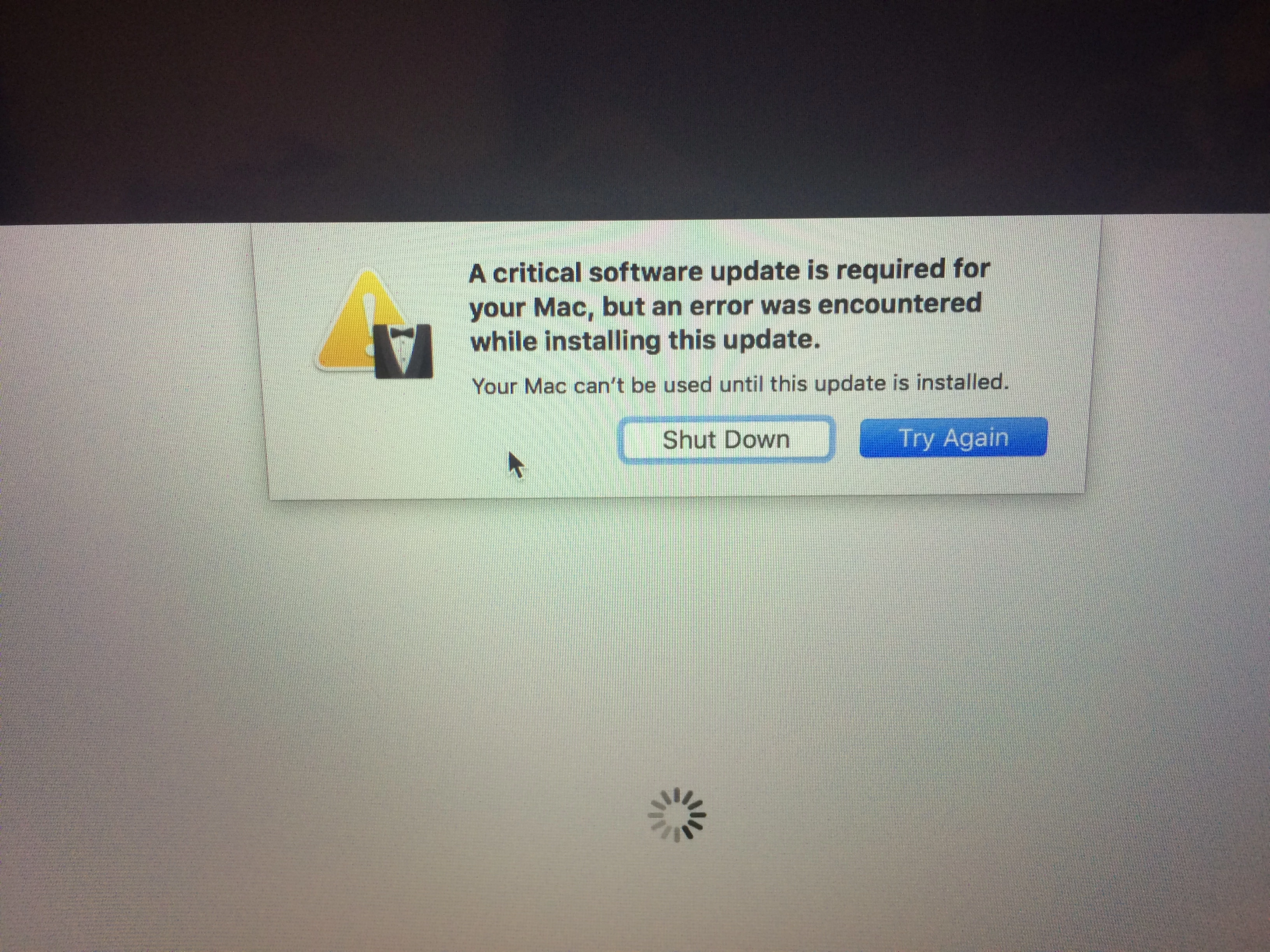
Critical update won't install after imaging

  • January 17, 2017
  • 56 replies
  • 245 views

Show first post

56 replies

Forum|alt.badge.img+7
  • Contributor
  • February 16, 2018

The only process thats worked for me is Erik Gomez here.

I've tried all kinds of permutations and variations and his is the only one thats worked on our Sierra Touchbar Macs.

Hope that our build engineers won't erase the entire disk instead of just the main volume is strong, but it will eventually happen and when it does, that Mac becomes about as useful as an ashtray on a motorcycle.

Think of trying to automate Eriks process into our build queue where a script deploys the OS image while also copying the relevant data Erik has identified.

I don't like it. Why oh why can't the Touchbar OS be on a protected partition or just part of MacOS? :(


rqomsiya
Forum|alt.badge.img+12
  • Honored Contributor
  • February 17, 2018

Strange. I do a complete wipe of the SSD and reinstall 10.12.6 via USB key without issue.


Forum|alt.badge.img+6
  • Contributor
  • March 30, 2018

So I have a question related to this issue.

Got a touchbar pro, wiped and installed 12.6. Worked fine for a few months, then upgraded to 13.3. then I got the upgrade notification.

I connected to the internet, downloaded the update, and got it. Now every time I try to restart the computer it goes through the same process. I've checked /usr/standalone/firmware/iBridge1_1Customer.bundle and it is there (along with a few other files)

what is actually doing the update check? And how do i get it to stop freaking out?


Forum|alt.badge.img+6
  • New Contributor
  • March 25, 2019

I know that I am a little late to this party.
I just ran into this issue while trying to rebuild a MacBook Pro.
If you use the terminal command to erase the hard drive (diskutil eraseDisk apfs "Macintosh HD" disk0) it will create the EFI volume and the install will go as intended.

I am not too sure why it won't create it from Disk Utility.

It should also be mentioned that the above command is run from boot media other than the hard drive in question.
Also, the above command will erase ALL the data on the drive.


Forum|alt.badge.img
  • New Contributor
  • November 7, 2019

So I managed to delete EFI partition, I take I’ve deleted the critical software to run/update the Toichbar. How do I obtain a copy of the EFI with the relevant files in it if I didn’t have a backup in the first place? @bvrooman would any EmbeddedOS work or does it have to be specific to the MacBook? I’m trying to slipstream it into a custom OSX install...


Forum|alt.badge.img

Can anyone tell me How should we Fresh install the Mac Os after Erasing the whole SSD( not the container or volume) The Big Sur update seems to change the file system completely differently. Does the internet recovery need user partitioning? As I have seen the log My macbook pro cant even find the preflight container.

