Last year I pushed out the ERB Secure Browser via ARD. Literally just copied the app from my computer to the student machines and that was it. Worked great.
Now they have an updated version of the secure browser and I thought I could simply push it out the same way and select the option in ARD to replace an older version. It appears to work until I open the the new version on the student machine. Screen flashes, new browser doesn't open. Tried it on multiple machines with the same result.
If I push out the .zip file of the new browser and then open that zip file on the student machine, the new browser installs just fine, but it doesn't replace the old version. And it means that either the students or I have to manually click on the zip, verify that we want the install...and since the student isn't an admin, they can't manually delete the old version...just not an ideal situation when you are dealing with 5th - 8th graders.
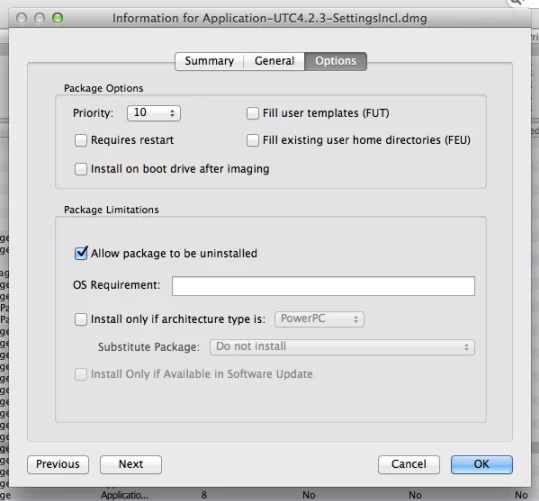
So is there a way for me, via JAMF, to delete that old browser? Since it isn't a managed app from the Mac App Store I'm not seeing anything in the casper admin documentation that leads me to believe this is possible.
Thanks for any advice.

Question
Deleting non-app store computer app
 +7
+7

Enter your E-mail address. We'll send you an e-mail with instructions to reset your password.