Solved

deploy a shell script to remove certain home directory

  • May 18, 2015
  • 4 replies
  • 16 views

Forum|alt.badge.img+6

Hi All

I was trying to deploy a chrome package to the whole company, but unfortunately we found after the deployment a new home directory was added under /Users on everyone's Mac. how can i remove this home directory?
for exapmle, the home directory is /Users/test

i created a shell like the following

!/bin/sh

rm -rf /Users/test

i tried this shell, can remove /Users/test by inputing sudo ./deleletestdirrectory.sh locally,

but none of them got removed on JSS. this is kind of urgent, could someone help on this ?

thanks so much
Best answer by Simmo

@Dalmatian

4 replies

bpavlov
Forum|alt.badge.img+18
  • Esteemed Contributor
  • May 18, 2015

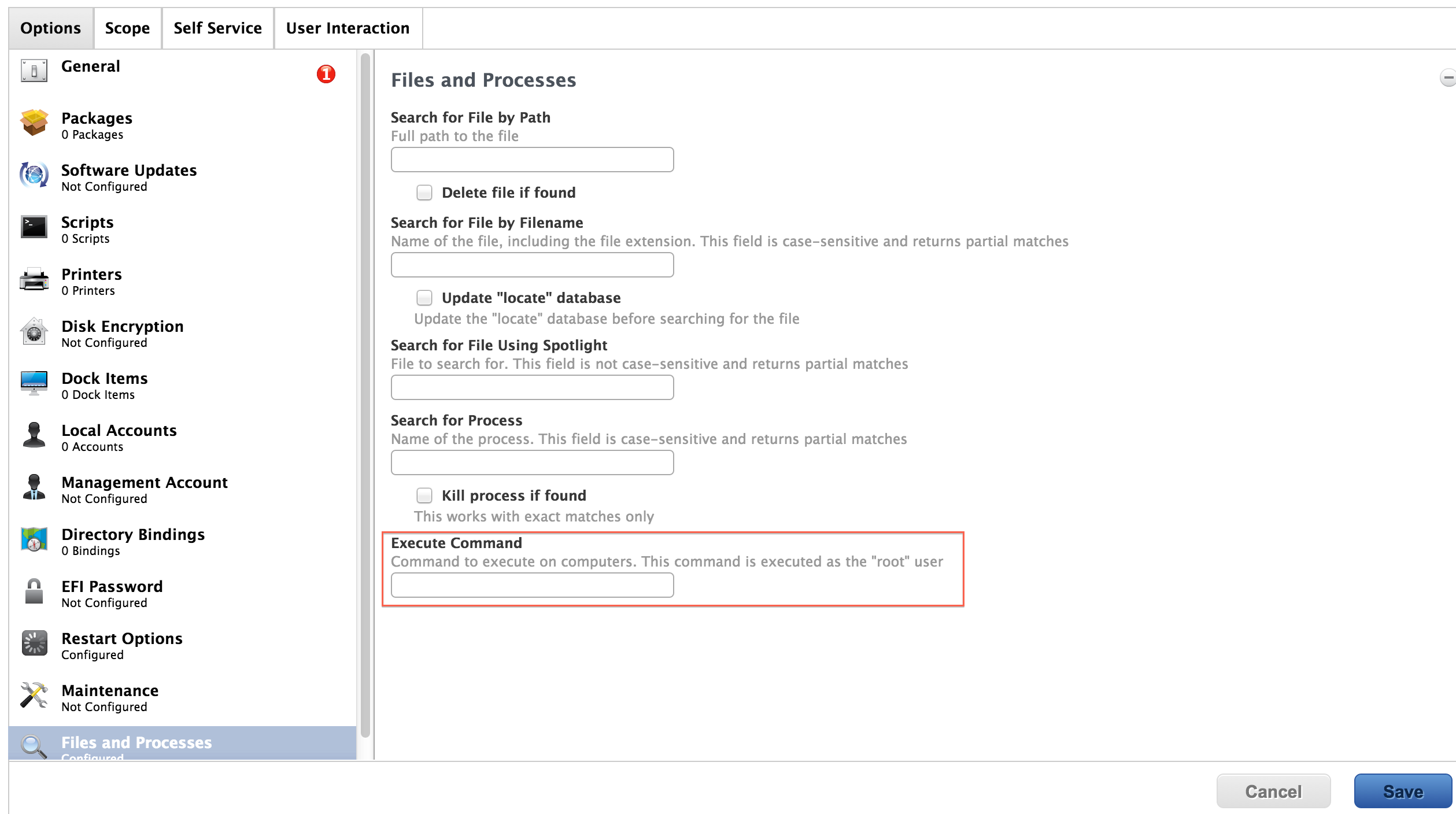
Just based off the computer you've given, why not try to create a policy that runs a simple command of "rm -rf /Users/test" ? Set to it once per computer.


Forum|alt.badge.img+6
  • Author
  • Contributor
  • May 18, 2015

@bpavlov

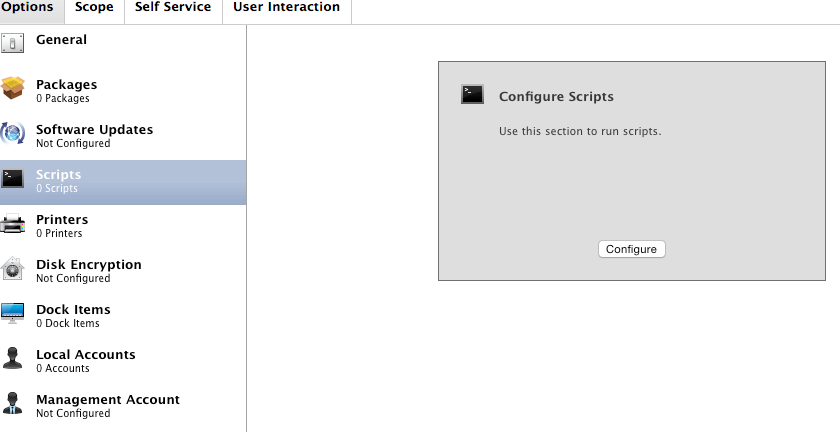
how can i simply run command line via JSS? there is no place to fill in a cli rather than a script to choose.

thanks


Forum|alt.badge.img+12
  • Contributor
  • Answer
  • May 18, 2015

Forum|alt.badge.img+6
  • Author
  • Contributor
  • May 18, 2015

@sibc thanks it works