Solved

Deploy Wallpaper to M1 Macs

  • May 2, 2021
  • 3 replies
  • 47 views

Forum|alt.badge.img+3

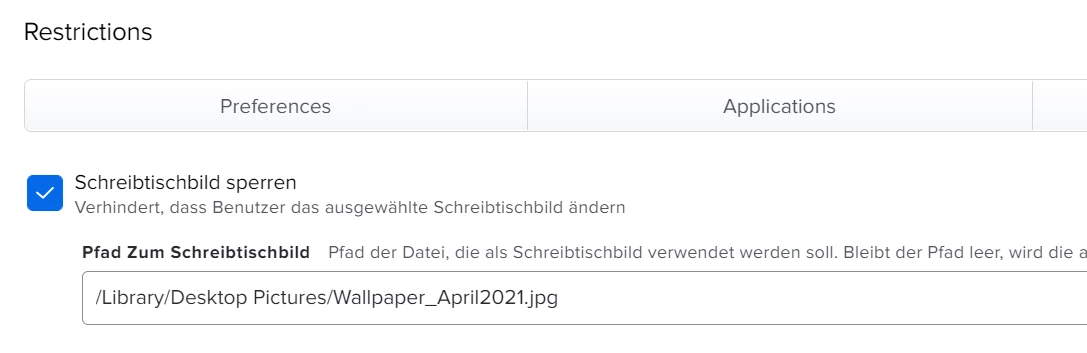
I've been trying to distribute backgrounds to the M1 Macs for days. but unfortunately these M1s behave completely opposite to the Intels.

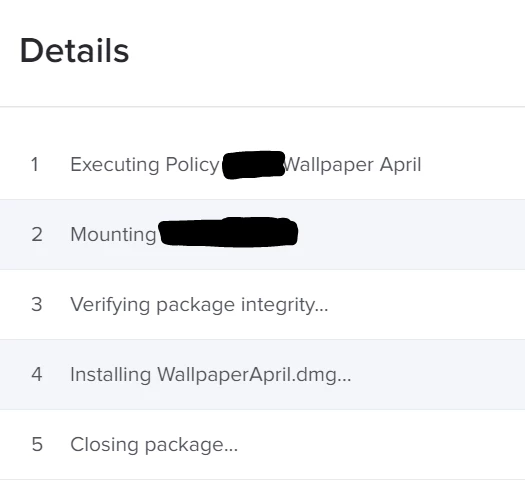
Log says "Completed" but on the M1 is only a blue background instead of the distributed background.

all Intel Macs have the new background loaded.

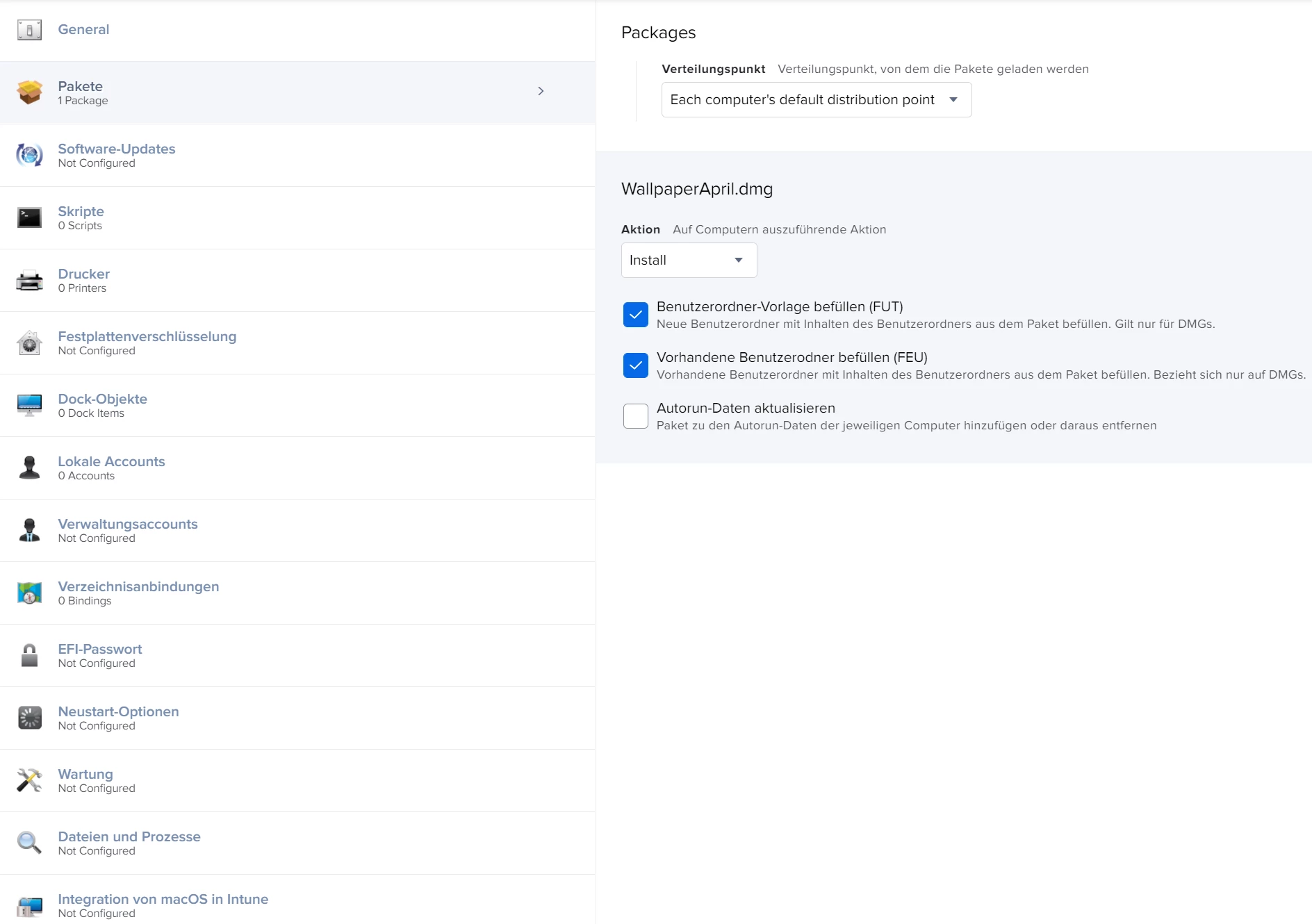
I have tried both ways as PKG & DMG both are successful on the Intels, but not on the M1.

what am i doing wrong ?
Best answer by SmilieK

Since M1, is your installer from composer universal? or do you have Rosseta 2 installed? that can cause it to fail.

3 replies

SmilieK
Forum|alt.badge.img+8
  • New Contributor
  • Answer
  • May 2, 2021

Since M1, is your installer from composer universal? or do you have Rosseta 2 installed? that can cause it to fail.


Forum|alt.badge.img+7
  • Contributor
  • May 2, 2021

We were running into similar issues with M1 Macs. I decided to venture out and and go with a command line tool called Desktoppr discussed in the thread below:
https://www.jamf.com/jamf-nation/discussions/30776/best-workflow-for-changing-wallpaper

It has been rock solid for Mojave, Catalina and Big Sur and works for both Intel and Apple Silicon. https://github.com/scriptingosx/desktoppr

Otherwise I think @SmilieK 's suggestion on making sure the PKG is universal is a good one.


Forum|alt.badge.img+3
  • Author
  • New Contributor
  • May 3, 2021

thanks guys tried both ways. just repacked the Wallpaper to PKG -> Works (dont know why, but now it works)
desktoppr also works.

Thanks for your help