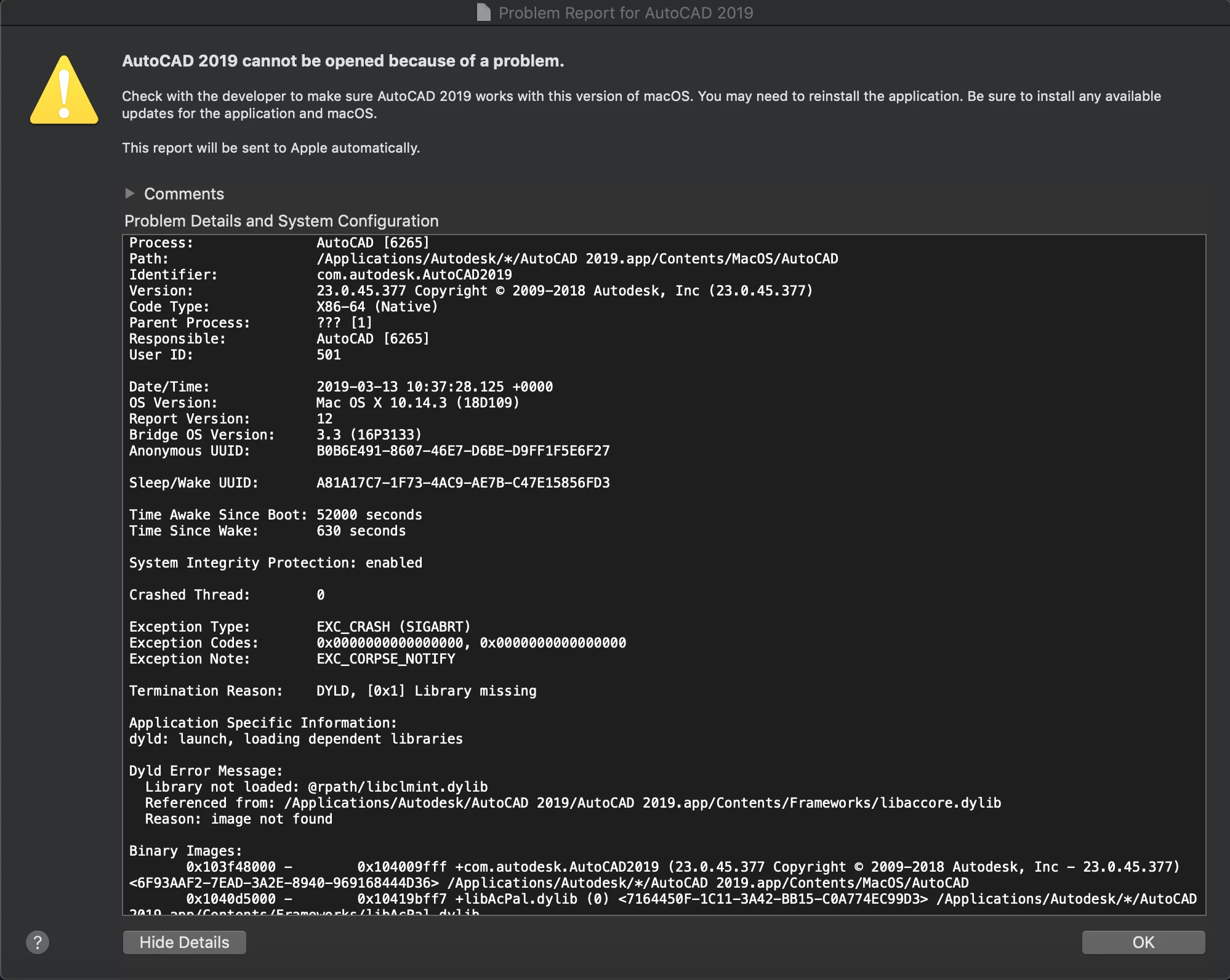
I'm trying to deploy Autocad 2019 to our macs but unfortunately I am getting an error when trying to load Autocad. I have packaged Autocad using composer (10.10) on a 2017 Macbook Air running High Sierra, I haven't had any issues when packaging other software on this mac.
I am using a network licence and used Sh scripts provided by User @donmontalvo from this link Deploy "AutoCAD 2018" & "SketchBook for Enterprise 2018" (internal Autodesk license server)
I made a change to reflect 2019, such as the "setupFilespath" which I initially got working. After packaging the app I sent the policy to my macbook (running Mojave) to which the policy worked and Autocad runs fine. After sending this out to other macs around the site, ranging from Sierra-Mojave they are coming up with the same error. I'm now a bit stuck on what to do, has anyone got any ideas?