Question

Dock Items

  • November 8, 2021
  • 4 replies
  • 34 views

lmathews
Forum|alt.badge.img+4

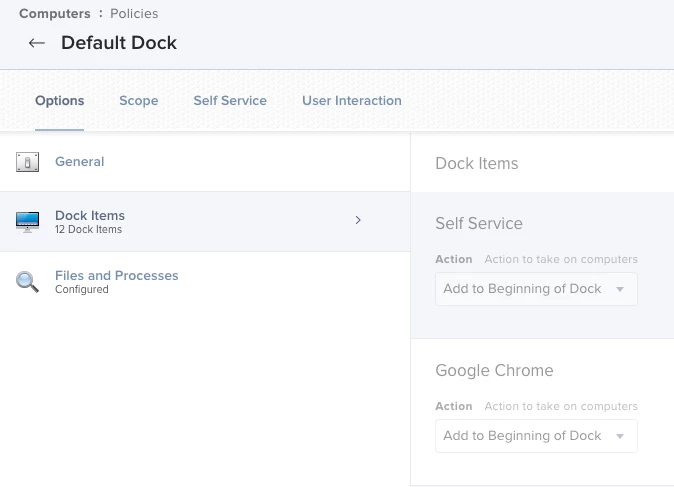
SUPER Newb to Jamf Pro. Wanting to set a default dock for users when they log into their machine. So far in Computer Management- Dock Items I have these set:  
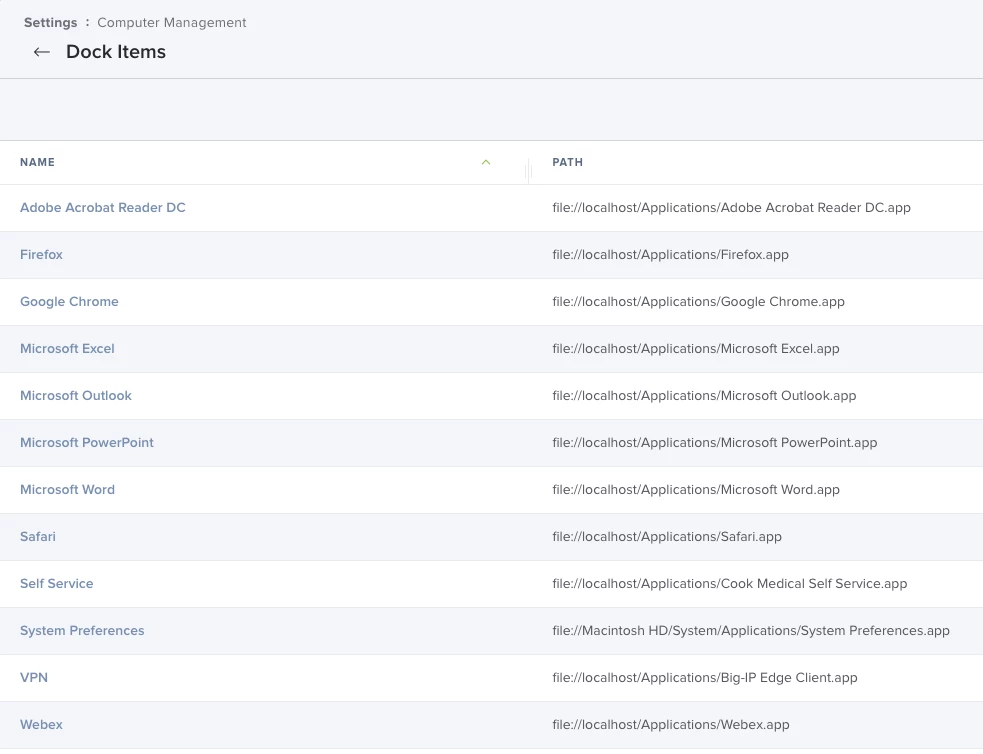
Then for the Policy I have below:
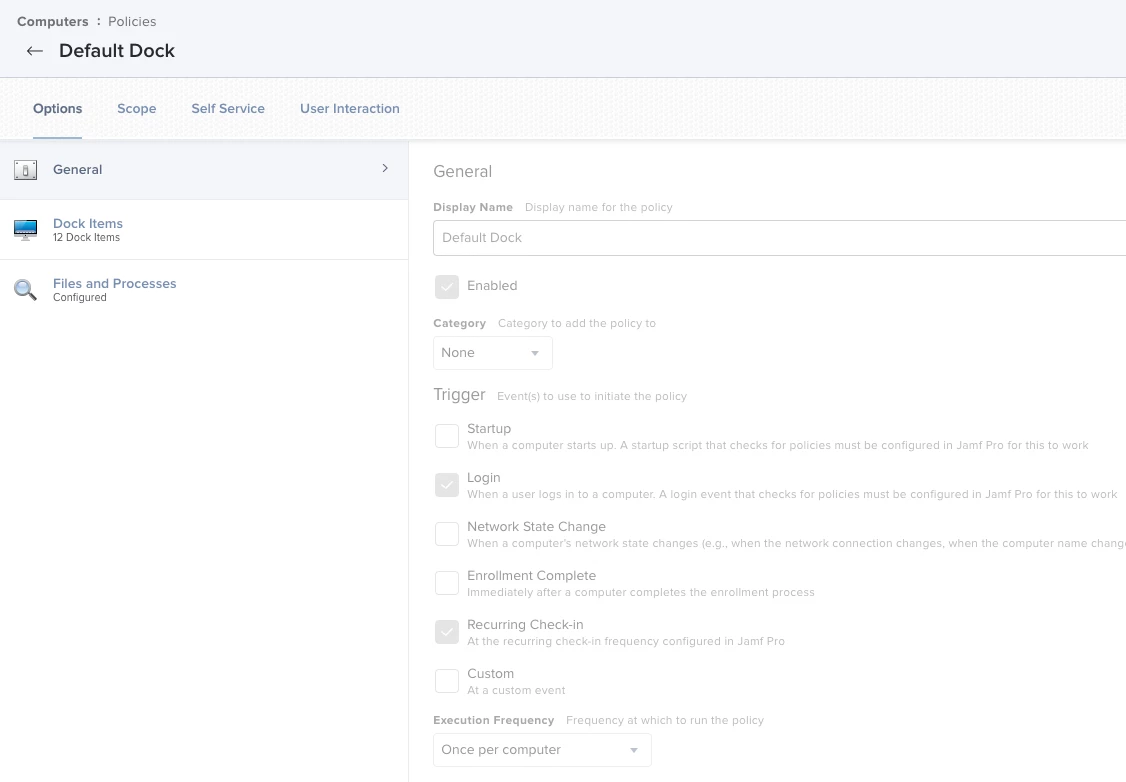
 (and all my other software below Chrome is added)


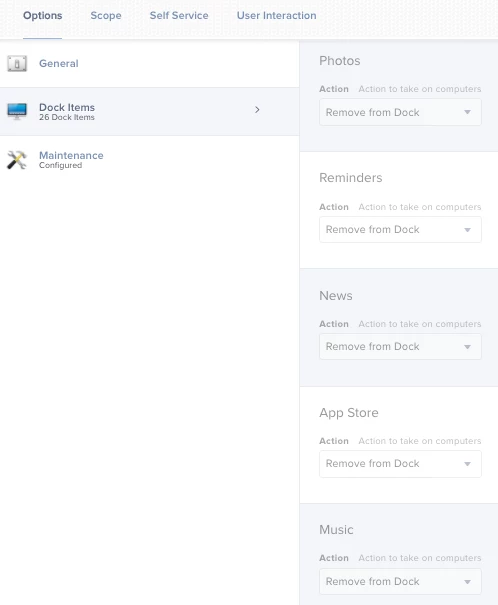
My question is- how do I remove the defaults that are there ex: Mail, Calendar, Contacts, etc?

4 replies

YanW
Forum|alt.badge.img+11
  • Contributor
  • November 8, 2021

You'll have to add them in the Dock items and select "remove from dock".


lmathews
Forum|alt.badge.img+4
  • Author
  • Contributor
  • November 8, 2021

AWESOME, easy enough, thank you @YanW ! I have done that now.

I have it to show in Self Service and a button to 'set default dock', how do I get that button to show back up so I can click it and set the dock?


lmathews
Forum|alt.badge.img+4
  • Author
  • Contributor
  • November 8, 2021

@Yan nevermind I got it. thanks again!


theRealKahn
Forum|alt.badge.img+1
  • New Contributor
  • March 3, 2022

I just gotta say this saved me from pulling more hairs out!  Thanks everyone