So...
Prepare your institution for iOS 12 or macOS Mojave
[https://support.apple.com/en-us/HT209028](link URL)
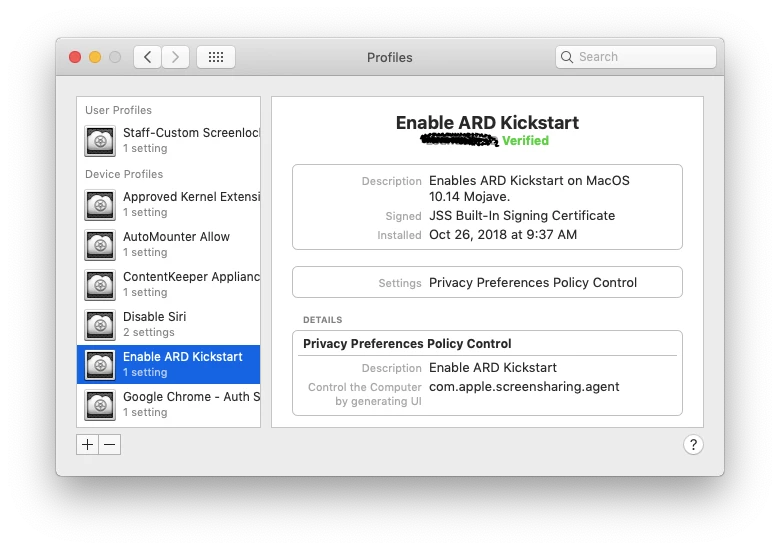
"For increased security, using the kickstart command to enable remote management on a Mac will only allow you to observe it when sharing its screen. If you wish to control the Mac while sharing its screen, enable remote management in System Preferences."
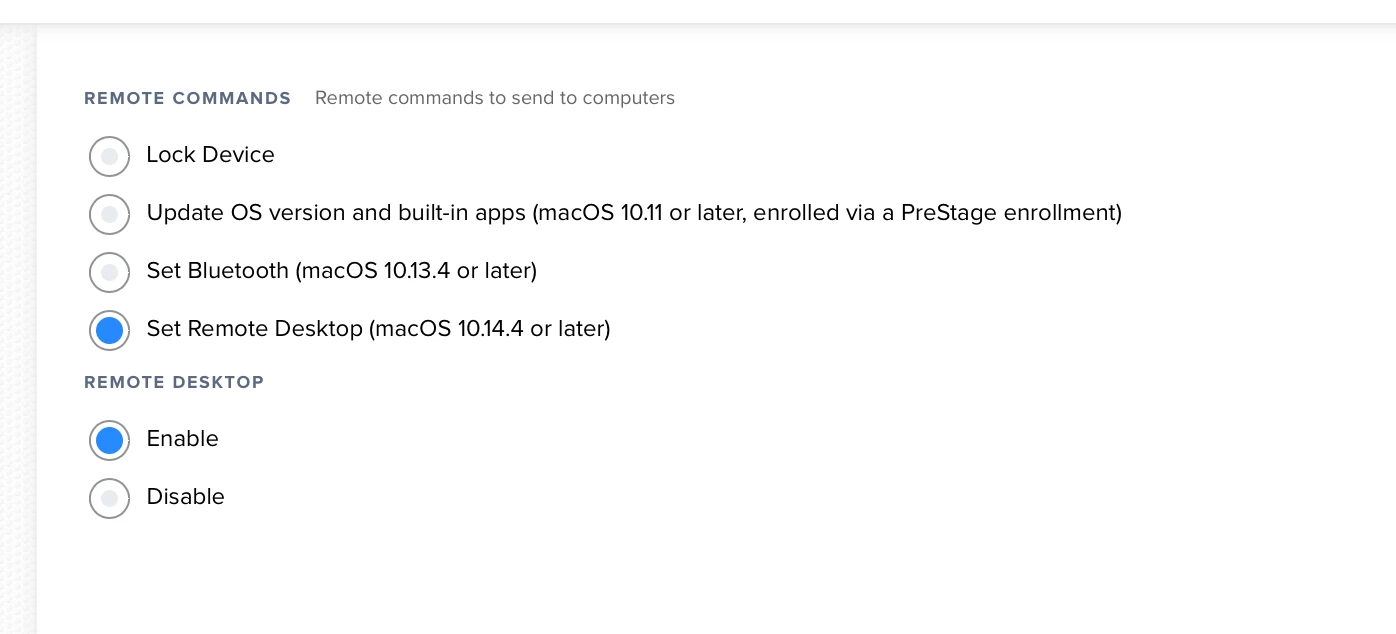
So any thoughts on how we can enable full control Apple Remote Desktop management in 10.14? Some of us still have computer labs to manage. I know JAMF Remote provides some of this functionality, but the full console where you see all your systems in Apple Remote Desktop still hasn't been replicated nicely by a third party product.
Its hard to believe how many more things we now need to enable manually in the year 2018 for the sake of security. I remember the good old days where I could just a schedule re-image an entire lab without any intervention... sigh... Apple really needs DEP to catch up with their security policies they keep rolling out...