I forgot to enable screen sharing for new imaged Macs and now I can't use Casper Remote to remote to the devices. How can I enable screen sharing via a script or profile?

Solved
Enable Screen Sharing
 +11
+11Best answer by MAD0oM
1:
(sudo /System/Library/CoreServices/RemoteManagement/ARDAgent.app/Contents/Resources/kickstart -activate -configure -access -off -restart -agent -privs -all -allowAccessFor -allUsers)
This will work, but theres times this won't be enough. The above command enables Screen Sharing by enabling Remote Management however, you lose the ability to add fine grained control to who can connect & those who can’t...
2:
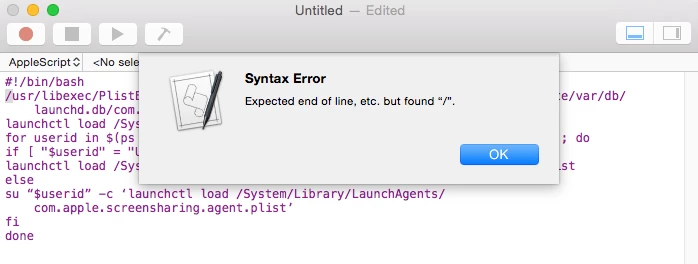
(!/Bin/Bash
/usr/libexec/PlistBuddy -c ‘Set :com.apple.screensharing:Disabled NO’ /private/var/db/launchd.db/com.apple.launchd/overrides.plist
launchctl load /System/Library/LaunchDaemons/com.apple.screensharing.plist
for userid in $(ps -Ajc | grep loginwindow | grep -v grep | awk ‘{print $1}’); do
if [ "$userid" = "USER" ] ; then
launchctl load /System/Library/LaunchAgents/com.apple.screensharing.agent.plist
else
su “$userid” -c ‘launchctl load /System/Library/LaunchAgents/com.apple.screensharing.agent.plist’
fi
done)
enable only Screen Sharing, not Remote Management. This allows you to use System Preferences to restrict who can screen share to your machine e.g. local administrators, network administrator etc.
It comes down to what works best for your environment and situation.











Enter your E-mail address. We'll send you an e-mail with instructions to reset your password.