Question

Enabling EFI/Boot password

  • October 25, 2019
  • 16 replies
  • 67 views

Forum|alt.badge.img+4

Hey everyone,

I'm pretty new to JAMF here, how can enable EFI password on my fleet ?

16 replies

DBrowning
Forum|alt.badge.img+25
  • Esteemed Contributor
  • October 25, 2019

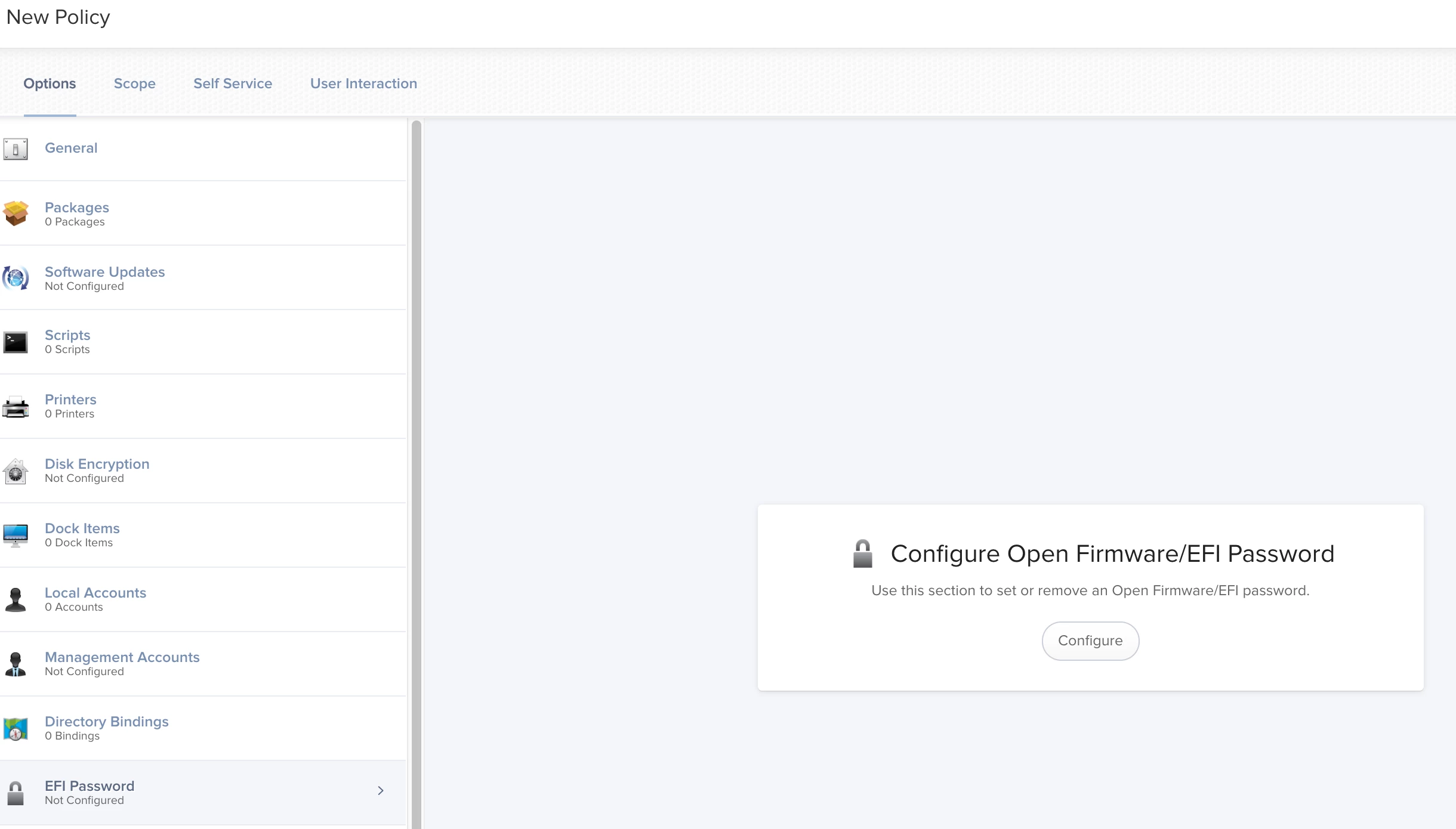
New Policy>> EFI Password Payload.


Forum|alt.badge.img+4
  • Author
  • Contributor
  • October 28, 2019

Great .. how can I get the list of machines that have Firmware password set ?


DBrowning
Forum|alt.badge.img+25
  • Esteemed Contributor
  • October 28, 2019

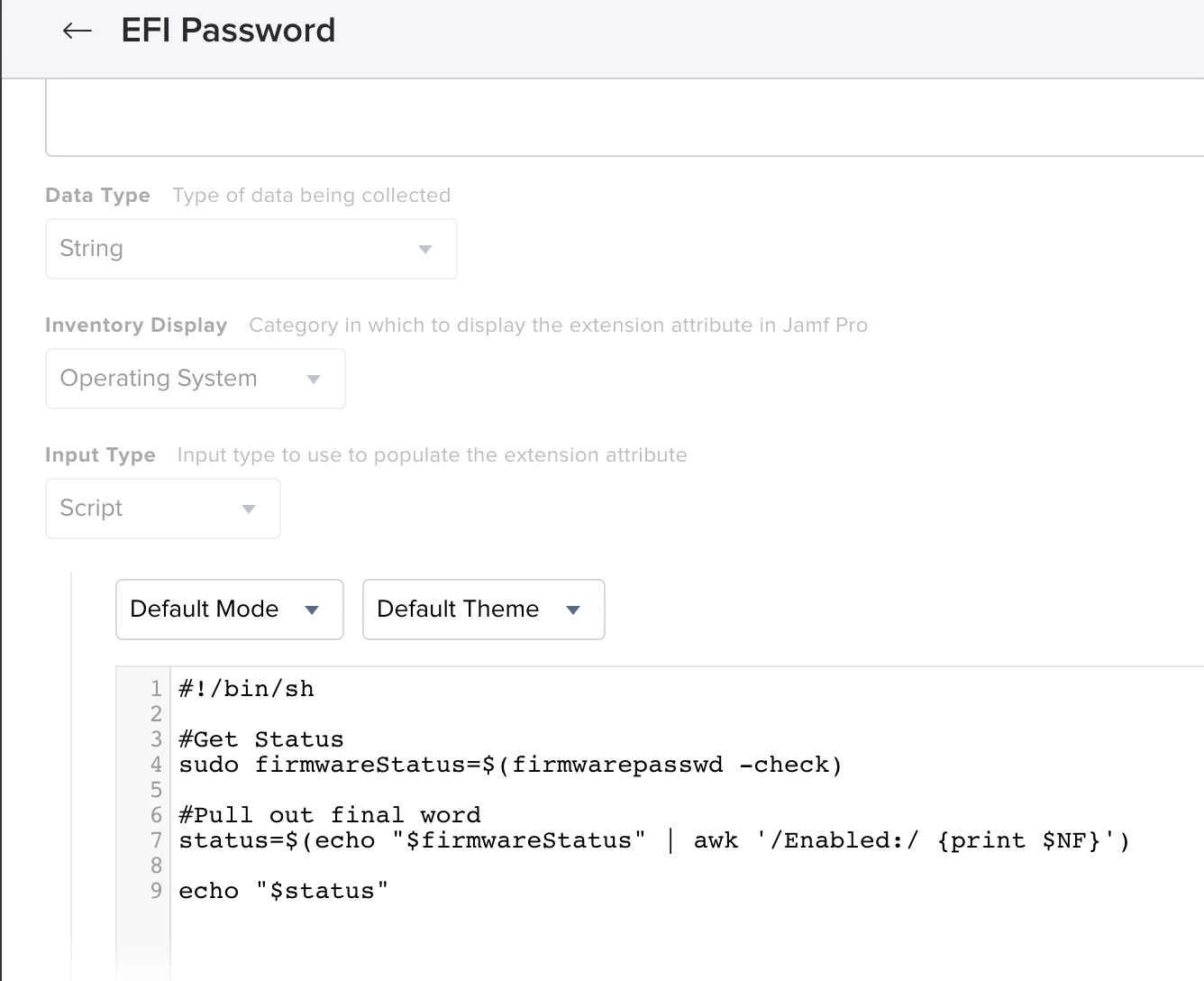
Make an extension attribute with this:

#!/bin/sh

#Get Status
firmwareStatus=$(firmwarepasswd -check)

#Pull out final word
status=$(echo "$firmwareStatus" | awk '/Enabled:/ {print $NF}')

echo "<result>$status</result>"

Forum|alt.badge.img+13
  • Contributor
  • October 28, 2019

Possible outputs are Yes and No ^


Forum|alt.badge.img+4
  • Author
  • Contributor
  • November 8, 2019

Thanks a million


MacJunior
Forum|alt.badge.img+9
  • Valued Contributor
  • January 31, 2021

any updated version of check a script that would work with Big Sur on intel machines?


DBrowning
Forum|alt.badge.img+25
  • Esteemed Contributor
  • February 1, 2021

@MacJunior The EA I posted above still works in Big Sur on Intel Macs.


MacJunior
Forum|alt.badge.img+9
  • Valued Contributor
  • February 1, 2021

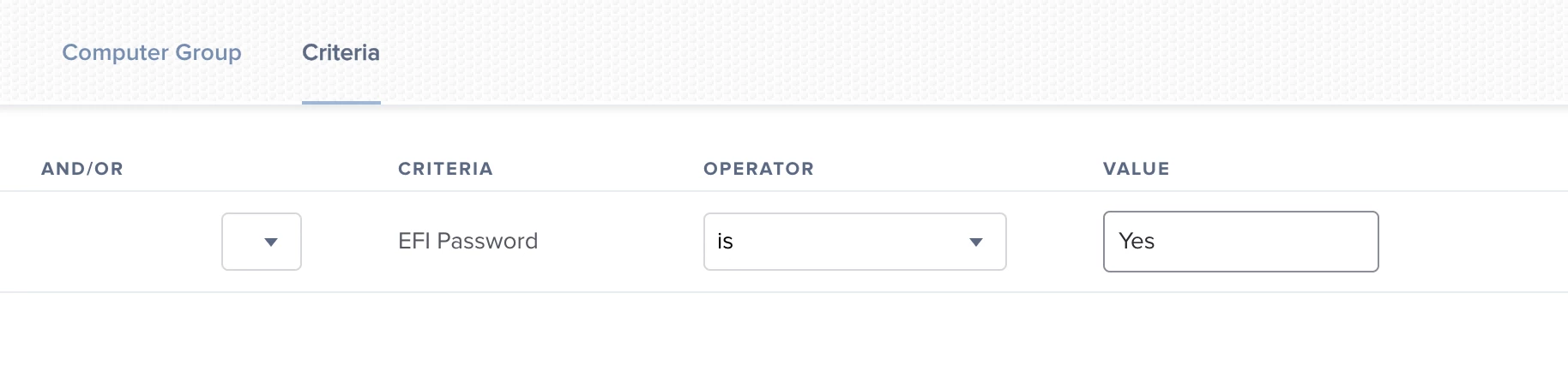
true, when I execute the script on a machine has a firmware password it shows me the status "Yes" but I when add it to an extension attribute and create a smart group to show me the macs with EFI password nothing shows up.
Seems I'm doing something wrong here.


DBrowning
Forum|alt.badge.img+25
  • Esteemed Contributor
  • February 1, 2021

@MacJunior safe to assume you are waiting for the next recon/inventory to come in? If you run recon/inventory on a machine, is it showing up in your Computer Record?


Forum|alt.badge.img+4

Hi @DBrowning I tried setting up an extension attribute as you provided up here but seems like it is not working, attaching the screenshot. same result in catalina and bigsur. Nothing won't populate even after jamf recon.

EDIT: After waiting a while and after a Recon it actually populated correctly.


MacJunior
Forum|alt.badge.img+9
  • Valued Contributor
  • February 1, 2021

I executed "jamf recon" from terminal and waited a bit, rebooted and still the the smart group shows me nothing !


MacJunior
Forum|alt.badge.img+9
  • Valued Contributor
  • February 3, 2021

Anybody managed to fix it ? still can't see Macs that have FV enabled !


Forum|alt.badge.img+12
  • Valued Contributor
  • February 3, 2021

Try
echo "<result>$status</result>"


MacJunior
Forum|alt.badge.img+9
  • Valued Contributor
  • February 4, 2021

Still nothing, does it work for you @mschroder ?? if yes could you share the extension attribute page and the smart group ?


Forum|alt.badge.img+12
  • Valued Contributor
  • February 4, 2021

Well, you have a 'sudo' in a place where it makes no sense. DBrowning has the complete and correct script in his post. Please note that if you run this outside of Jamf you need to run it with sudo privileges. When from the MDM it already has sudo privileges.

Once you fixed the EA check you get the proper result in the inventory for the device on which you tested. When that is OK check the smart group, you might have problems there as well.


MacJunior
Forum|alt.badge.img+9
  • Valued Contributor
  • February 4, 2021

You are correct @mschroder I missed your point that when you run a script via MDM it doesn't need sudo privileges cuz it's already have them.

Thanks