Question

Extension Attribute To Check What Versions of Centrify are Running

  • January 7, 2017
  • 6 replies
  • 46 views

Forum|alt.badge.img+7

Here 's a simple way to get the specific version of Centrify running.

!/bin/sh

mode=adinfo --version | grep "CentrifyDC" | awk '{print $3}'

if [ "$mode" == "5.3.3-602)" ]; then echo "<result>Centrify v5.3.3 Installed</result>"
elif [ "$mode" == "5.3.0-213)" ]; then
echo "<result>Old Centrify Version v5.3.0x Installed</result>"
elif [ "$mode" == "5.2.4-465)" ]; then
echo "<result>Old Centrify Version v5.2.4x Installed</result>"
else echo "<result>NA</result>"
fi

6 replies

donmontalvo
Forum|alt.badge.img+36
  • Hall of Fame
  • January 8, 2017

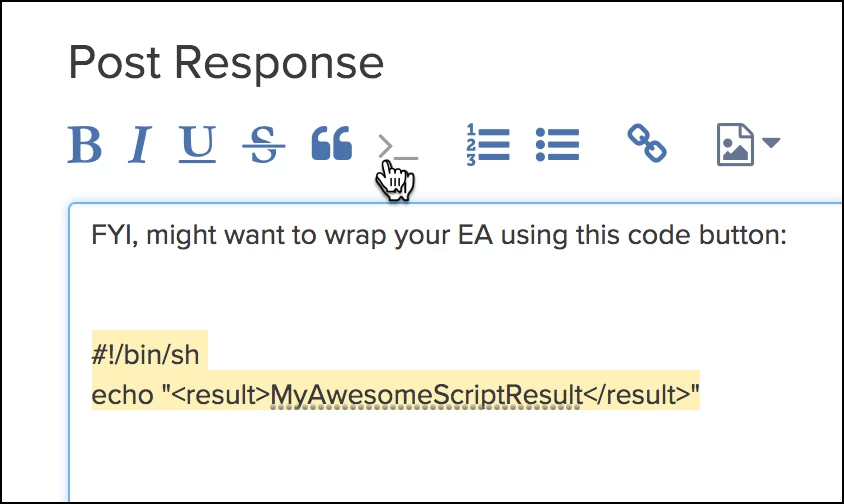
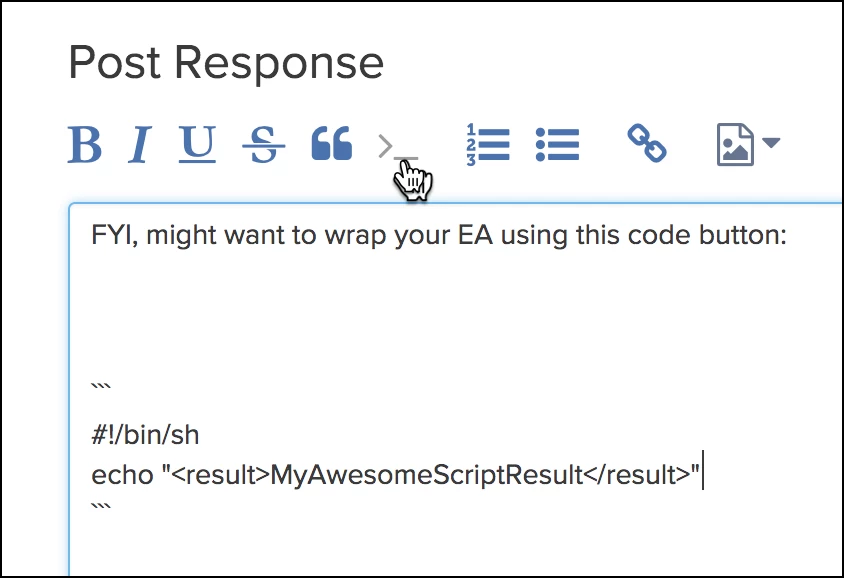
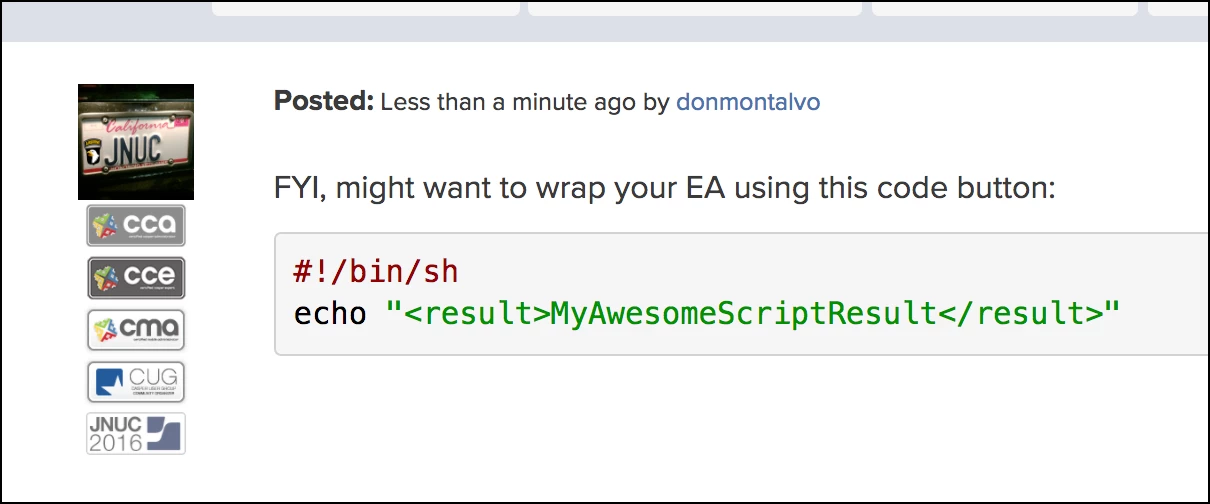
FYI, might want to wrap your EA using this code button:

#!/bin/sh
echo "<result>MyAwesomeScriptResult</result>"


Forum|alt.badge.img+2
  • New Contributor
  • August 16, 2017

I made some changes so this script does not stale date.

#!/bin/sh

mode=`adinfo --version | grep "CentrifyDC" | awk '{print $3}'`

if [ "$mode" != "" ]; then
    echo "<result>Centrify v.${mode//)} Installed</result>"
else
    echo "<result>Centrify Not Installed</result>"
fi

Forum|alt.badge.img+1
  • New Contributor
  • December 20, 2017

Thanks MandyDroid. How are you doing?


Mhomar
Forum|alt.badge.img+9
  • Contributor
  • July 3, 2018

HI Everyone, I could use some help with this EA. I am using the EA exactly as @MandyDroid posted above. On the first Inventory report it will report the exact version that is installed. However, on subsequent reports to Jamf Pro, the same machine(s) will report as "Centrify Not Installed" or vice versa . While every Mac we have has Centrify installed, approx. 15% show a version number, the others "Centrify Not Installed" and it appears to be random. I am have trouble figuring out just when the EA picks up one result vs. the other. Can anyone see in the script were this might be occurring or why the server is getting different results? Any help troubleshooting this EA is greatly appreciated as I have an upgrade of the Centrify client that I need to get going.

Cheers!


Forum|alt.badge.img+15

Problem with this approach (and EA) is that it will need to be updated with every new release of Centrify since those versions are hard-coded.

Much much easier approach here:

#!/bin/bash

CentrifyVersion=$(/usr/local/bin/adinfo -v | cut -c 20-24)
echo "<result>$CentrifyVersion</result>"

exit 0

dvasquez
Forum|alt.badge.img+16
  • Valued Contributor
  • March 30, 2022

Taylor your extension attribute was helpful!

Thank you sir