
Question

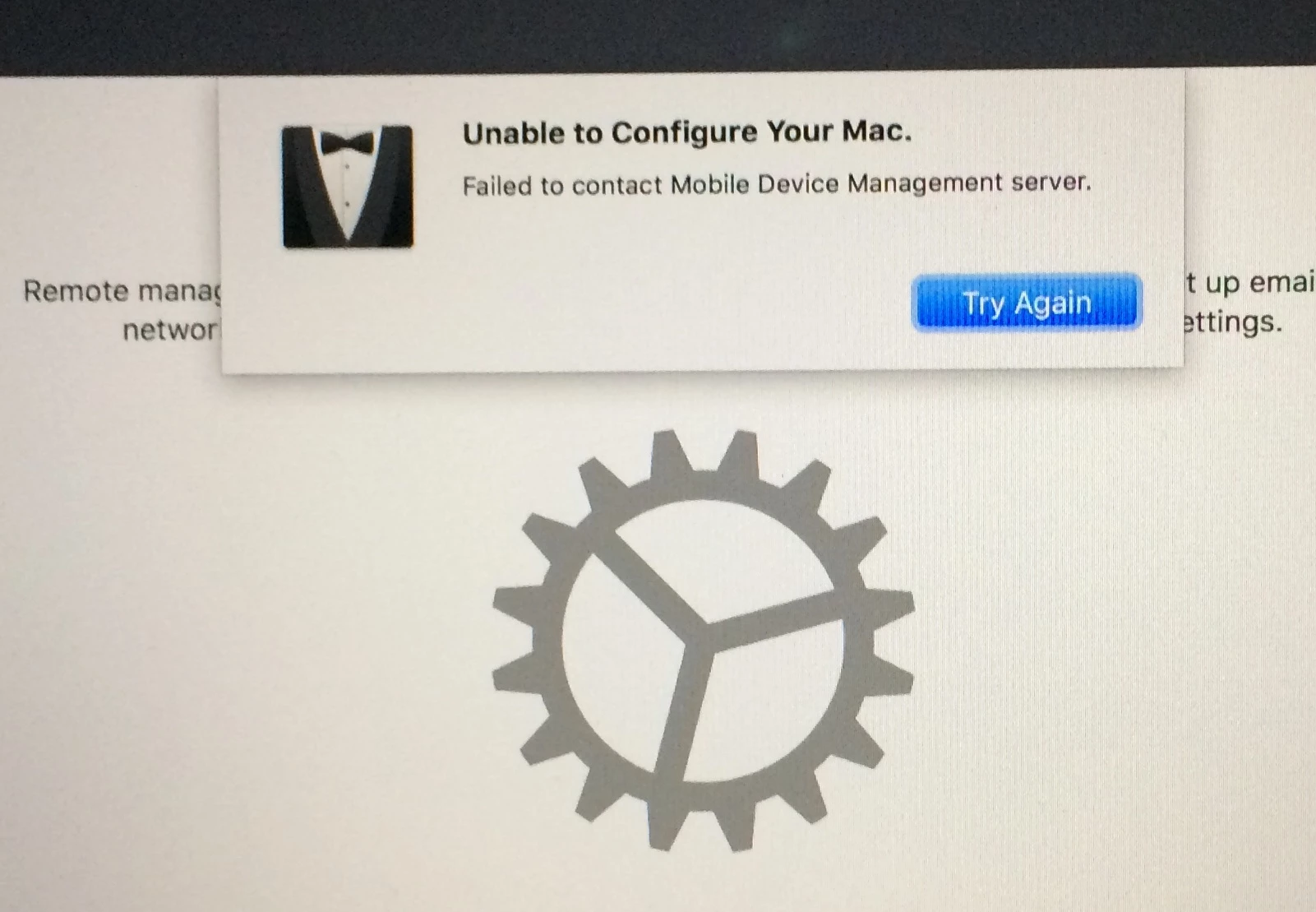
Failed to contact Mobile Device Management Server

  • April 3, 2019
  • 7 replies
  • 37 views

Forum|alt.badge.img+1


Hello! I am trying to implement a prestage enrollment on brand new computers at our university. However, I have been running into this error and have tried a few solutions to solve it. I have tried the following solutions to no avail:
1. I have refreshed the ASM token into the DEP,
2. I have tried initializing the process on different networks, both ethernet and wifi
3. I have included the University Private Root CA cert in the prestage enrollment (and then took it out after as a follow up test)

None have worked though. Any suggestions or thoughts would be appreciated!

7 replies

sdagley
Forum|alt.badge.img+25
  • Jamf Heroes
  • April 3, 2019

@BVargas Has your network group opened the required connections to Apple's servers? You'll find Apple tech notes HT201999, HT207516, and HT203609 useful info on what's needed.


Forum|alt.badge.img+10
  • Valued Contributor
  • April 3, 2019

I had a similar issue back in November and it turned out to be a duplicate DEP record in Jamf.


Forum|alt.badge.img+1
  • New Contributor
  • April 3, 2019

Coincidently, we are having the same issue today as well. I have a case opened with Jamf support.

My tech mentioned to me that she was able to setup two iPads yesterday and I did confirm that we cannot setup an iPad today.

I did upgrade Jamf this morning from 10.11 to 10.11.1...not sure if that has anything to do with the issue...maybe Apple is having an issue.

We are going to try again tomorrow.

Chris


Forum|alt.badge.img+8
  • Valued Contributor
  • April 4, 2019

Yes I've been seeing this as well. It seems like its only happening on new devices.
I'm on Jamf 10.11


Forum|alt.badge.img+11
  • Valued Contributor
  • April 4, 2019

I've had this happen in a few of my past role.

I would make sure you are using a quality dongle (preferably MFI certified) if that is applicable. I've had dongles that were perfectly good in every other way fail during DEP.

If that is good during the Setup Assistant Press CTL+OPTION+CMD+T and see what your IP address is from terminal, and make sure you are getting a valid ip. You can also go to System Preferences after pressing that as well. Lastly make sure the subnet has the proper routing and ports open.


Forum|alt.badge.img+1
  • New Contributor
  • April 4, 2019

So the issue for me is that we didn't have anchor certs attached to our pre-stages. (I had migrated to a new server, and I had to generate a new built in cert, but apparently, that never carried over to our pre-stages).

I had to export the Built cert from the PKI Certificates and upload the cert to all my pre-stages.

Now they are enrolling correctly.

Chris


Forum|alt.badge.img+3
  • New Contributor
  • April 25, 2019

@Boyle This worked for me! Thank you!