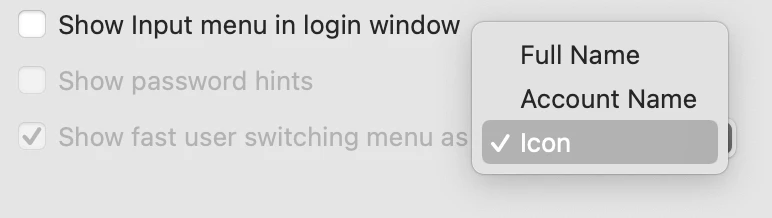
Can someone see if they can manipulate this setting in jamf? I don’t see a restriction for this one and it’s blocked on my workstations for Big Sur only. Which is odd because its unlocked on the catalina workstations
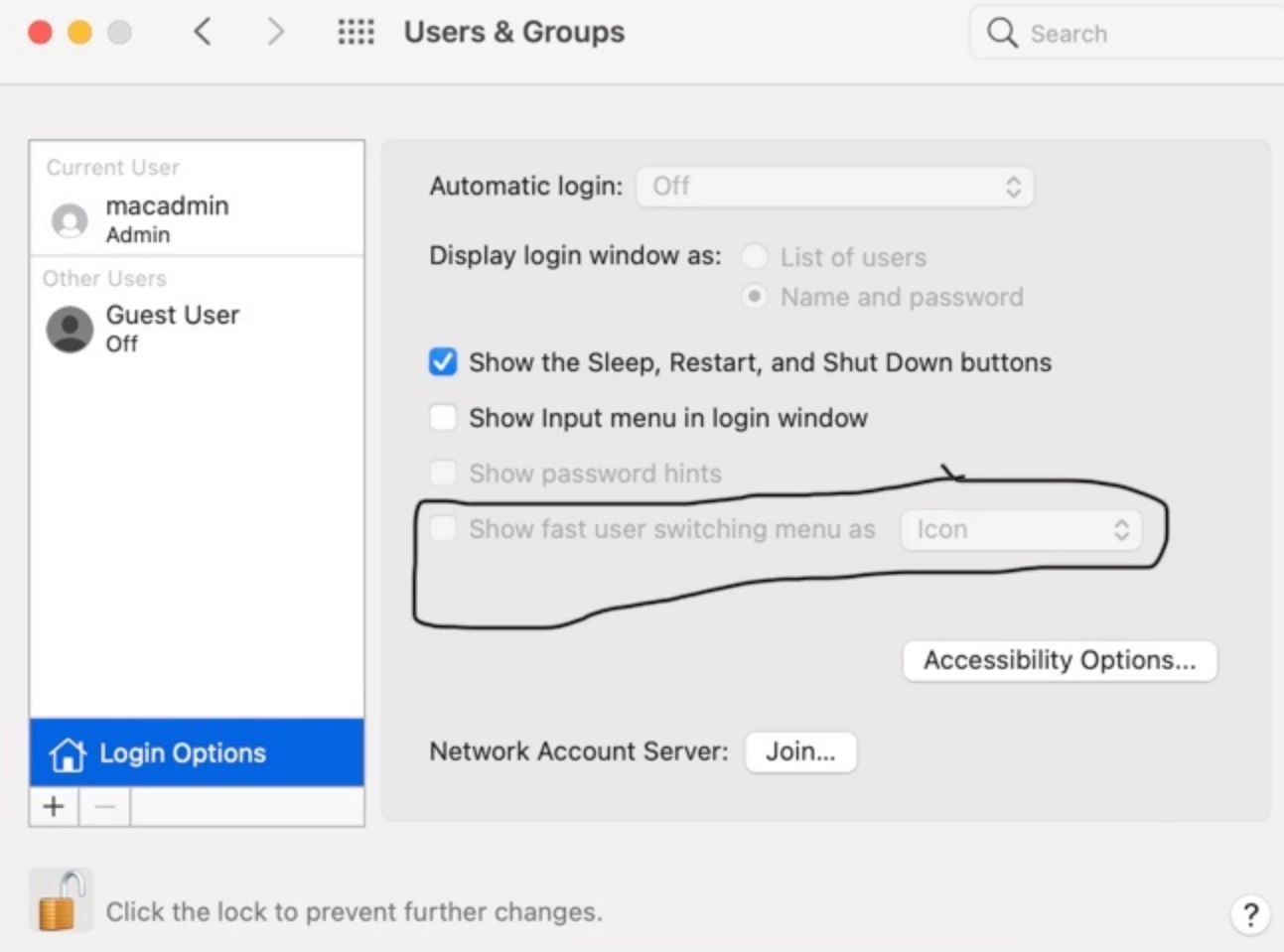
Even if you don't see a restriction, I would do a process of elimination and exclude the Mac from the config profile in Jamf to see which config profile may be restricting fast user switching.
sudo defaults write /Library/Preferences/.GlobalPreferences MultipleSessionEnabled -bool YES then you will get 'Show fast user switching manu as' check marked and option would be enabled for selection.
I believe that setting enables switching users at lock screen when a session is active, but does not enable Fast User Switching in the menu bar.
That is currently the result in Jamf School and I am unsure if Jamf Pro has the same result.
Same key(MultipleSessionEnabled) so both the lock screen and the menu bar are effected by it.
Looks like it may be a bug introduced in Big Sur. Just tried on a Monty machine and duplicated the same thing.
I would try a script using the command @devs11836 mentioned above as it may yield better results. It won't make the value in Users & Groups immutable though.
sudo defaults write /Library/Preferences/.GlobalPreferences MultipleSessionEnabled -bool YES then you will get 'Show fast user switching manu as' check marked and option would be enabled for selection.
Hi
I ran that command but no luck :(. Closed and re-opened sys prefs and its still greyed out.
output is one, means its enable but that option would be highlight for manual selection. you would see only the box is check marked, If that's not happen then create a new users and see this happens immediately as I observed on two Macs.
Due to typo ignore above msg. __________
What is my observation, I did try this command on my 4 Macs ( 2 M1 and 2 Intel) those are having Monterey. when execute
output is one, means its enable but that option wouldn't be highlighted for manual selection. you would see only the box is check marked, If that's not happen then create a new users and see this happens immediately as I observed on two Macs.
sudo defaults write /Library/Preferences/.GlobalPreferences MultipleSessionEnabled -bool YES then you will get 'Show fast user switching manu as' check marked and option would be enabled for selection.
Hi
Looks like many people are having it here. Should I still try that process of elimination?