

Hi,
We have a program that allows us to share file/folder paths through email at our company. These have been worked for many years. However, a recent change now interjected two prompts before the path will open.
The first is a logon box to the server that's being linked. Which looks like this: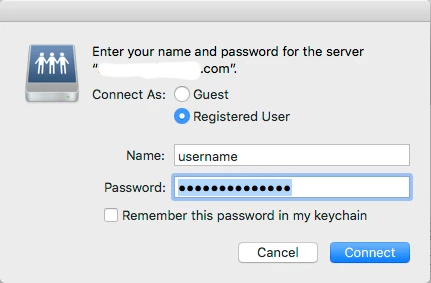
Then you get presented to select the volume (which is not correctly selected by default). Which looks like this: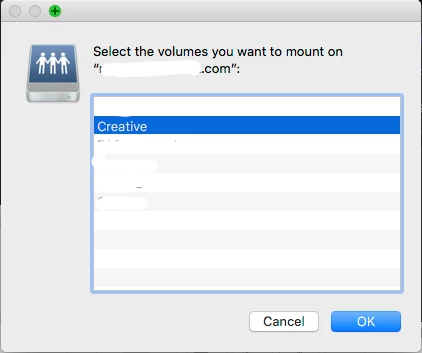
For testing, instead of CLICKING the link in the email... I copied it into the connect to server dialog box. When doing this, it automatically opens the file or folder.
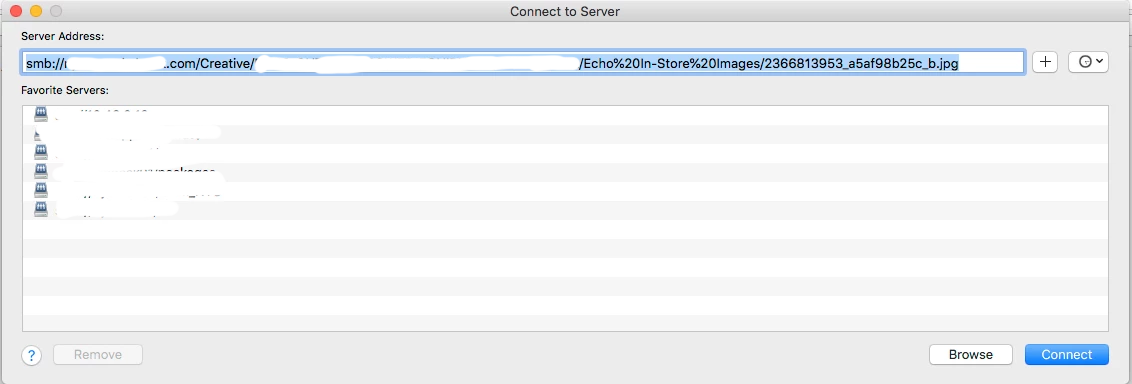
This is the behavior we are used to, until sometime recently. I'm not sure exactly when this occurred and believe it's a security update from Apple that did it.
Does anyone have any ideas what could cause this added level of security when a file/folder is linked into finder from another application? Any ideas on how to disable these prompts? Or, any ideas how to whitelist internal servers from these prompts?
Thank you
PS, these links are all SMB://server.domain.com/volume/folder/file styling. We only link around SMB shares.
