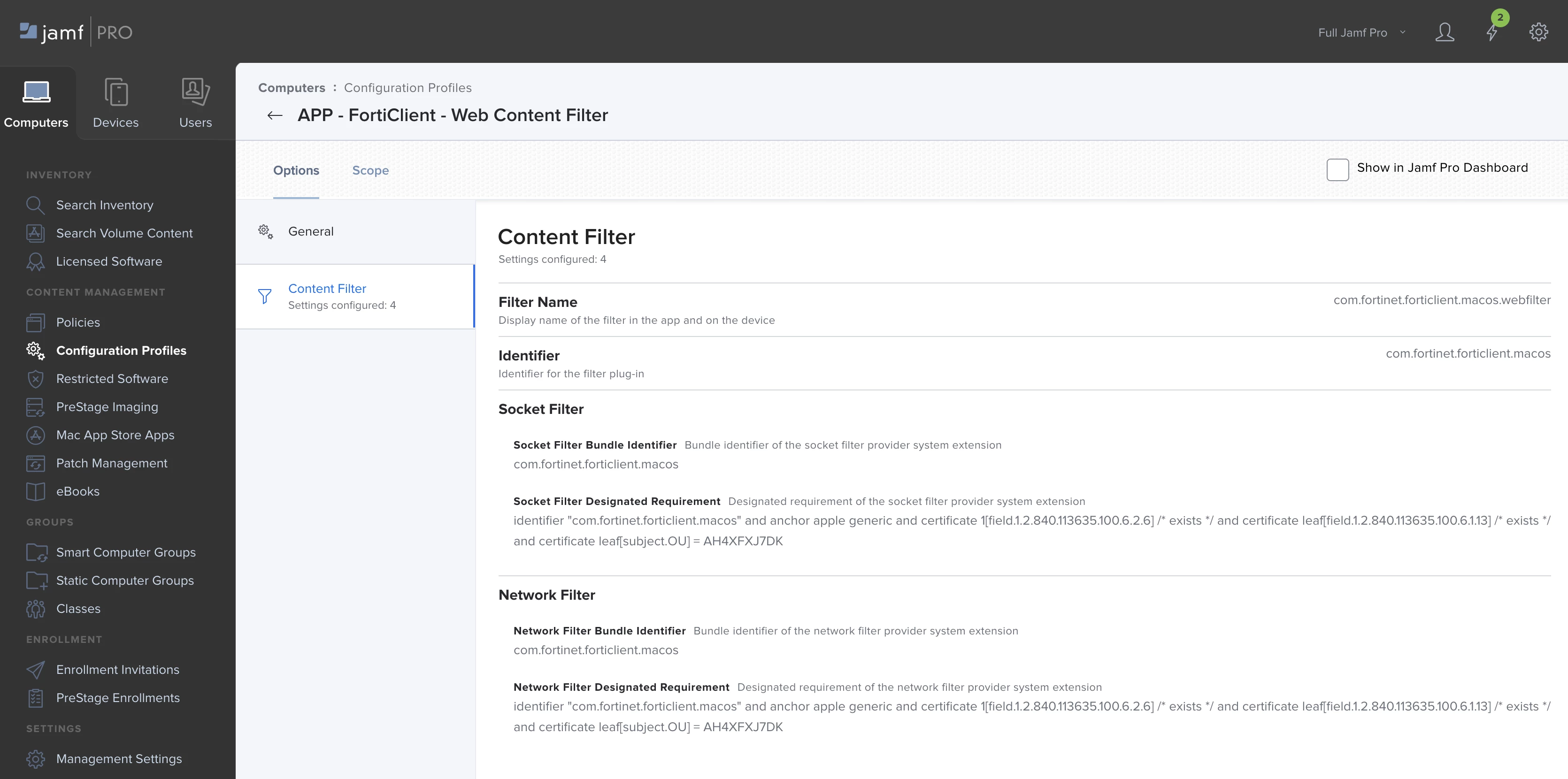
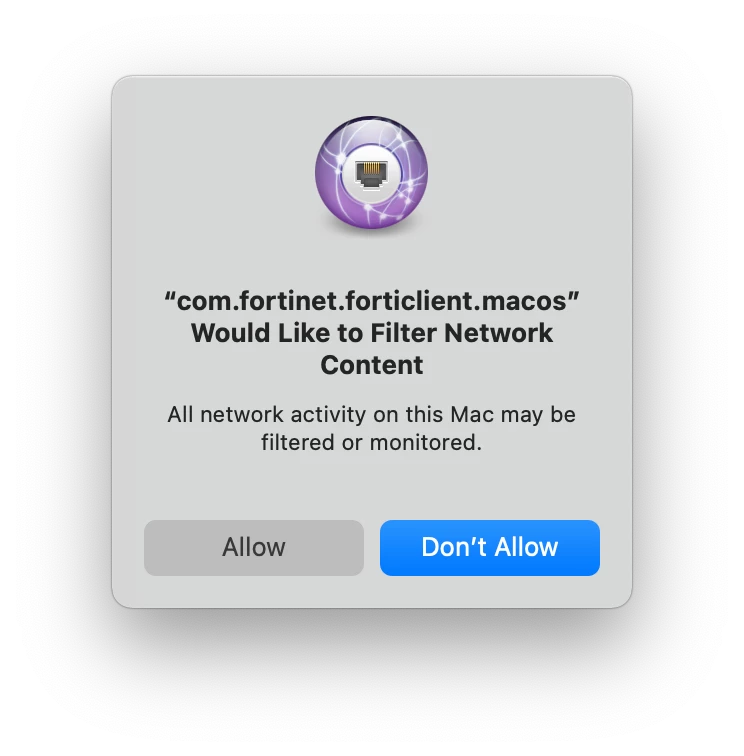
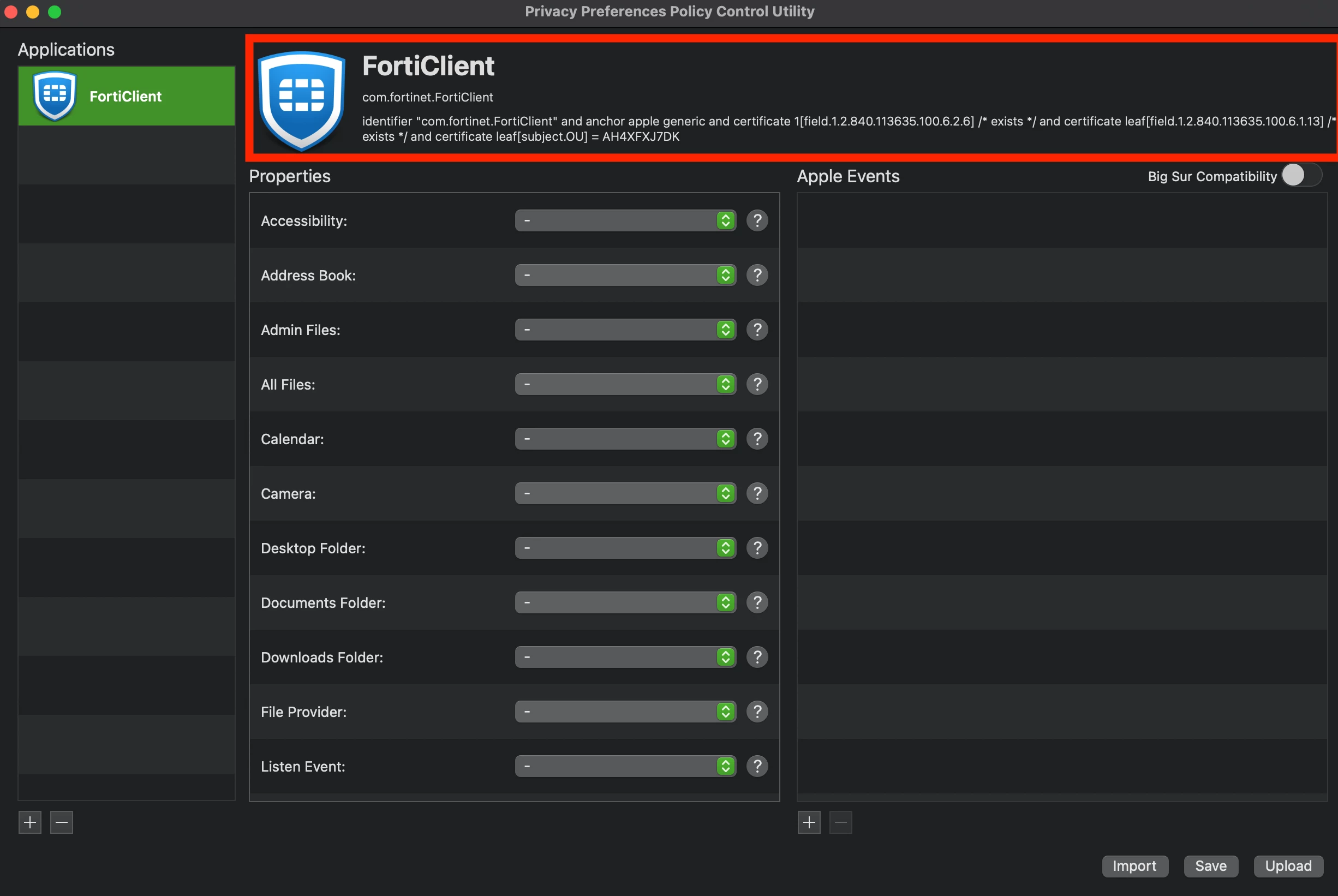
Thanks @jonlju for the suggestions... Googling for over a week didn't really help & Fortinet support was pretty useless when reached out to them. But through persistence combined with trial and error I have now found that implementing the following settings as part of a configuration profile does the trick for macOS:
OPTIONS > CONTENT FILTER
FILTER NAME = com.fortinet.forticlient.macos.webfilter
IDENTIFIER = com.fortinet.forticlient.macos
SOCKET FILTER BUNDLE IDENTIFIER = com.fortinet.forticlient.macos
SOCKET FILTER DESIGNATED REQUIREMENT = identifier "com.fortinet.forticlient.macos" and anchor apple generic and certificate 1[field.1.2.840.113635.100.6.2.6] /* exists */ and certificate leaf[field.1.2.840.113635.100.6.1.13] /* exists */ and certificate leaf[subject.OU] = AH4XFXJ7DK
NETWORK FILTER BUNDLE IDENTIFIER = com.fortinet.forticlient.macos
NETWORK FILTER DESIGNATED REQUIREMENT = identifier "com.fortinet.forticlient.macos" and anchor apple generic and certificate 1[field.1.2.840.113635.100.6.2.6] /* exists */ and certificate leaf[field.1.2.840.113635.100.6.1.13] /* exists */ and certificate leaf[subject.OU] = AH4XFXJ7DK