Question

Google Drive on Macs M1 : Extension not loaded

  • March 12, 2021
  • 12 replies
  • 92 views

Forum|alt.badge.img+2


Hello,

Has anyone managed to get Google Drive version 46 to work on M1 macs?

https://support.google.com/a/answer/7577057?hl=en

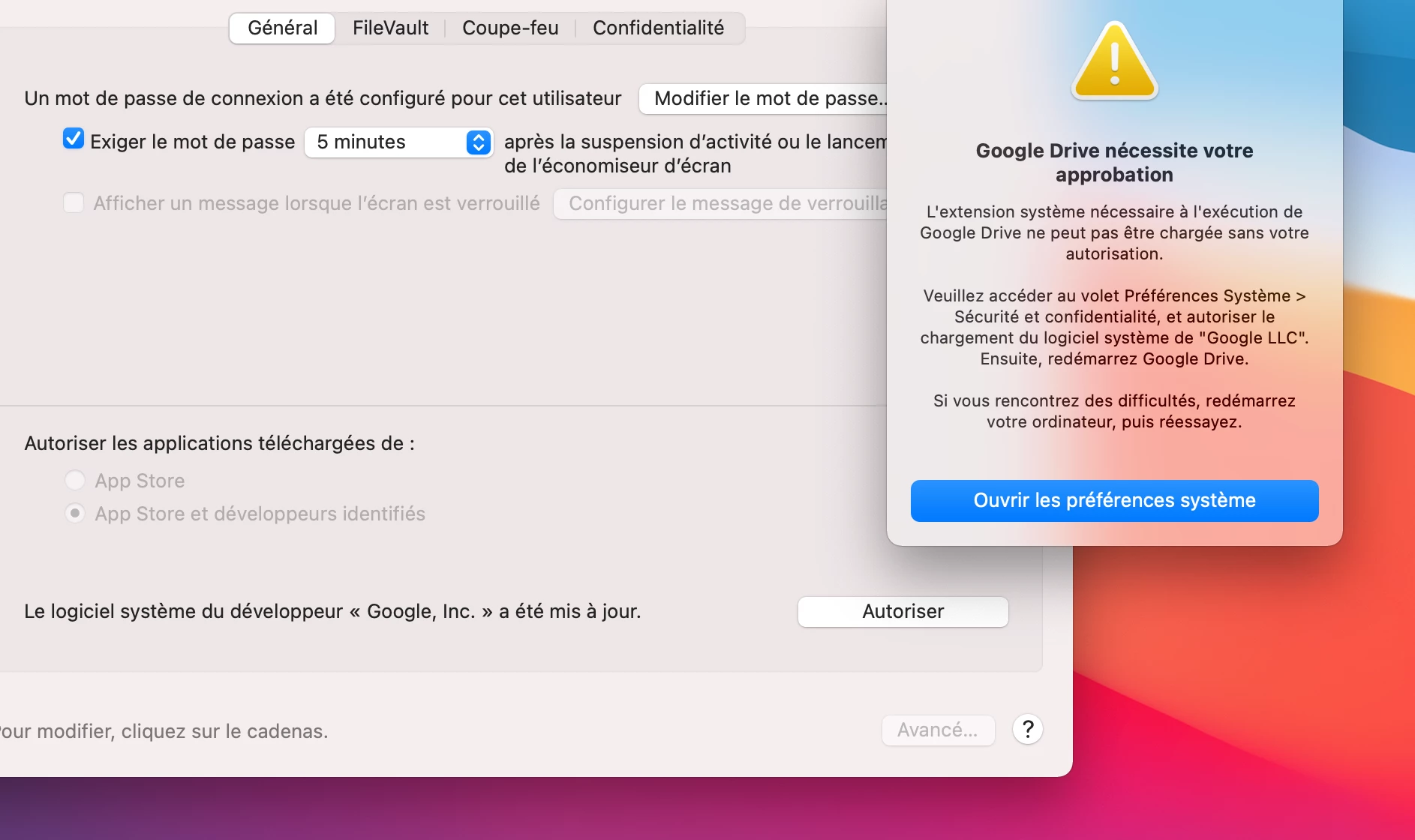
I scrupulously followed the instructions on the Google Workspace site but the permission for the extension pops over and over again...

https://support.google.com/a/users/answer/10444081?p=apple-setup&visit_id=637511279520819452-1025626457&rd=1

this software is incredibly complex to manage

12 replies

Forum|alt.badge.img+7
  • Valued Contributor
  • March 12, 2021

I don't think M1 is officially supported until Google Drive v47 comes out in April.


Forum|alt.badge.img+1
  • New Contributor
  • March 31, 2021

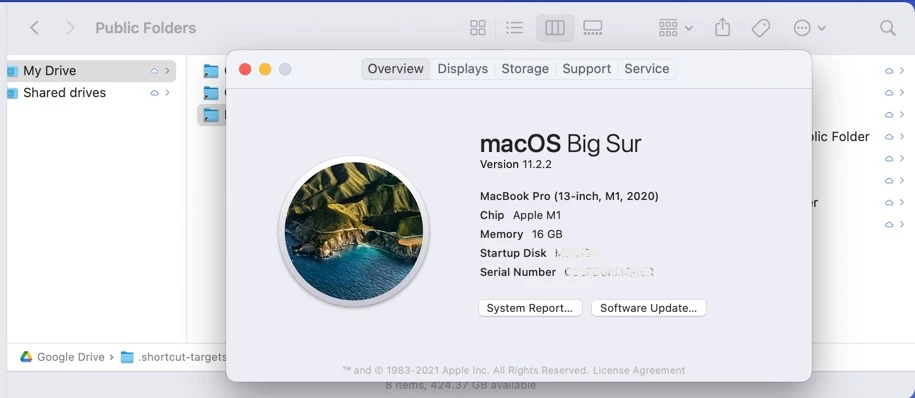
I have v46.0 working on an M1 MacBook running MacOS 11.2.2. It's working via a manual install and includes the 'press and hold the power button on restart' to dial the security policy down. The machine is managed via JAMF but we arn't deploying Google Drive via JAMF. The requirements for rebooting into special modes with admin credentials just doesn't make this viable... Greatfully we're small enough to just manually add these fussy apps to new devices until Google ships a non-KEXT solution to this tool (assuming such is even possible at the current state of BigSur's development).


Forum|alt.badge.img+9
  • Contributor
  • April 16, 2021

...And it's broken again... we just tried v47... and the headache included, to get it working feels like a hack (reducing security) and just doesn't seem to make this viable for our M1's, fortunately we don't have that many yet, but come on google...


Forum|alt.badge.img+5
  • April 22, 2021

It is a bit of a hack and having to disable all the new security Apple worked on is frustrating.
Here's what I found last time I worked with this.

The first account set up on an M1 (likely the account with the UID 501) has special privileges (sounds like a bootstrap token issue to me).
If using any other account tried to install the new Google Drive app (as detailed here https://support.google.com/a/users/answer/10444081 ) it would not work consistently.

If you signed in with the account with the UID 501 and followed these instructions from Google, it worked just fine.


Forum|alt.badge.img+5
  • April 22, 2021

And as of now, it seems that Google figured it out.
Everything is working on a computer running 11.2.3 with full security enabled.


Forum|alt.badge.img+7
  • Valued Contributor
  • April 26, 2021

@aarond

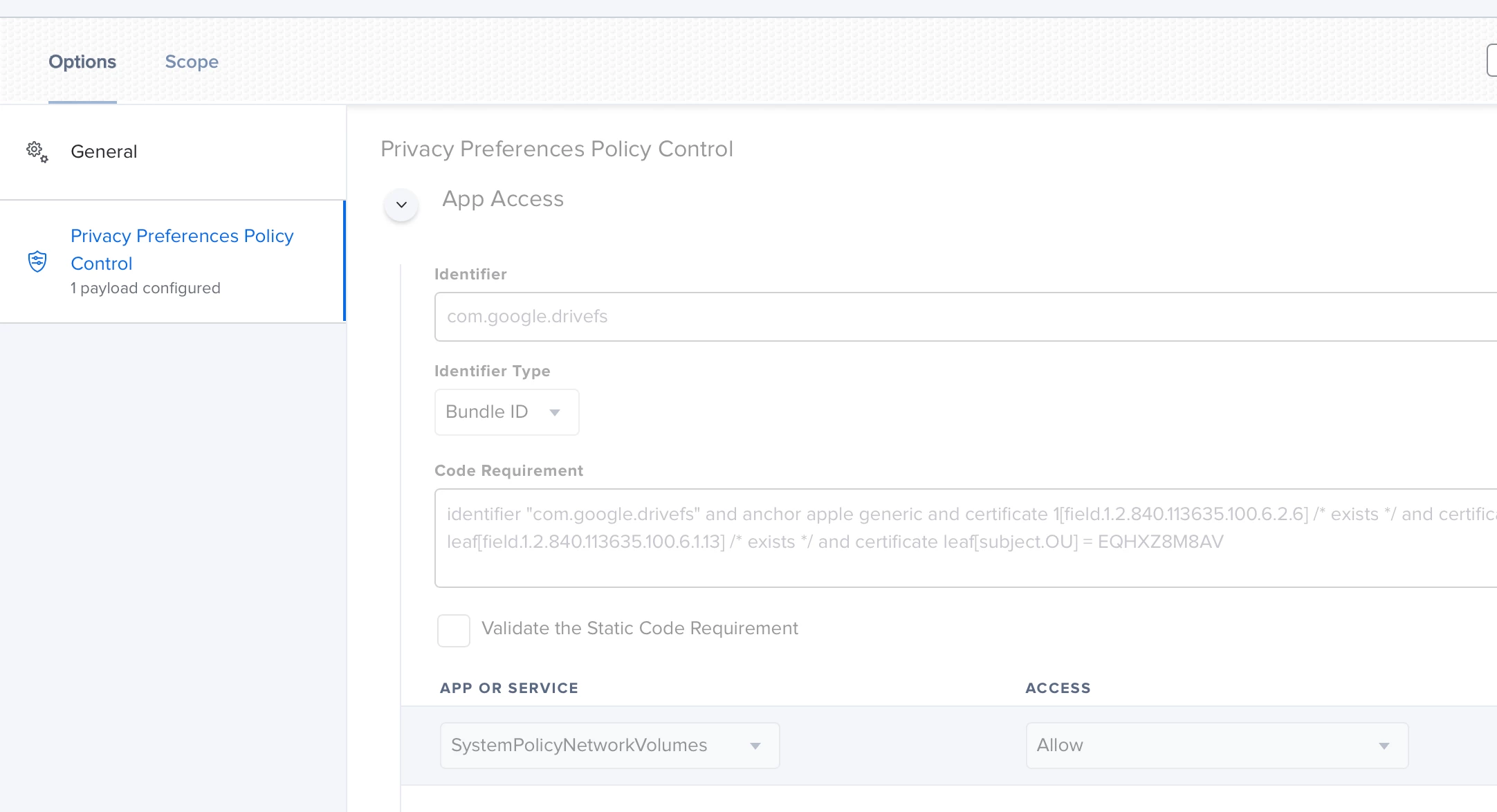
Can you share your PPPC, Kext, and Extension Approvals profiles?


Forum|alt.badge.img
  • New Contributor
  • April 26, 2021

We removed all of our Config Profiles that had KEXT rules for M1 and it now behaves no security prompts. Looks like they are passing Auth through the browser now instead of it being standalone in the app.


Forum|alt.badge.img+5
  • April 28, 2021

@SirSir

I'll save you the ones I have experimented with.
As of now, I only have one PPPC profile to make sure everyone can allow mounting virtual network drives since that's how it appears and it's just because our users don't have admin rights and I thought it may help - haven't tested without so it may be unnecessary.

With the way Google is doing this, you could probably get away with no KEXT, PPPC, or system extensions profiles for this.


Forum|alt.badge.img+5
  • April 28, 2021

I should also mention that this profile is failing on a significant number of our computers.
Haven't seen a trend regarding if a model or OS impacts its success.
Checking with Jamf now to see why.


Forum|alt.badge.img+3
  • New Contributor
  • April 28, 2021

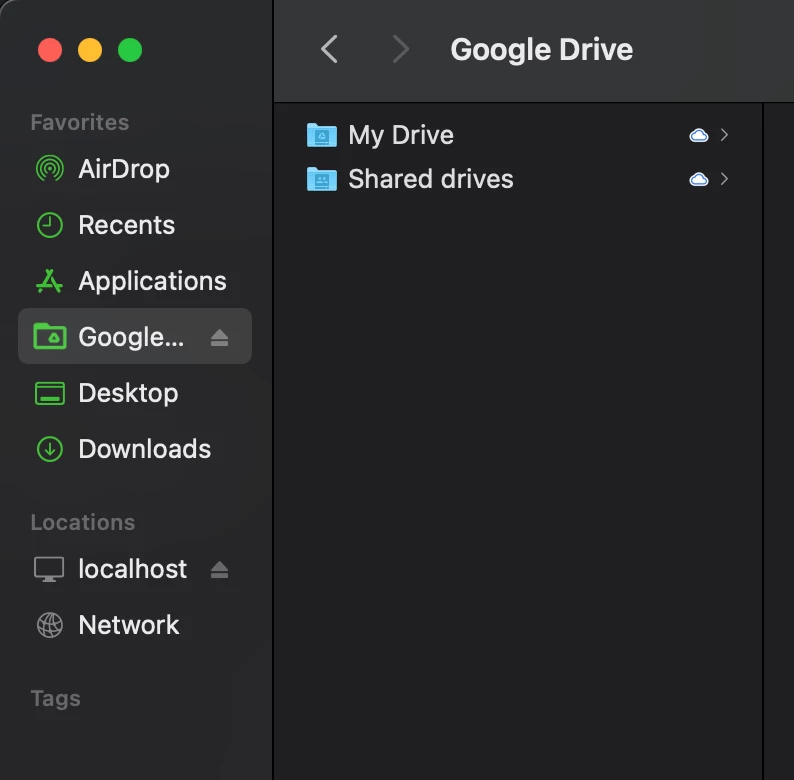
Drive v47 appears to run as a local SMB share instead of a mounted removable file system, at least on this M1. A colleague with an Intel Mac running v47 still sees the mounted removable drive.


Forum|alt.badge.img+5
  • April 28, 2021

@srenschen Good point - hadn't noticed that.
That seems consistent with the few I've checked as well.


Forum|alt.badge.img+4
  • New Contributor
  • August 9, 2021

So in Big Sur I get the system extension approval request.  Is there a sysExt we can whitelist to prevent that?  This is an Intel Mac.