Question

How to make MS Teams default chat client in Outlook

  • June 22, 2022
  • 3 replies
  • 109 views

mhasman
Forum|alt.badge.img+22

Hello,

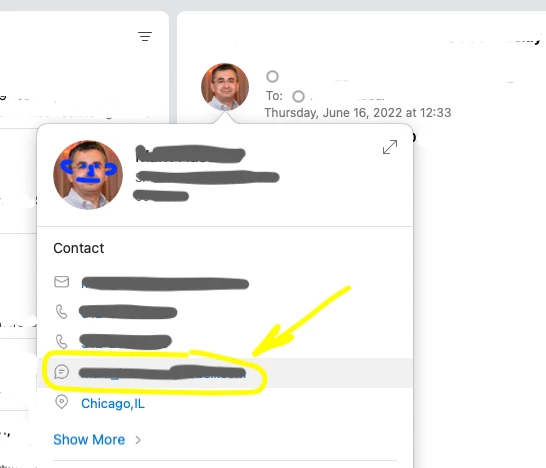
I am looking for solution to make Teams default chat client in Outlook. Can not ping it anywhere in Teams or Outlook settings. 

Wonder if there are proper plist file, key and value, and if possible to make config profile.

Thanks!



3 replies

mhasman
Forum|alt.badge.img+22
  • Author
  • Valued Contributor
  • June 22, 2022


AntMac
Forum|alt.badge.img+10
  • Valued Contributor
  • June 27, 2022


Hi 

We have our default chat client set on the server (O365 end) after moving from islands mode (Skype/Teams hybrid mode). After doing this we got away from a lot of the default chat client problems.

Sadly a lot of Teams settings are controlled from server end. I'd suggest engage with your Teams administrator to get your server end settings checked. If all good there I'd be suggesting to check out the user level plist: 

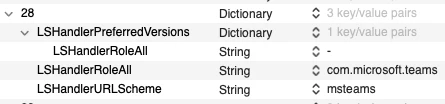
~Library/Preferences/com.apple.LaunchServices/com.apple.launchservices.secure.plist

Look for the presence of:

<key>LSHandlerRoleAll</key>
<string>com.microsoft.teams</string>
<key>LSHandlerURLScheme</key>
<string>msteams</string>


Hope this helps. 


mhasman
Forum|alt.badge.img+22
  • Author
  • Valued Contributor
  • June 28, 2022

@AntMac 

Thank you for recommendations! Yes, this plist is set with right parameters

The issue happens when Jabber is installed and opened once, default chat app changes from Teams to Jabber