Hi JN,
I am looking for a way to get Self Service to show only the apps that need updating on a user Mac?
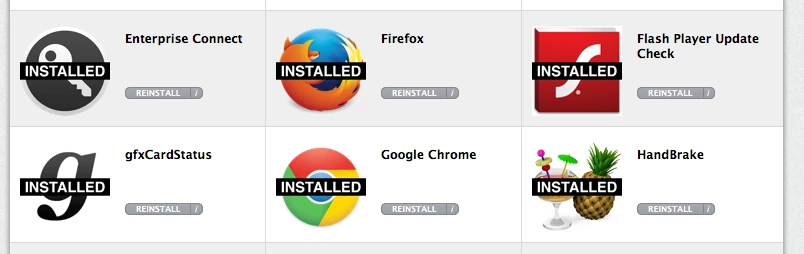
We were a bit over zealous during the roll out (8 mths ago), and packaged up a lot of applications and software updates for our user community. Even though these applications were categorized in Self Service, the user feed back I was getting seemed to be "Information over load" "Too Many Items".
In response, I then disabled a number of self service apps that I felt may have been unnecessary and made the icons smaller. Hoping to make the list of available applications more manageable and less daunting. However, a few more months go by, and now the feed back is "Why was ... removed?" "I can find ...?" "Hey can you put back...?" ... Rather than put everything back to how it was originally (and recreate my 1st issue). I started to wonder if it was possible to keep ALL my Self Service applications and configure/script a way, for the End User, to ONLY see in Self Service (from the FULL list of ALL applications) those applications that were out of date and need updateing on their Mac's?
So I went on JN, and started searching. And though I have read the some discussions on the topic, there is nothing specifically saying how to do it, from what I can see? Any assistance that any can provide will be greatly appreciated!
Thanks in advance
J