Question

Ignore Catalina Upgrade Prompt in Software Update

  • October 7, 2019
  • 54 replies
  • 339 views

Show first post

54 replies

Forum|alt.badge.img+2
  • New Contributor
  • October 1, 2020

@RJH I just got an update from the Apple engineer informing the issue was solved with the Security Update 2020-005 Mojave, however I was not able to install it. After verification it seems it has been pulled back by Apple yesterday due to some major issues (https://mrmacintosh.com/mojave-2020-005-security-update-causing-major-problems-updated/). I reached out to Apple again to get a confirmation and a new timeline for the fix.


Forum|alt.badge.img
  • New Contributor
  • November 4, 2020

https://github.com/hjuutilainen/bigsurblocker may be useful once big-sur drops, when, tho not sure you can avoid nags to install big-sur (instead of catalina) more than 90 days. Details and alternatives are mentioned at github site but Apple does not want to let you delay major os upgrades for than 90 days, and that is for both os-upgrades and security updates.. For our edu folks, it will make sense to stay on 10.14 another year until Fall 2021. So we need ways to reliably block 10.15 or newer as long as possible, and only abandon 10.14 when apple stops issuing security updates for 10.14. The poor ordinary folks without mdm may just need to put up with incessant nagging not only for 10.15 or newer, but also be wary to avoid immediate installs of bricking updates like 2020-005 which took 6 days for Apple to pull. Apple then confusingly later replaces it with identically named but actually a hopefully fixed 2nd version of the 2020-005 update and misnamed "Safari14.0MojaveAuto" train-wreck]


markopolo
Forum|alt.badge.img+9
  • Contributor
  • December 10, 2020
Any fixes for when "sudo softwareupdate --reset-ignored" doesn't actually reset the ignored list?

Having the same problem as @kevin.v. on about half the machines I've tried. I'm trying to reset this for several test machines. I can successfully run the reset command but the update still isn't available (have tried multiple times with restart). I was kind of relying on reversing this for when we make Big Sur generally available. Anyone know of a fix?


Forum|alt.badge.img+3
  • New Contributor
  • March 23, 2021

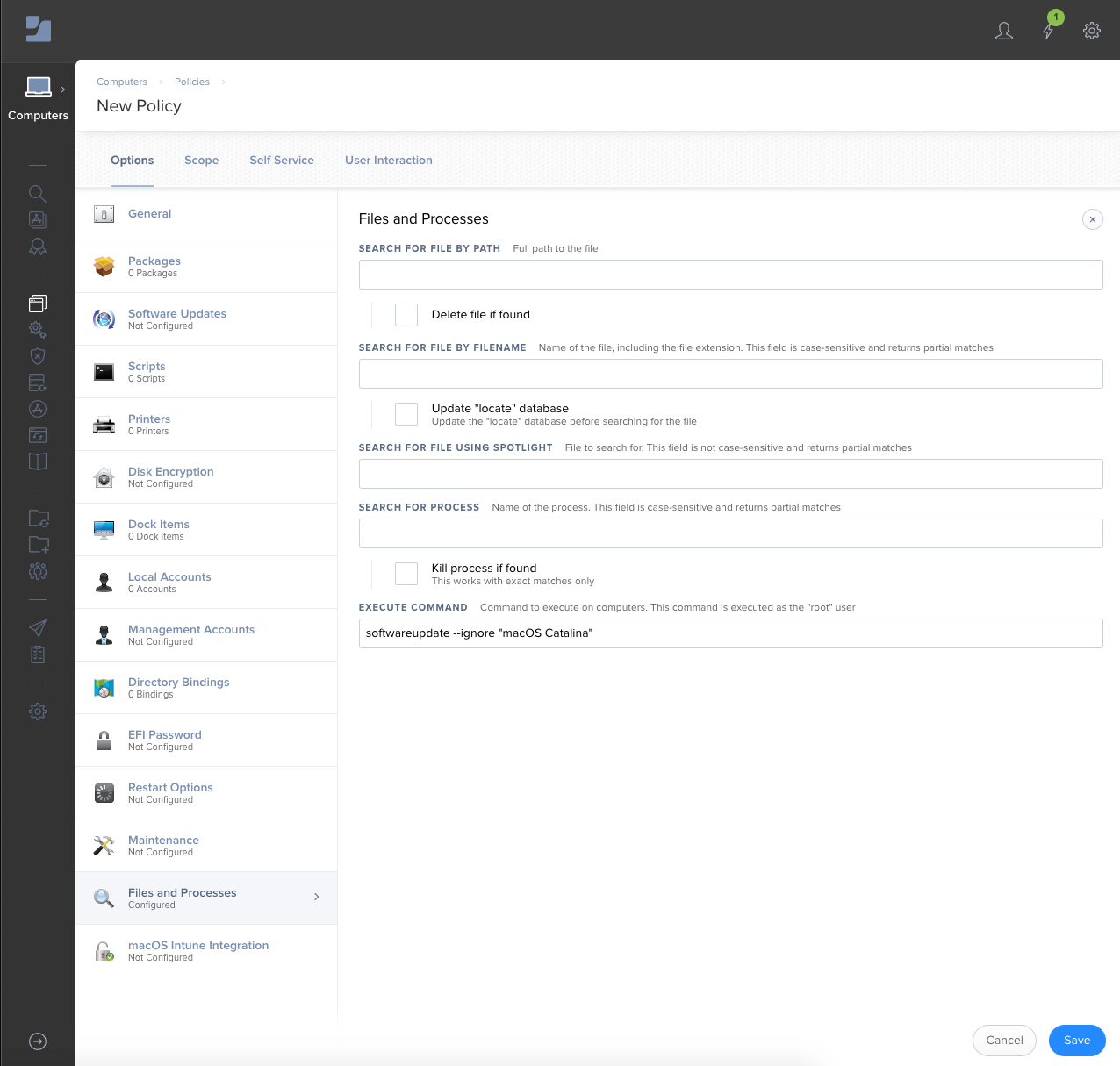
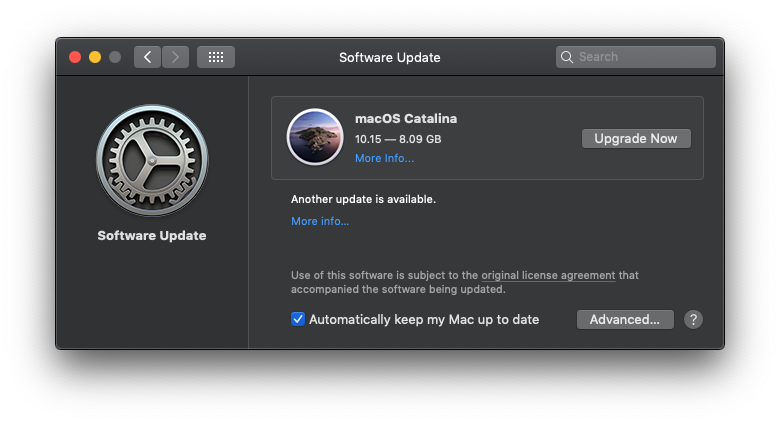
We deployed this out to our users to prevent Big Sur from being an option in the System Preferences. This works perfectly fine but this seems to be causing issues when even trying to update from 10.15.1 to 10.15.7. I've tried running the ignore command and running the 10.15.1 to 10.15.7 update, via system preferences but that didnt seem to work either. I've tried NVRAM resets, running the software update via terminal but nothing works.