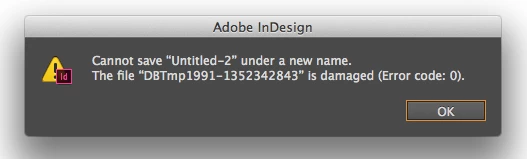
I am having trouble with my users when they try to save to the network using Adobe CC 2014 version 10.2.0.69 on MDM Macs using OS X 10.9.5. They are using Mac Pro units (Late 2013 model) and the JSS version is 9.65. Here are the details:
- First they had the original InDesign CC installed, and there were no problems
- To upgrade to InDesign CC 2014 the full suite of 2014 was installed together because errors were reported elsewhere in the world and it was suggested that Adobe CC was completely removed (all packages and components) before Adobe CC 2014 was installed. So a script was created to remove all components of Adobe from the local disk drive and deployed
- The Adobe CC 2014 packages (including InDesign) were packaged using the tool from Adobe (Adobe Creative Cloud Packager) and deployed to the computers
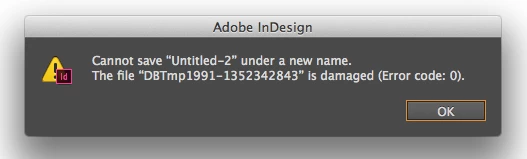
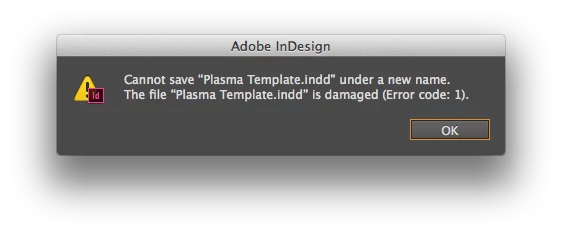
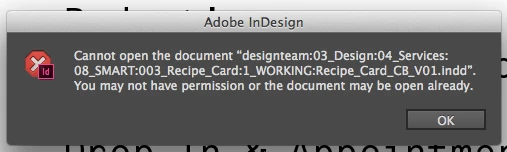
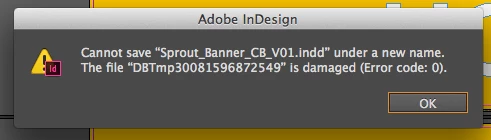
- The computers experienced problems when opening and saving InDesign files from and to the network. When opening at first nothing happens, second time it opens. When saving they get an error as shown in the attachment: Cannot save "..." under a new name. The file "DBTmp..." is damaged (Error code: 0)
- Opening and saving from and to the local disk drives worked correctly
- Other Adobe CC 2014 packages worked correctly
- I tried many things like uninstalling and reinstalling the packages, removing any preference files, etc but had no luck.
- Eventually reimaging a computer and installing the Adobe CC 2014 package (without "upgrading") solved the problem. The image was more recent but I think what solved it was the fact that it was freshly imaged and the Adobe CC 2014 suite was installed without a previous version being installed.
- It's been about a month and now the problem has reoccured on the same computers that have been reimaged
- I checked the logs and nothing new has really happened as far as I can tell
Any ideas on what is happening here?